Blog

  • Mastering DevOps Maturity Levels: A Technical Guide

    Mastering DevOps Maturity Levels: A Technical Guide

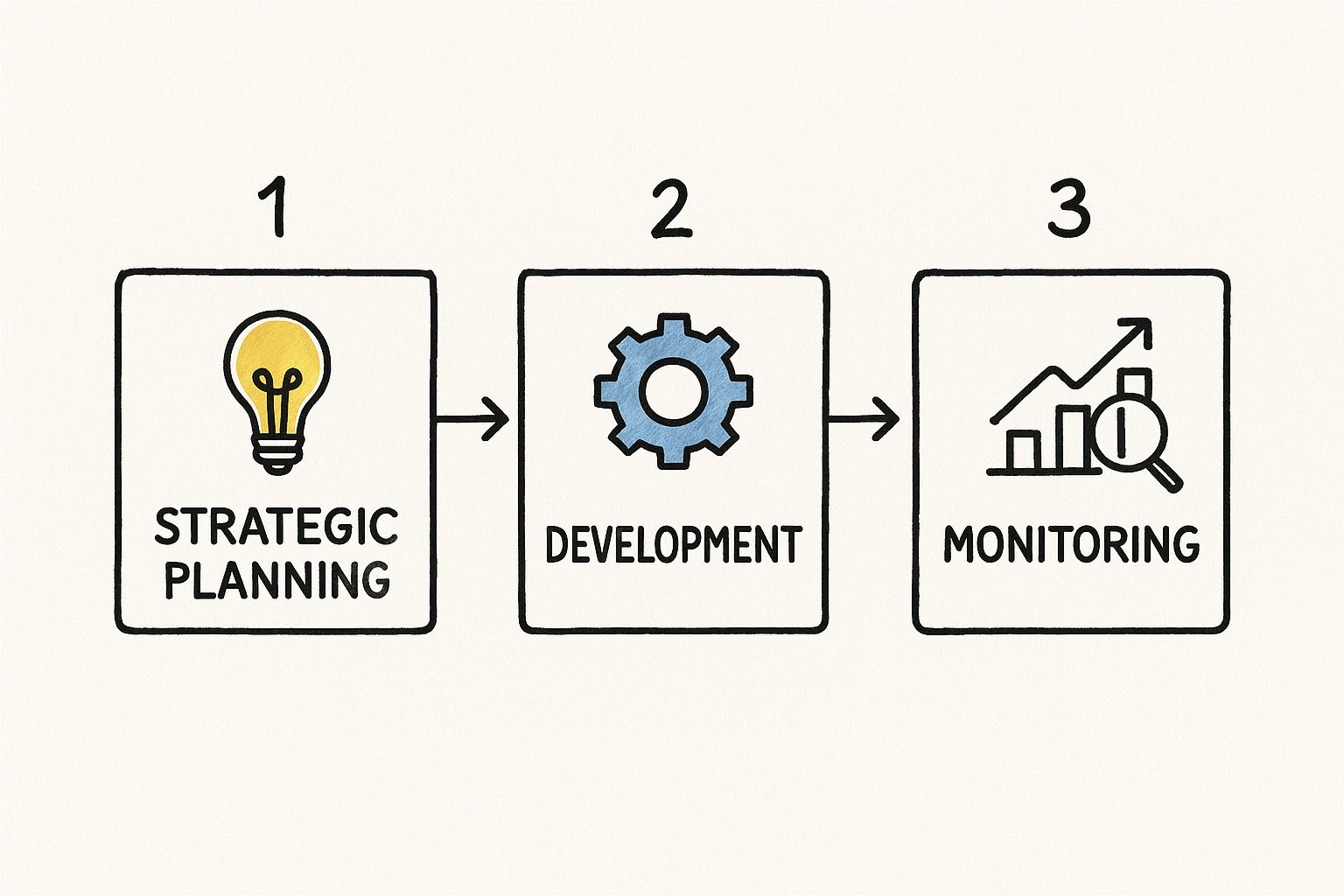
    DevOps maturity levels provide a technical roadmap for an organization's engineering journey. It’s more than adopting new tools; it’s about integrating culture, processes, and technology into a high-performance delivery system. Imagine constructing a skyscraper: you lay a rock-solid foundation with version control and CI, then add structural steel with Infrastructure as Code, and finally install intelligent systems like AIOps until the tower stands resilient and efficient.

    Understanding DevOps Maturity And Why It Matters

    Before you can build a roadmap, you must define DevOps maturity. It’s a framework for measuring the integration level between your development and operations teams, the depth of your automation, and how tightly your engineering efforts align with business objectives. It’s not about having the latest tools—it’s about embedding those tools into a culture of shared ownership, where every engineer is empowered to improve the entire software delivery lifecycle.

    Think of it this way: owning a collection of high-performance engine parts doesn't make you a Formula 1 champion. Only when you assemble those parts into a finely tuned machine—supported by an expert pit crew and a data-driven race strategy—do you achieve peak performance. Advancing through DevOps maturity levels follows the same logic: every tool, script, and process must execute in unison, driven by teams that share a common goal of reliable, rapid delivery. For a deeper dive into these principles, check our guide on the DevOps methodology.
    The Business Case For Climbing The Ladder

    Why invest in this? The ROI is measured in tangible metrics and market advantage. Organizations that advance their DevOps maturity consistently outperform their competitors because they deploy faster, recover from incidents quicker, and innovate at a higher velocity.

    Key performance gains include:

    • Accelerated Delivery: Mature teams ship code multiple times a day, with minimal risk and maximum confidence.
    • Improved Stability: Automated quality gates and end-to-end observability catch failures before they become production outages.
    • Enhanced Innovation: When toil is automated away, engineers can focus on solving complex business problems and building new features.

    The objective isn’t a perfect score on a maturity model; it’s about building a robust feedback loop that drives continuous improvement, making each release safer, faster, and more predictable than the last.

    A Widespread And Impactful Shift

    This isn’t a niche strategy—it’s the standard operating procedure for elite engineering organizations. By 2025, over 78% of organizations will have adopted DevOps practices, and 90% of Fortune 500 firms already report doing so. High-performers deploy code 46 times more often and bounce back from incidents 96 times faster than their less mature peers. You can discover more insights about these DevOps adoption statistics on devopsbay.com. In short, mastering DevOps maturity is no longer optional—it’s a critical component of technical excellence and market survival.

    The Five Levels Of DevOps Maturity Explained

    Knowing your current state is the first step toward optimization. DevOps maturity models provide a map for that journey. They offer a clear framework to benchmark your current operational capabilities, identify specific weaknesses in your toolchain and processes, and chart an actionable course for improvement.

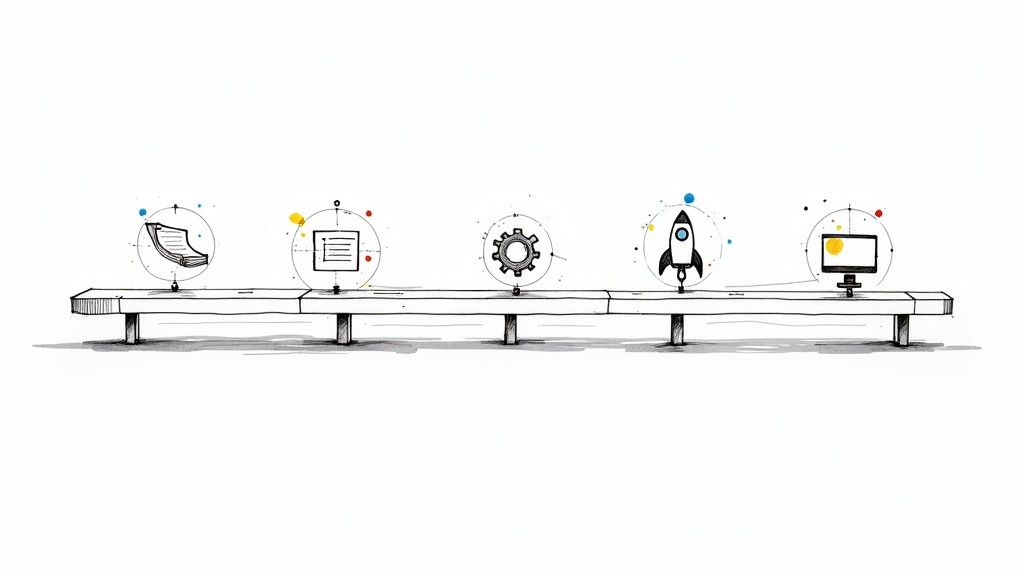
    Each level represents a significant leap in how you manage processes, automation, and culture. Moving through these stages isn't just about checking boxes; it's about fundamentally re-architecting how your organization builds, tests, deploys, and operates software—transforming your workflows from reactive and manual to proactive and autonomous.

    This is what the starting line looks like for most companies.

    Image

    Level 1 is a world of siloed teams, ad-hoc automation, and constant firefighting. Without foundational DevOps principles, your delivery process is inefficient, unpredictable, and unstable. It's a challenging position, but it's also the starting point for a transformative journey.

    Level 1: Initial

    At the Initial level, processes are chaotic and unpredictable. Your development and operations teams operate in separate worlds, communicating via tickets and formal handoffs. Deployments are manual, high-risk events that often result in late nights and "heroic" efforts to fix what broke in production.

    Constant firefighting is standard procedure. There is little to no automation for builds, testing, or infrastructure provisioning. Each deployment is a unique, manual procedure, making rollbacks a nightmare and downtime a frequent, unwelcome occurrence.

    • Technical Markers: Manual deployments via SCP/FTP or direct SSH access. Infrastructure is "click-ops" in a cloud console, and configuration drift between environments is rampant. There's no version control for infrastructure.
    • Obstacles: High Change Failure Rate (CFR), long Lead Time for Changes, and engineer burnout from repetitive, reactive work.
    • Objective: The first, most critical technical goal is to establish a single source of truth by getting all application code into a centralized source control system like Git.

    Level 2: Repeatable

    The Repeatable stage introduces the first signs of consistency. At this point, your organization has adopted source control—typically Git—for application code. This is a monumental step, enabling change tracking and collaborative development.

    Basic automation begins to appear, usually in the form of simple build or deployment scripts. An engineer might write a shell script to pull the latest code from Git and restart a service. The problem? These scripts are often brittle, undocumented, and live on a specific server or an engineer's laptop, creating new knowledge silos and single points of failure.

    A classic example of Level 2 is a rudimentary Jenkins CI job that runs mvn package to build a JAR file. It's progress, but it’s a long way from a fully automated, end-to-end pipeline.

    Level 3: Defined

    Welcome to the Defined level. This is where DevOps practices transition from isolated experiments to standardized, organization-wide procedures. The focus shifts from fragile, ad-hoc scripts to robust, automated CI/CD pipelines that manage the entire workflow from code commit to deployment, including integrated, automated testing.

    The real technical game-changer at this stage is Infrastructure as Code (IaC). Using declarative tools like Terraform or Pulumi, teams define their entire infrastructure—VPCs, subnets, servers, load balancers—in version-controlled code. This code is reviewed, tested, and applied just like application code, eliminating configuration drift and enabling reproducible environments.

    By standardizing toolsets and adopting IaC, organizations create versioned, auditable, and reproducible environments that drastically boost engineering velocity and accelerate developer onboarding. This is the stage where DevOps begins to deliver significant, measurable improvements in software quality and delivery speed.

    As teams integrate more technology and refine their processes, their delivery performance and agility improve dramatically. Many organizations begin at Level 1 with siloed teams and manual work, leading to high risk and slow product velocity. By Level 2, they've introduced basic workflows but still struggle to scale. It's at Level 3, with standardized tools and IaC, that they unlock real efficiency and quality gains. Industry leaders like Netflix take this even further, achieving higher maturity through scalable, autonomous systems, as detailed on appinventiv.com.

    Level 4: Managed

    At the Managed level, the focus moves beyond simple automation to data-driven optimization. Organizations here implement comprehensive observability stacks with tools for structured logging, metrics, and distributed tracing—think a full ELK/EFK stack, Prometheus with Grafana, and service instrumentation via OpenTelemetry. This deep, real-time visibility allows teams to diagnose and resolve issues proactively, often before customers are impacted.

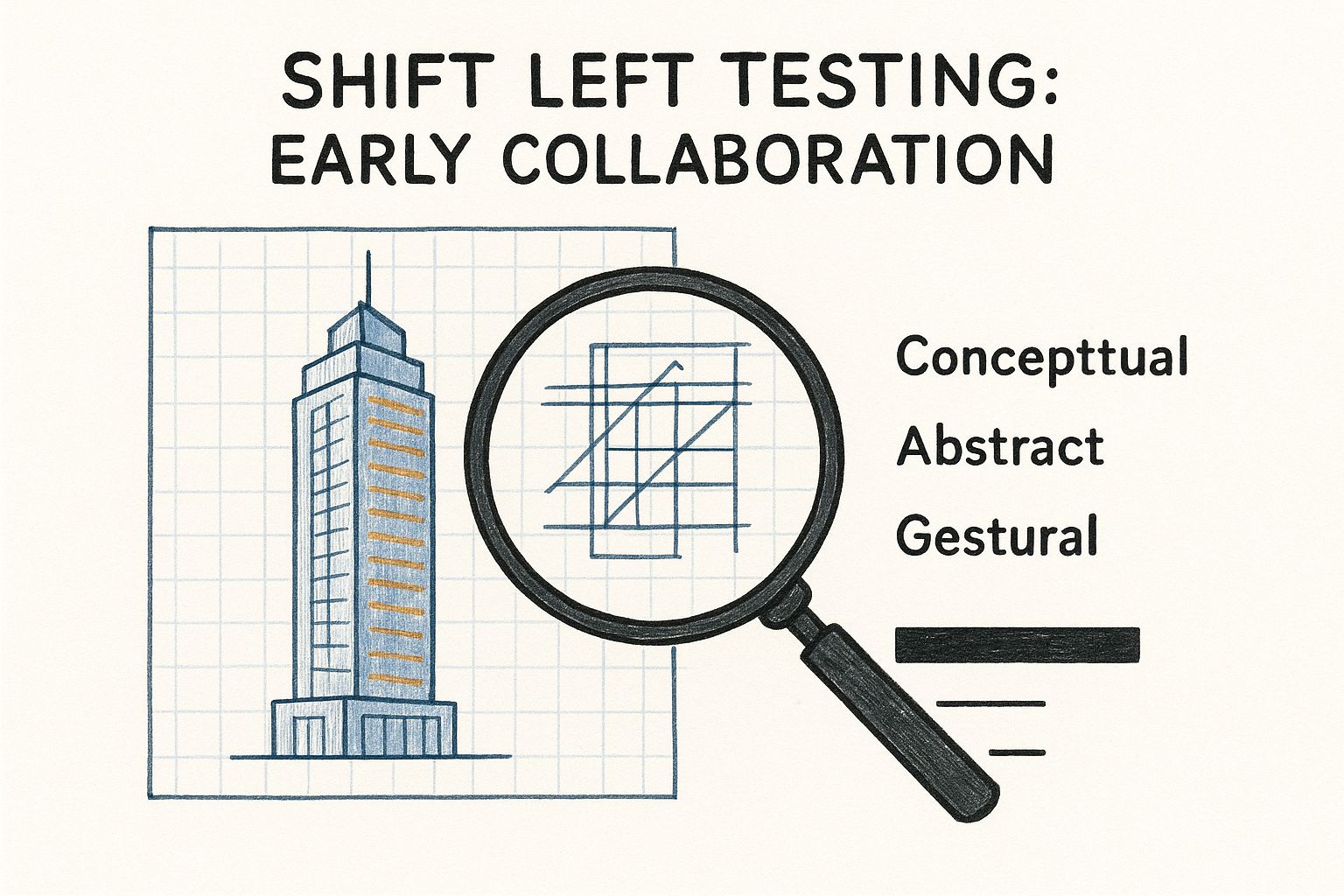
    Security becomes a first-class citizen through DevSecOps. Security is "shifted left," meaning it's integrated and automated throughout the pipeline. Instead of a final, manual security review, automated scans run at every stage. For example, a CI/CD pipeline built with GitHub Actions might automatically run a Static Application Security Testing (SAST) scan on every pull request, dependency vulnerability scans on every build, and Dynamic Application Security Testing (DAST) against a staging environment, catching vulnerabilities early.

    Level 5: Optimizing

    The final stage, Optimizing, represents the pinnacle of DevOps maturity. Here, the focus is on relentless, data-driven continuous improvement and self-optimization. Processes are not just automated; they are often autonomous, with systems capable of self-healing and predictive scaling based on real-time data.

    This is the domain of AIOps (AI for IT Operations). Machine learning models analyze observability data to predict potential failures, detect subtle performance anomalies, and automatically trigger remediation actions. Imagine an AIOps system detecting a slow memory leak in a microservice, correlating it with a recent deployment, and automatically initiating a rollback or restarting the service during a low-traffic window—all without human intervention. The goal is to build an intelligent, resilient system that learns and adapts on its own.


    Characteristics Of DevOps Maturity Levels

    This table summarizes the key technical markers, tools, and objectives for each stage of the DevOps journey. Use it as a quick reference to benchmark your current state and identify the next technical milestone.

    Maturity Level Key Characteristics Example Tools & Practices Primary Goal
    Level 1: Initial Chaotic, manual processes; siloed teams; constant firefighting; no version control for infrastructure. Manual FTP/SSH deployments, ticketing systems (e.g., Jira for handoffs). Establish a single source of truth with source control (Git).
    Level 2: Repeatable Basic source control adopted; simple, ad-hoc automation scripts; knowledge silos form around scripts. Git, basic Jenkins jobs (build only), simple shell scripts for deployment. Achieve consistent, repeatable builds and deployments.
    Level 3: Defined Standardized CI/CD pipelines; Infrastructure as Code (IaC) is implemented; automated testing is integrated. Terraform, Pulumi, GitHub Actions, comprehensive automated testing suites. Create reproducible, consistent environments and automated workflows.
    Level 4: Managed Data-driven decisions via observability; security is integrated ("shift left"); proactive monitoring and risk management. Prometheus, Grafana, OpenTelemetry, SAST/DAST scanning tools. Gain deep system visibility and embed security into the pipeline.
    Level 5: Optimizing Focus on continuous improvement; self-healing and autonomous systems; predictive analysis with AIOps. AIOps platforms, machine learning models for anomaly detection, automated remediation. Build a resilient, self-optimizing system with minimal human intervention.

    As you can see, the path from Level 1 to Level 5 is a gradual but powerful technical transformation—moving from simply surviving to actively thriving.

    How To Assess Your Current DevOps Maturity

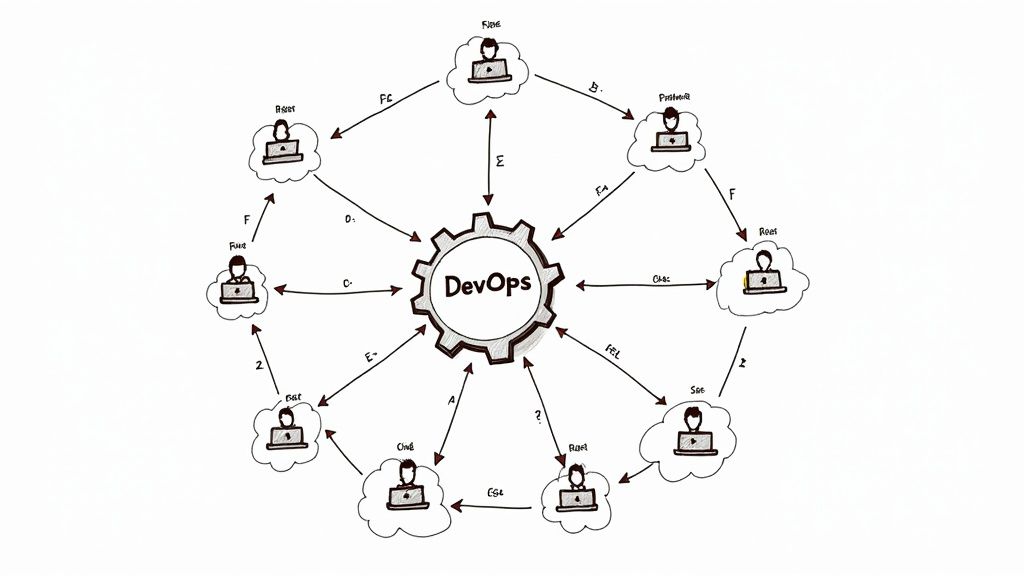
    Before you can chart a course for improvement, you need an objective, data-driven assessment of your current state. This self-assessment is a technical audit of your people, processes, and technology, designed to provide a baseline for your roadmap. This isn't about subjective feelings; it's about a rigorous evaluation of your engineering capabilities.

    Image

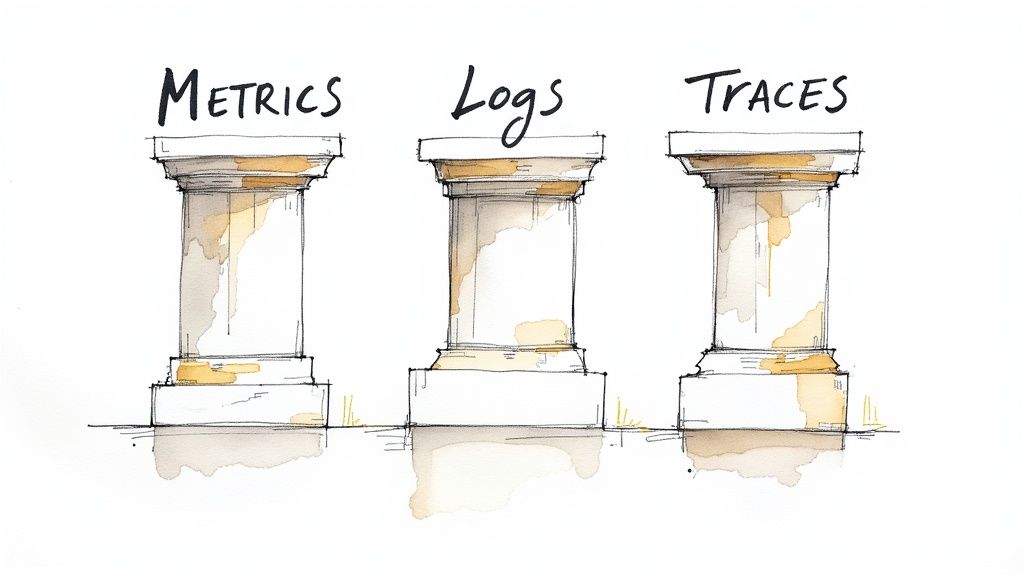
    This audit framework is built on three pillars that define modern software delivery: Culture, Process, and Technology. By asking specific, technical questions in each category, you can get a precise snapshot of your team's current maturity level and identify the highest-impact areas for improvement.

    Evaluating The Technology Pillar

    The technology pillar is the most straightforward to assess as it deals with concrete tools, configurations, and automation. The goal is to quantify the level of automation and sophistication in your tech stack. Avoid vague answers and be brutally honest.

    Start by asking these technical questions:

    • Infrastructure Management: Is 100% of your production infrastructure managed via a declarative Infrastructure as Code (IaC) tool like Terraform or Pulumi? If not, what percentage is still configured manually via a cloud console or SSH?
    • Test Automation: What is your code coverage percentage for unit tests? Do you have an automated integration and end-to-end test suite? Crucially, do these tests run automatically on every single commit to your main development branch?
    • Observability: Do you have centralized, structured logging (e.g., ELK/EFK stack), time-series metrics (e.g., Prometheus), and distributed tracing (e.g., OpenTelemetry)? Are alerts defined as code and triggered based on SLOs, or are you still manually searching logs after an incident?
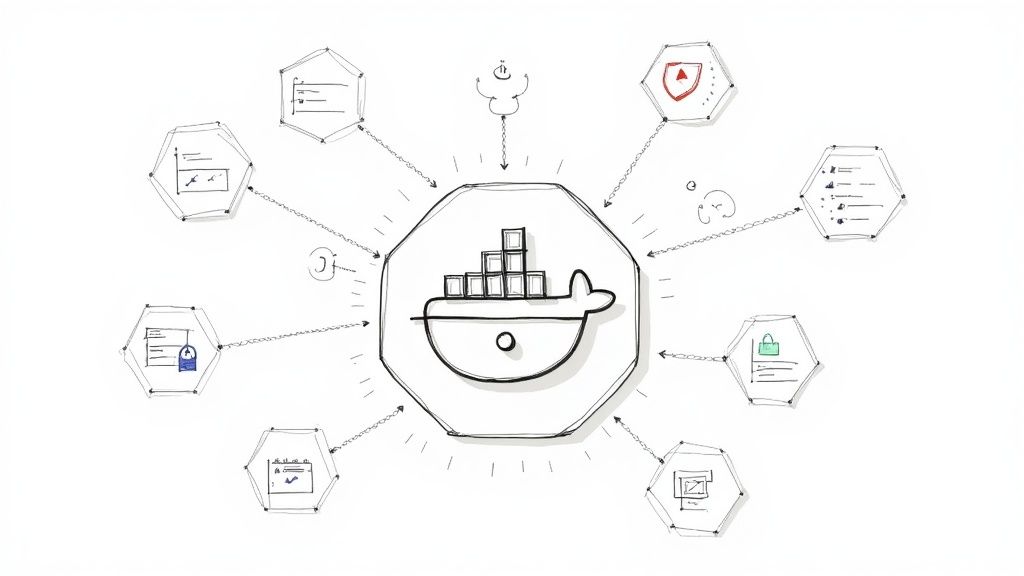
    • Containerization: Are your applications containerized using a tool like Docker? Are these containers orchestrated with a platform like Kubernetes to provide self-healing and automated scaling?

    The answers will quickly place you on the maturity spectrum. A team manually managing servers is at a fundamentally different level than one deploying containerized applications via a GitOps workflow to a Kubernetes cluster defined in Terraform.

    Analyzing The Process Pillar

    The process pillar examines the "how" of your software delivery pipeline. A mature process is fully automated, predictable, and requires minimal human intervention to move code from a developer's machine to production. Manual handoffs, approval gates, and "deployment day" ceremonies are clear indicators of immaturity.

    Consider these process-focused questions:

    • Deployment Pipeline: Can your CI/CD pipeline deploy a single change to production with zero manual steps after a pull request is merged? Or does the process involve manual approvals, running scripts by hand, or SSHing into servers?
    • Database Migrations: How are database schema changes managed? Are they automated and version-controlled using tools like Flyway or Liquibase as an integral part of the deployment pipeline, or does a DBA have to execute SQL scripts manually?
    • Incident Response: When an incident occurs, do you have a defined, blameless post-mortem process to identify the systemic root cause? What is your Mean Time to Recovery (MTTR), and how quickly can you execute a rollback?

    A zero-touch, fully automated deployment pipeline is the gold standard of high DevOps maturity. To objectively measure your progress, learning to effectively utilize DORA metrics will provide invaluable, data-backed insights into your pipeline's performance and stability.

    Auditing The Culture Pillar

    Culture is the most abstract pillar, but it is the most critical for sustained success. It encompasses collaboration, ownership, and the engineering mindset. A mature DevOps culture demolishes silos and fosters a shared sense of responsibility for the entire software lifecycle, from ideation to operation.

    A team's ability to learn from failure is a direct reflection of its cultural maturity. Blameless post-mortems, where the focus is on systemic improvements rather than individual fault, are a non-negotiable trait of high-performing organizations.

    To assess your cultural maturity, ask:

    • Team Structure: Are development and operations separate teams that communicate primarily through tickets? Or are you organized into cross-functional product teams that own their services from "code to cloud"?
    • Ownership: When a production alert fires at 3 AM, is it "ops' problem"? Or does the team that built the service own its operational health and carry the pager?
    • Feedback Loops: How quickly does feedback from production—such as error rates from Sentry or performance metrics from Grafana—get back to the developers who wrote the code? Is this information easily accessible or locked away in ops-only dashboards?

    Honest answers here are crucial. A team with the most advanced toolchain will ultimately fail if its culture is built on blame, finger-pointing, and siloed responsibilities. For a more structured approach, you can find helpful frameworks and checklists in our detailed guide to conducting a DevOps maturity assessment. This audit will give you the clarity you need to take your next steps.

    Your Technical Roadmap For Advancing Each Level

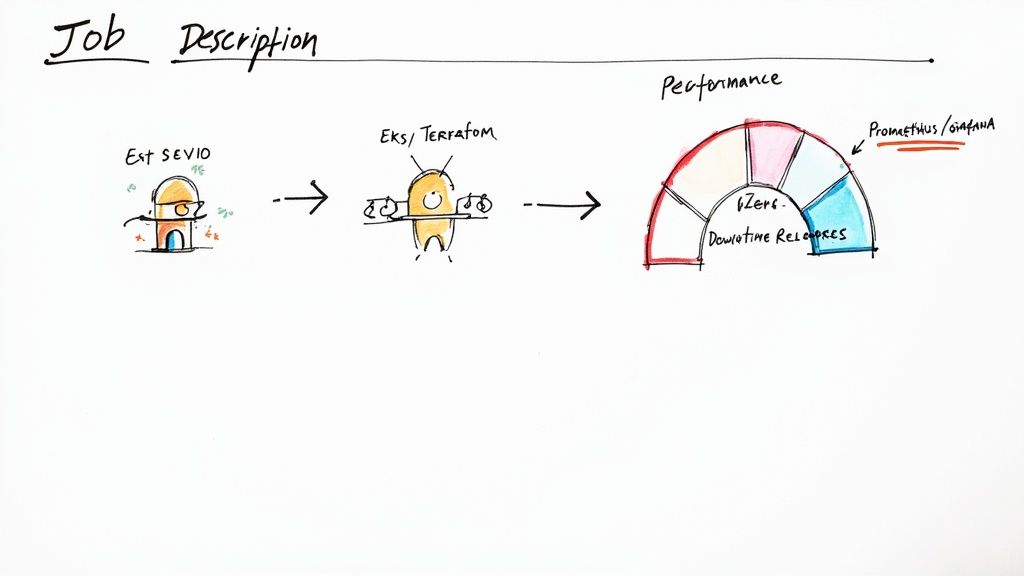
    Knowing your position on the DevOps maturity scale is one thing; building an actionable plan to advance is another. This is a technical blueprint with specific tools, configurations, and code snippets to drive forward momentum.

    Image

    Think of this as a tactical playbook. Each action is a tangible step you can implement today to build momentum and deliver immediate value. While not exhaustive, it covers the critical first moves that yield the greatest impact.

    From Level 1 (Initial) To Level 2 (Repeatable)

    The goal here is to establish order from chaos. You must move away from manual, non-repeatable processes and create a single source of truth for your code. This is the foundational layer for all future automation.

    Action 1: Lock Down Source Control With a Real Branching Strategy

    This is the non-negotiable first step: all application code must live in a Git repository (GitHub, GitLab, or Bitbucket). But simply using Git isn't enough; you need a defined process.

    A structured branching model is essential.

    • Implement GitFlow: A well-defined model that provides a robust framework for managing feature development, releases, and hotfixes.
    • Protect main: Your main branch must always represent production-ready code. Enforce this with branch protection rules, requiring pull requests and status checks before merging. No direct commits.
    • Use develop: This is your primary integration branch. All feature branches are merged here before being promoted to a release.
    • Isolate work in feature branches: All new development occurs in feature/* branches created from develop.

    Action 2: Build Your First CI Job

    With code organized, automate the build process. A Continuous Integration (CI) job eliminates manual guesswork in compiling and packaging code. It automatically validates every change pushed to your repository.

    GitHub Actions is an accessible tool for this. Create a file at .github/workflows/ci.yml in your repository:

    name: Basic CI Pipeline
    
    on:
      push:
        branches: [ main, develop ]
      pull_request:
        branches: [ develop ]
    
    jobs:
      build:
        runs-on: ubuntu-latest
        steps:
        - uses: actions/checkout@v3
        - name: Set up JDK 17
          uses: actions/setup-java@v3
          with:
            java-version: '17'
            distribution: 'temurin'
        - name: Build with Maven
          run: mvn -B package --file pom.xml
    

    This YAML configuration instructs GitHub Actions to trigger on pushes to main or develop. It checks out the code, sets up a Java 17 environment, and executes a standard Maven build. This simple automation eliminates a repetitive manual task and provides immediate feedback on code integrity.

    From Level 2 (Repeatable) To Level 3 (Defined)

    You have basic automation; now it's time to create standardized, reproducible systems. This means treating servers as ephemeral cattle, not indispensable pets, through containerization and Infrastructure as Code (IaC).

    Action 1: Containerize Your Application with Docker

    Containers solve the "it works on my machine" problem. By creating a Dockerfile in your project's root, you package your application and all its dependencies into a single, portable, and immutable artifact.

    For a typical Spring Boot application, the Dockerfile is concise:

    # Use an official OpenJDK runtime as a parent image
    FROM openjdk:17-jdk-slim
    
    # Add a volume pointing to /tmp
    VOLUME /tmp
    
    # Make port 8080 available to the world outside this container
    EXPOSE 8080
    
    # The application's JAR file
    ARG JAR_FILE=target/*.jar
    
    # Add the application's JAR to the container
    ADD ${JAR_FILE} app.jar
    
    # Run the JAR file
    ENTRYPOINT ["java","-jar","/app.jar"]
    

    This file defines a consistent image that runs identically wherever Docker is installed—a developer's laptop, a CI runner, or a cloud VM.

    Action 2: Automate Infrastructure with Terraform

    Stop provisioning infrastructure manually via cloud consoles. Define it as code. Terraform allows you to declaratively manage your infrastructure's desired state.

    Start with a simple resource. Create a file named s3.tf to provision an S3 bucket in AWS for your build artifacts:

    resource "aws_s3_bucket" "artifacts" {
      bucket = "my-app-build-artifacts-bucket"
    
      tags = {
        Name        = "Build Artifacts"
        Environment = "Dev"
      }
    }
    
    resource "aws_s3_bucket_versioning" "versioning_example" {
      bucket = aws_s3_bucket.artifacts.id
      versioning_configuration {
        status = "Enabled"
      }
    }
    

    This is a declaration, not a script. You check this file into Git, run terraform plan to preview changes, and terraform apply to create the bucket repeatably and reliably.

    From Level 3 (Defined) To Level 4 (Managed)

    Moving to Level 4 is about injecting intelligence into your processes. You'll shift from reactive to proactive by embedding security, deep observability, and data-driven reliability directly into your pipeline.

    The leap to a managed state is marked by a fundamental shift from reactive problem-solving to proactive risk mitigation. By embedding security and observability directly into the pipeline, you begin to anticipate failures instead of just responding to them.

    Action 1: Embed SAST with SonarQube

    "Shift left" on security by finding vulnerabilities early. Integrating Static Application Security Testing (SAST) into your CI pipeline is the most effective way, and SonarQube is an industry-standard tool for this.

    Add a SonarQube scan step to your GitHub Actions workflow:

    - name: Build and analyze with SonarQube
          env:
            GITHUB_TOKEN: ${{ secrets.GITHUB_TOKEN }}
            SONAR_TOKEN: ${{ secrets.SONAR_TOKEN }}
            SONAR_HOST_URL: ${{ secrets.SONAR_HOST_URL }}
          run: mvn -B verify org.sonarsource.scanner.maven:sonar-maven-plugin:sonar
    

    This step automatically analyzes code for bugs, vulnerabilities, and code smells. If the analysis fails to meet predefined quality gates, the build fails, preventing insecure code from progressing.

    Action 2: Implement Distributed Tracing

    In a microservices architecture, isolating the root cause of latency or errors is nearly impossible without distributed tracing. OpenTelemetry provides a vendor-neutral standard for instrumenting your code to trace a single request as it propagates through multiple services.

    Adding the OpenTelemetry agent to your application's startup command is a quick win for deep visibility:

    java -javaagent:path/to/opentelemetry-javaagent.jar \
         -Dotel.service.name=my-app \
         -Dotel.exporter.otlp.endpoint=http://collector:4317 \
         -jar my-app.jar
    

    This gives you the end-to-end visibility required for debugging and optimizing modern distributed systems. You're no longer flying blind.

    Translating DevOps Wins Into Business Impact

    Technical achievements like reduced build times are valuable to engineering teams, but they only become significant to the business when translated into financial impact. Advancing through DevOps maturity levels is not just about superior pipelines; it's about building a solid business case that connects engineering improvements to revenue, operational efficiency, and competitive advantage.

    Image

    Every milestone on your maturity roadmap should have a direct, measurable business outcome. When you frame your team’s technical wins in terms of financial and operational metrics, you create a common language that stakeholders across the organization can understand and support.

    From Automation To Accelerated Time-To-Market

    Reaching Level 3 (Defined) is a pivotal moment. Your standardized CI/CD pipelines and Infrastructure as Code (IaC) are no longer just engineering conveniences; they become business accelerators.

    This level of automation directly reduces your deployment lead time—the time from code commit to production deployment. New features and critical bug fixes are delivered to customers faster, shrinking your time-to-market and providing the agility to respond to market changes. When a competitor launches a new feature, a Level 3 organization can develop, test, and deploy a response in days, not months.

    From Observability To Revenue Protection

    By the time you reach Level 4 (Managed), you are fundamentally altering how the business safeguards its revenue streams. The deep observability gained from tools like Prometheus and OpenTelemetry dramatically reduces your Mean Time to Resolution (MTTR) during incidents.

    Every minute of downtime translates directly to lost revenue, customer churn, and brand damage. By shifting from reactive firefighting to a proactive, data-driven incident response model, you are not just minimizing revenue loss from outages—you are actively protecting customer trust and brand reputation.

    This transforms the operations team from a perceived cost center into a value-protection powerhouse. To see how this works in practice, check out our dedicated DevOps services, where we focus on building exactly these kinds of resilient systems.

    The market has taken notice. The global DevOps market, valued at $18.4 billion in 2023, is projected to reach $25 billion by 2025. This growth is driven by the undeniable correlation between DevOps maturity and business performance.

    With 80% of Global 2000 companies now operating dedicated DevOps teams, it’s evident that advancing on the maturity model has become a core component of a competitive strategy. You can dig deeper into these DevOps market trends on radixweb.com. This massive investment underscores a simple truth: mastering DevOps is a direct investment in your company’s future viability.

    Common DevOps Maturity Questions Answered

    As teams begin their journey up the DevOps maturity ladder, practical questions inevitably arise regarding team size, priorities, and goals.

    Getting direct, experience-based answers is crucial for building a realistic and effective roadmap. Let's address some of the most common questions.

    Can A Small Team Achieve A High DevOps Maturity Level?

    Absolutely. DevOps maturity is a function of process and culture, not headcount. A small, agile team can often achieve Level 3 or Level 4 maturity more rapidly than a large enterprise.

    The reason is a lack of organizational inertia. Small teams are not burdened by entrenched silos, legacy processes, or bureaucratic red tape.

    The key is to integrate automation and a continuous improvement mindset from the outset. A startup that adopts Infrastructure as Code (IaC), containerization, and a robust CI/CD pipeline from day one can operate at a remarkably high level of maturity, even with a small engineering team.

    What Is The Most Critical Factor For Improving DevOps Maturity?

    While tools are essential, they are not the most critical factor. The single most important element is a culture of shared ownership reinforced by blameless post-mortems.

    Without this foundation of psychological safety, even the most advanced toolchain will fail to deliver its full potential.

    When developers, operations, and security engineers function as a single team with shared responsibility for the entire service lifecycle, the dynamic changes. Silos are dismantled, collaboration becomes the default, and everyone is invested in improving automation and reliability.

    Technology enables higher DevOps maturity levels, but culture sustains it. An environment where failure is treated as a systemic learning opportunity—not an individual's fault—is the true engine of progress.

    Is Reaching Level 5 Maturity A Necessary Goal For Everyone?

    No, it is not. Level 5 (Optimizing) represents a state of hyper-automation with AI-driven, self-healing systems. For hyperscale companies like Netflix or Google, where manual intervention is operationally infeasible, this level is a necessity.

    However, for most organizations, achieving a solid Level 3 (Defined) or Level 4 (Managed) is a transformative accomplishment that delivers immense business value. At these levels, you have established:

    • Standardized Automation: Consistent, repeatable CI/CD pipelines for all services.
    • Robust Observability: Real-time visibility into system health and performance.
    • Proactive Security: Automated security checks integrated into the development pipeline.

    Align your maturity goals with your specific business needs and constraints. For the vast majority of companies, Level 3 or 4 represents the optimal balance of investment and return.

    How Does DevSecOps Fit Into The DevOps Maturity Model?

    DevSecOps is not a separate discipline; it is an integral part of the DevOps maturity model. It embodies the principle of "shifting security left," which means integrating security practices and tools early and throughout the software development lifecycle.

    At lower maturity levels, security is typically a manual, late-stage gatekeeper. As maturity increases, security becomes an automated, shared responsibility.

    • At Level 3, you integrate automated Static Application Security Testing (SAST) tools directly into your CI pipeline.
    • By Level 4, security is fully embedded. Your pipeline includes automated Dynamic Application Security Testing (DAST), software composition analysis (SCA) for dependencies, and continuous infrastructure compliance scanning.

    High maturity means security is an automated, continuous, and ubiquitous aspect of software delivery, owned by every engineer on the team.


    Ready to assess and elevate your DevOps practices? At OpsMoon, we start with a free work planning session to map your current maturity and build a clear roadmap for success. Connect with our top-tier remote engineers and start your journey today.

  • Master the Software Development Life Cycle 5 Phases

    Master the Software Development Life Cycle 5 Phases

    The software development life cycle is a structured process that partitions the work of creating software into five distinct phases: Requirements, Design, Implementation, Testing, and Deployment & Maintenance. This isn't a rigid corporate process but a technical framework, like an architect's blueprint for a skyscraper. It provides a strategic, engineering-focused roadmap for transforming a conceptual idea into high-quality, production-ready software.

    Your Blueprint for Building Great Software

    Following a structured methodology is your primary defense against common project failures like budget overruns, missed deadlines, and scope creep. This is where the Software Development Life Cycle (SDLC) provides critical discipline, breaking the complex journey into five fundamental phases. Each phase has specific technical inputs and outputs that are essential for delivering quality software efficiently.

    Poor planning is the root cause of most project failures. Industry data indicates that a significant number of software projects are derailed by inadequate requirements gathering alone. A robust SDLC framework provides the necessary structure to mitigate these risks.

    The core principle is to build correctly from the start to avoid costly rework. Each phase systematically builds upon the outputs of the previous one, creating a stable and predictable path from initial concept to a successful production deployment.

    Before a deep dive into each phase, this table provides a high-level snapshot of the entire process, outlining the primary technical objective and key deliverable for each stage.

    The 5 SDLC Phases at a Glance

    Phase Primary Technical Objective Key Deliverable
    Requirements Elicit, analyze, and document all functional and non-functional requirements. Software Requirements Specification (SRS)
    Design Define the software's architecture, data models, and component interfaces. High-Level Design (HLD) & Low-Level Design (LLD) Documents
    Implementation Translate design specifications into clean, efficient, and maintainable source code. Version-controlled Source Code & Executable Builds
    Testing Execute verification and validation procedures to identify and eliminate defects. Test Cases, Execution Logs & Bug Reports
    Deployment & Maintenance Release the software to production and manage its ongoing operation and evolution. Deployed Application & Release Notes/Patches

    Consider this table your technical reference. Now, let's deconstruct the specific activities and deliverables within each phase, beginning with the foundational stage: Requirements.

    Understanding the Core Components

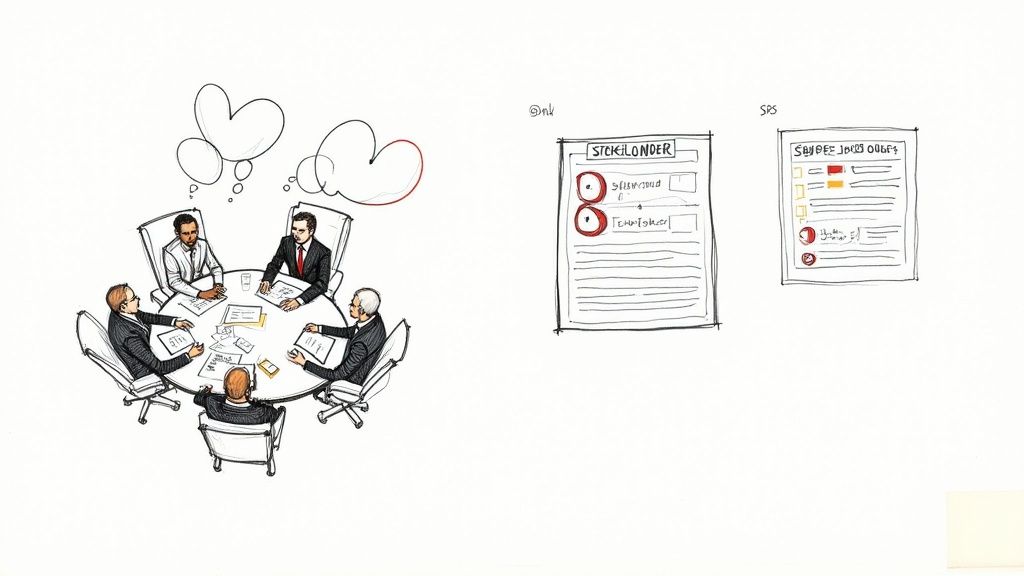
    The first phase, Requirements, is a technical discovery process focused on defining the "what" and "why" of the project. This involves structured sessions with stakeholders to precisely document what the system must do (functional requirements) and the constraints it must operate under, such as performance or security (non-functional requirements).

    This phase establishes the technical foundation for the entire project. Errors or ambiguities here will propagate through every subsequent phase, leading to significant technical debt.

    Image

    As shown, a robust project foundation is built by translating stakeholder needs into precise, actionable technical specifications.

    To fully grasp the SDLC, it is beneficial to understand various strategies for effective Software Development Lifecycle management. This broader context connects the individual phases into a cohesive, high-velocity delivery engine. Each phase we will explore is a critical link in this engineering value chain.

    1. Laying the Foundation with Requirements Engineering

    Software projects begin with an idea, but ideas are inherently ambiguous and incomplete. The requirements engineering phase is where this ambiguity is systematically transformed into a concrete, technical blueprint.

    This is the most critical stage in the software development life cycle. Data from the Project Management Institute shows that a significant percentage of project failures are directly attributable to poor requirements management. Getting this phase right is a mission-critical dependency for project success.

    Think of this phase as a technical interrogation of the system's future state. The objective is to build an unambiguous, shared understanding among stakeholders, architects, and developers before any code is written. This mitigates the high cost of fixing flawed assumptions discovered later in the lifecycle.

    Image

    From Vague Ideas to Concrete Specifications

    The core activity here is requirements elicitation—the systematic gathering of information. This is an active investigation utilizing structured techniques to extract precise details from end-users, business executives, and subject matter experts.

    An effective elicitation process combines several methods:

    • Structured Interviews: Formal sessions with key stakeholders to define high-level business objectives, constraints, and success metrics.
    • Workshops (JAD sessions): Facilitated Joint Application Design sessions that bring diverse user groups together to resolve conflicts and build consensus on functionality in real-time.
    • User Story Mapping: A visual technique to map the user's journey, breaking it down into epics, features, and granular user stories. This is highly effective for defining functional requirements from an end-user perspective.
    • Prototyping: Creation of low-fidelity wireframes or interactive mockups. This provides a tangible artifact for users to interact with, generating specific and actionable feedback that abstract descriptions cannot.

    Each technique serves to translate subjective business wants into objective, testable technical requirements that will form the project's foundation.

    Creating the Project Blueprint Documents

    The collected information must be formalized into engineering documents that serve as the contract for development. Two critical outputs are the Business Requirement Document (BRD) and the Software Requirement Specification (SRS).

    Business Requirement Document (BRD):
    This document outlines the "why." It defines the high-level business needs, project scope, and key performance indicators (KPIs) for success, written for a business audience.

    Software Requirement Specification (SRS):
    The SRS is the technical counterpart to the BRD. It translates business goals into detailed functional and non-functional requirements. This document is the primary input for architects and developers.

    A well-architected SRS is unambiguous, complete, consistent, and verifiable. It becomes the single source of truth for the engineering team. Without it, development is based on assumption, introducing unacceptable levels of risk.

    Preventing Scope Creep and Ambiguity

    Two primary risks threaten this phase: scope creep (the uncontrolled expansion of requirements) and ambiguity (e.g., "the system must be fast").

    To see how modern frameworks mitigate this, it's useful to read our guide explaining what is DevOps methodology, as its principles are designed to maintain alignment and control scope.

    Here are actionable strategies to maintain control:

    1. Establish a Formal Change Control Process: No requirement is added or modified without a formal Change Request (CR). Each CR is evaluated for its impact on schedule, budget, and technical architecture, and must be approved by a Change Control Board (CCB).
    2. Quantify Non-Functional Requirements (NFRs): Vague requirements must be made measurable. "Fast" becomes "API response times for endpoint X must be < 200ms under a load of 500 concurrent users." Now it is a testable requirement.
    3. Prioritize with a Framework: Use a system like MoSCoW (Must-have, Should-have, Could-have, Won't-have) to formally categorize every feature. This provides clarity on the Minimum Viable Product (MVP) and manages stakeholder expectations.

    By implementing these engineering controls, you establish a stable foundation, ready for a seamless transition into the design phase.

    2. Architecting the Solution: The Design Phase

    With the requirements locked down, the focus shifts from what the software must do to how it will be engineered. The design phase translates the SRS into a concrete technical blueprint.

    This is analogous to an architect creating detailed schematics for a building. Structural loads, electrical systems, and data flows must be precisely mapped out before construction begins. Bypassing this stage guarantees a brittle, unscalable, and unmaintainable system.

    Rushing design leads to architectural flaws that are exponentially more expensive to fix later in the lifecycle. A rigorous design phase ensures the final product is performant, scalable, secure, and maintainable.

    High-Level vs. Low-Level Design

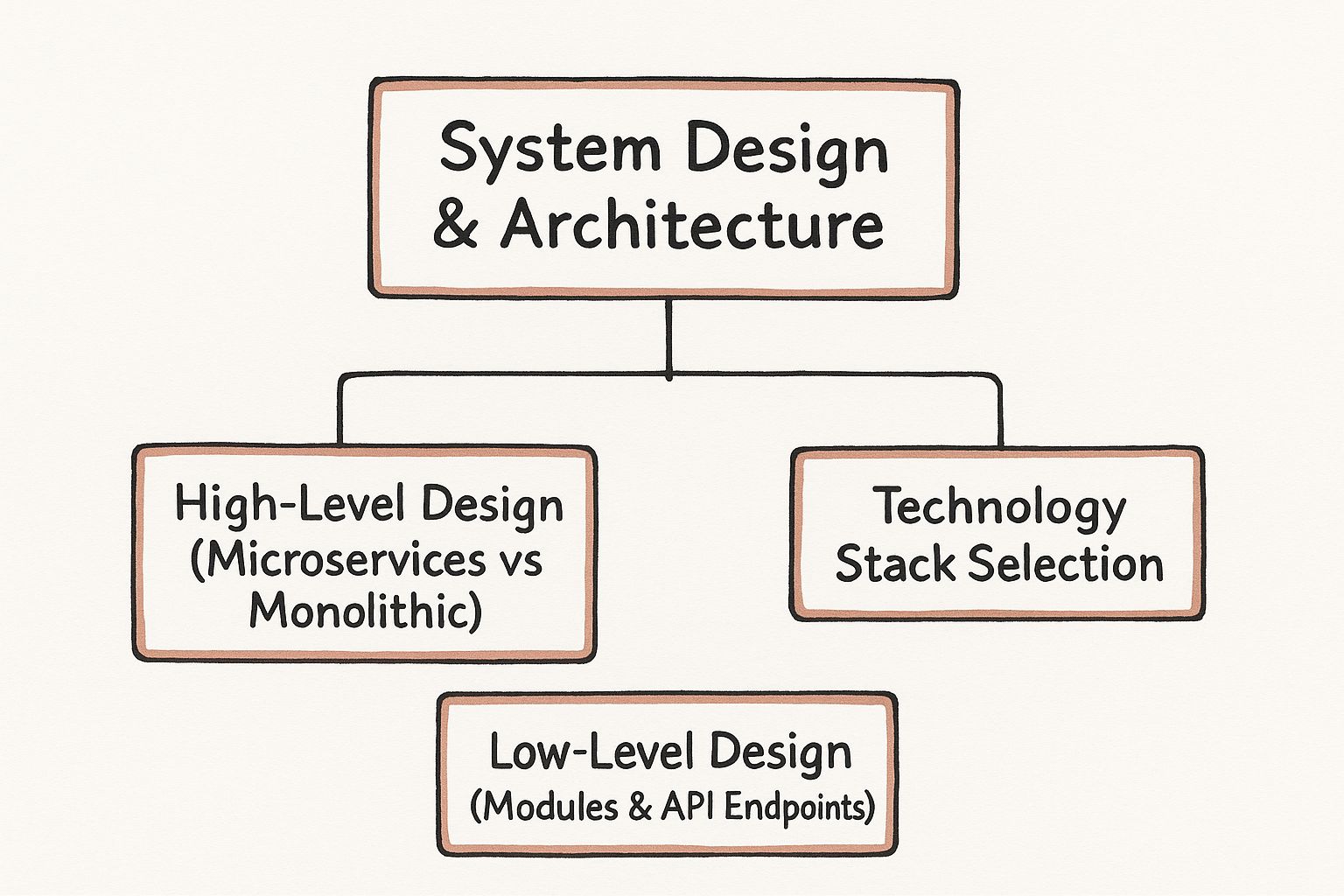
    System design is bifurcated into two distinct but connected stages: High-Level Design (HLD) and Low-Level Design (LLD).

    High-Level Design (HLD): The Architectural Blueprint

    The HLD defines the macro-level architecture. It decomposes the system into major components, services, and modules and defines their interactions and interfaces.

    Key technical decisions made here include:

    • Architectural Pattern: Will this be a monolithic application or a distributed microservices architecture? This decision impacts scalability, deployment complexity, and team structure.
    • Technology Stack: Selection of programming languages (e.g., Go, Python), databases (e.g., PostgreSQL vs. Cassandra), messaging queues (e.g., RabbitMQ, Kafka), and frameworks (e.g., Spring Boot, Django).
    • Third-Party Integrations: Defining API contracts and data exchange protocols for interacting with external services (e.g., Stripe for payments, Twilio for messaging).

    The HLD provides the foundational architectural strategy for the project.

    Low-Level Design (LLD): The Component-Level Schematics

    With the HLD approved, the LLD zooms into the micro-level, detailing the internal implementation of each component identified in the HLD.

    This is where developers get the implementation specifics:

    • Class Diagrams & Method Signatures: Defining the specific classes, their attributes, methods, and relationships within each module.
    • Database Schema: Specifying the exact tables, columns, data types, indexes, and foreign key constraints for the database.
    • API Contracts: Using a specification like OpenAPI/Swagger to define the precise request/response payloads, headers, and status codes for every endpoint.

    The LLD provides an unambiguous implementation guide for developers, ensuring that all components will integrate correctly.

    A strong HLD ensures you're building the right system architecture. A detailed LLD ensures you're building the system components right. Both are indispensable.

    Key Outputs and Tough Decisions

    The design phase involves critical engineering trade-offs. The monolithic vs. microservices decision is a primary example. A monolith offers initial simplicity but can become a scaling and deployment bottleneck. Microservices provide scalability and independent deployment but introduce significant operational complexity in areas like service discovery, distributed tracing, and data consistency.

    Another critical activity is data modeling. A poorly designed data model can lead to severe performance degradation and data integrity issues that are extremely difficult to refactor once in production.

    To validate these architectural decisions, teams often build prototypes before committing to production code. These can range from simple UI mockups in tools like Figma or Sketch to functional Proof-of-Concept (PoC) applications that test a specific technical approach (e.g., evaluating the performance of a particular database).

    The primary deliverable is the Design Document Specification (DDS), a formal document containing the HLD, LLD, data models, and API contracts. This document is the definitive engineering guide for the implementation phase. A well-executed design phase is the most effective form of risk mitigation in software development.

    3. Building the Product: The Implementation Phase

    With the architectural blueprint signed off, the project moves from abstract plans to tangible code. This is the implementation phase, where developers roll up their sleeves and start building the actual software. They take all the design documents, user stories, and specifications and translate them into clean, efficient source code.

    This isn't just about hammering out code as fast as possible. The quality of the work here sets the stage for everything that follows—performance, scalability, and how easy (or painful) it will be to maintain down the road. Rushing this step often leads to technical debt, which is just a fancy way of saying you've created future problems for yourself by taking shortcuts today.

    Laying the Ground Rules: Engineering Best Practices

    To keep the codebase from turning into a chaotic mess, high-performing teams lean on a set of proven engineering practices. These aren't just arbitrary rules; they're the guardrails that keep development on track, especially when multiple people are involved.

    First up are coding standards. Think of these as a style guide for your code. They dictate formatting, naming conventions, and other rules so that every line of code looks and feels consistent, no matter who wrote it. This simple step makes the code immensely easier for anyone to read, debug, and update later.

    The other non-negotiable tool is a version control system (VCS), and the undisputed king of VCS is Git. Git allows a whole team of developers to work on the same project at the same time without stepping on each other's toes. It logs every single change, creating a complete history of the project. If a new feature introduces a nasty bug, you can easily rewind to a previous stable state.

    Building Smart: Modular Development and Agile Sprints

    Modern software isn't built like a giant, solid sculpture carved from a single block of marble. It’s more like building with LEGO bricks. This approach is called modular development, where the system is broken down into smaller, self-contained, and interchangeable modules.

    This method has some serious advantages:

    • Work in Parallel: Different teams can tackle different modules simultaneously, which drastically cuts down development time.
    • Easier Fixes: If a bug pops up in one module, you can fix and redeploy just that piece without disrupting the entire application.
    • Reuse and Recycle: A well-built module can often be repurposed for other projects, saving a ton of time and effort in the long run.

    In an Agile world, these modules or features are built in short, focused bursts called sprints. A sprint usually lasts between one and four weeks, and the goal is always the same: have a small, working, and shippable piece of the product ready by the end. This iterative cycle allows for constant feedback and keeps the project aligned with what users actually need.

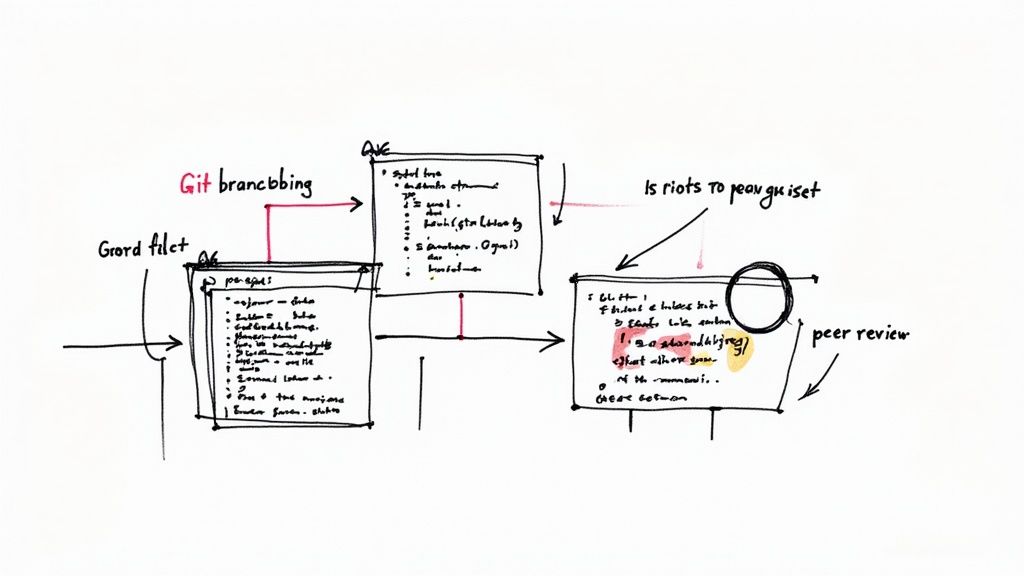
    One of the most crucial quality checks in this process is the peer code review. Before any new code gets added to the main project, another developer has to look it over. They hunt for potential bugs, suggest improvements, and make sure everything lines up with the coding standards. It's a simple, collaborative step that does wonders for maintaining high code quality.

    The demand for developers who can work within these structured processes is only growing. The U.S. Bureau of Labor Statistics, for instance, projects a 22% increase in software developer jobs between 2019 and 2029. Well-defined SDLC phases like this one create the clarity needed for distributed teams to work together seamlessly across the globe. You can learn more by exploring some detailed insights about the software product lifecycle.

    Automating the Assembly Line with Continuous Integration

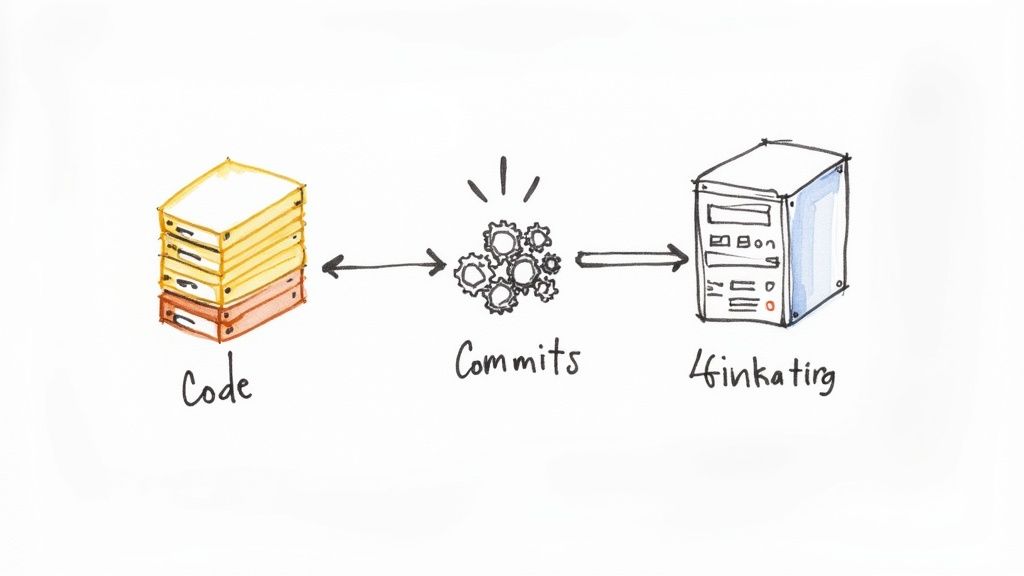
    Imagine trying to manually piece together code changes from a dozen different developers every day. It would be slow, tedious, and a recipe for disaster. That's the problem Continuous Integration (CI) solves. CI is a practice where developers merge their code changes into a central repository several times a day. Each time they do, an automated process kicks off to build and test the application.

    A typical CI pipeline looks something like this:

    1. Code Commit: A developer pushes their latest changes to a shared repository like GitHub.
    2. Automated Build: A CI server (tools like Jenkins or GitLab CI) spots the new code and automatically triggers a build.
    3. Automated Testing: If the build is successful, a battery of automated tests runs to make sure the new code didn't break anything.

    If the build fails or a test doesn't pass, the entire team gets an immediate notification. This means integration bugs are caught and fixed in minutes, not days or weeks. By automating this workflow, CI pipelines speed up development and clear the way for a smooth handoff to the next phase: testing.

    4. Ensuring Quality With Rigorous Software Testing

    So, the code is written. The features are built. We're done, right? Not even close. Raw code is a long way from a finished product, which brings us to the fourth—and arguably most critical—phase of the SDLC: Testing.

    Think of this stage as the project's quality control department. It’s a systematic, multi-layered hunt for defects, designed to find and squash bugs before they ever see the light of day. A product isn’t ready until it's been proven to work under pressure.

    Shipping untested code is like launching a ship with holes in the hull. You're just asking for a flood of bugs, performance nightmares, and security holes. This stage is all about methodically finding those problems with a real strategy, not just random clicking.

    Image

    Deconstructing The Testing Pyramid

    A rookie mistake is lumping all "testing" into one big bucket. In reality, a smart Quality Assurance (QA) strategy is structured like a pyramid, with different kinds of tests forming distinct layers. This approach is all about optimizing for speed and efficiency.

    • Unit Tests (The Foundation): These are the bedrock. They're fast, isolated tests that check the smallest possible pieces of your code, like a single function. Developers write these to make sure each individual "building block" does exactly what it's supposed to do. You'll have tons of these, and they should run in seconds.
    • Integration Tests (The Middle Layer): Okay, so the individual blocks work. But do they work together? Integration tests are designed to find out. Does the login module talk to the database correctly? These tests are a bit slower but are absolutely essential for finding cracks where different parts of your application meet.
    • End-to-End (E2E) System Tests (The Peak): At the very top, we have E2E tests. These simulate an entire user journey from start to finish—logging in, adding an item to a cart, checking out. They validate the whole workflow, ensuring everything functions as one cohesive system. They're the slowest and most complex, which is why you have fewer of them.

    A Spectrum Of Testing Disciplines

    Beyond the pyramid's structure, testing involves a whole range of disciplines, each targeting a different facet of software quality. Getting this right is a huge part of mastering software quality assurance processes.

    This table breaks down some of the most common testing types you'll encounter.

    Comparison of Key Testing Types in SDLC

    Testing Type Main Objective Typical Stage Example Defects Found
    Functional Testing Verifies that each feature works according to the SRS. Throughout A "Save" button doesn't save the data.
    Performance Testing Measures speed, responsiveness, and stability under load. Pre-release The application crashes when 100 users log in at once.
    Security Testing Identifies vulnerabilities and weaknesses in the application's defenses. Pre-release A user can access another user's private data.
    Usability Testing Assesses how easy and intuitive the software is for real users. Late-stage Users can't figure out how to complete a core task.
    User Acceptance Testing (UAT) The final check where actual stakeholders or clients validate the software. Pre-deployment The software works but doesn't solve the business problem it was intended to.

    Each type plays a unique role in ensuring the final product is robust, secure, and user-friendly.

    From Bug Reports To Automated Frameworks

    The whole testing process churns out a ton of data, mostly in the form of bug reports. A solid bug-tracking workflow is non-negotiable. Using tools like Jira, testers log detailed tickets for every defect, including clear steps to reproduce it, its severity, and screenshots. This gives developers everything they need to find the problem and fix it fast.

    Catching bugs early isn't just a nice-to-have; it's a massive cost-saver. Industry stats show that fixing a defect in production can be up to 100 times more expensive than fixing it during development.

    To keep up with the pace of modern development, teams lean heavily on automation. Manual testing is slow, tedious, and prone to human error. Automation frameworks like Selenium or Cypress let teams write scripts that run repetitive tests over and over, perfectly every time.

    This frees up your human testers to do what they do best: creative exploratory testing and deep usability checks that machines just can't handle. Of course, this all hinges on great communication. Mastering the art of giving constructive feedback in code reviews is key to making this iterative cycle of testing and fixing run smoothly.

    5. Launching and Maintaining the Final Product

    After all the intense cycles of building and testing, we’ve reached the final milestone: getting your software into the hands of real users. This is where the rubber meets the road. The deployment and maintenance phase is the culmination of every previous effort and the true beginning of your product's life in the wild.

    Deployment is a lot more than just flipping a switch and hoping for the best. It's a carefully choreographed technical process designed to release new code without causing chaos. Gone are the days of the risky "big bang" launch. Modern teams use sophisticated strategies to minimize downtime and risk, ensuring users barely notice a change—except for the awesome new features, of course.

    Advanced Deployment Strategies

    Service interruptions can cost a business thousands of dollars per minute, so teams have gotten very clever about avoiding them. These advanced deployment patterns are central to modern DevOps and allow for controlled, safe releases.

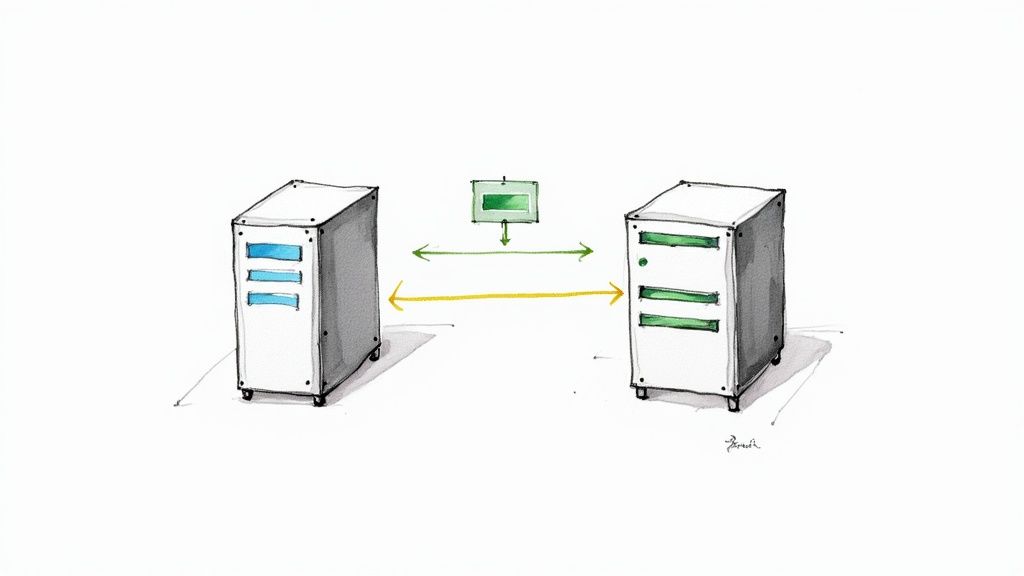
    • Blue-Green Deployment: Picture two identical production environments, nicknamed "Blue" and "Green." If your live traffic is on Blue, you deploy the new version to the idle Green environment. After a final round of checks, you simply reroute all traffic to Green. If anything goes wrong? No sweat. You can instantly switch traffic back to Blue.
    • Canary Deployment: This technique is like sending a canary into a coal mine. You roll out the new version to a tiny subset of users—the "canaries." The team monitors performance and user feedback like a hawk. If all systems are go, the release is gradually rolled out to everyone else. This approach dramatically minimizes the blast radius of any potential bugs.

    These days, strategies like these are almost always managed by automated Continuous Deployment (CD) pipelines. These pipelines handle the entire release process, from the moment a developer commits code to the final launch in production.

    The Cycle Continues with Maintenance

    Here’s the thing about software: deployment is a milestone, not the finish line. The second your software goes live, the maintenance phase begins. This is often the longest and most resource-intensive part of the whole lifecycle. The work doesn’t stop; it just shifts focus.

    For a deeper look into this stage, explore our guide on mastering the software release lifecycle.

    This ongoing phase is all about making sure the software stays stable, secure, and relevant. It breaks down into a few key activities:

    1. Proactive Monitoring: This means using observability tools to keep a close eye on application performance, infrastructure health, and user activity in real-time. It's about spotting trouble before it turns into a critical failure.
    2. Efficient Bug Fixing: You need a crystal-clear process for users to report bugs and for developers to prioritize, fix, and deploy patches—fast.
    3. Planning Feature Updates: The cycle begins anew. You gather user feedback and market data to plan the next round of features and improvements, feeding that information right back into the requirements phase for the next version.

    Maintenance isn't just about fixing what's broken. It's about proactively managing the product's evolution. A well-oiled maintenance phase is what guarantees long-term value and user happiness, right up until the day the product is eventually retired.

    Frequently Asked Questions

    How Does the 5 Phase SDLC Model Differ from Agile Methodologies?

    Think of the traditional software development life cycle 5 phases (often called the Waterfall model) like building a house from a fixed blueprint. Every step is linear and sequential. You lay the foundation, then build the frame, then the walls, and so on. You can't start roofing before the walls are completely finished, and all decisions are locked in from the start.

    Agile, on the other hand, is like building one room perfectly, getting feedback, and then building the next. Methodologies like Scrum break the project into short cycles called "sprints." In each sprint, a small piece of the final product goes through all five phases—requirements, design, build, test, and deploy. The biggest difference is that Agile embraces change, making it far more flexible and adaptive.

    What Is the Most Common Reason for Failure in an SDLC Process?

    It almost always comes down to one place: the Requirements Gathering phase. Time and time again, industry analysis points to incomplete, fuzzy, or constantly shifting requirements as the number one project killer.

    When you get this part wrong, the mistakes snowball. A flawed requirement leads to a flawed design, which means developers waste time building the wrong thing. Then, you spend even more time and money on rework during testing. This is exactly why a rock-solid Software Requirement Specification (SRS) document and getting genuine stakeholder buy-in early on are non-negotiable.

    Can Any of the SDLC Phases Be Skipped to Save Time?

    That's a tempting shortcut that almost always ends in disaster. Skipping phases doesn't save time or money; it just moves the cost and pain further down the line, where it's much more expensive to fix.

    Imagine skipping the Design phase. You might get code written faster, but it will likely be a tangled mess—hard to maintain, difficult to update, and a nightmare to test. And skipping the Testing phase? You're essentially shipping a product with a "good luck!" note to your users, praying they don't find the bugs that will inevitably wreck their experience and your reputation. Each phase is a critical checkpoint for a reason: it manages risk and builds quality into the final product.


    Ready to accelerate every phase of your software delivery? OpsMoon connects you with the top 0.7% of remote DevOps engineers to build, automate, and scale your infrastructure. Start with a free work planning session.

  • Mastering the Software Release Cycle: A Technical Guide

    Mastering the Software Release Cycle: A Technical Guide

    The software release cycle is the blueprint that guides a new software version from a developer's local machine to the end-user's environment. It is a repeatable, structured process that ensures every update is predictable, stable, and functionally correct. Think of it as the operational backbone for compiling raw source code into a reliable, production-grade product your customers can depend on.

    Demystifying the Software Release Cycle

    At its core, the software release cycle is a technical assembly line for digital products. It ingests fragmented pieces—new features, bug fixes, performance refactors—and systematically moves them through a series of automated checkpoints. These stages include compiling the code into an artifact, executing a battery of tests, and deploying to a staging environment before it ever reaches a production server.

    Without this kind of structured approach, software development quickly descends into chaos. You end up with delayed launches, critical bugs slipping into production, and significant user friction.

    A well-defined cycle aligns the entire engineering organization on a unified workflow. It provides clear, technical answers to critical questions like:

    • What is the specific Git branching strategy we use for features versus hotfixes?
    • How do we guarantee this update won't break existing API contracts?
    • What is the exact, step-by-step process for deploying a containerized application to our Kubernetes cluster?

    This clarity is what solves the dreaded "it works on my machine" problem. By creating consistent, scripted environments for every stage of the process, you eliminate environmental drift and deployment surprises.

    The Technical Mission Behind the Method

    The main goal of any software release cycle is to optimize the trade-off between velocity and stability. If you deploy too fast without sufficient automated quality gates, you introduce unacceptable operational risk. But if you're too slow and overly cautious with manual checks, you’ll lose your competitive edge. A mature cycle hits that sweet spot through robust automation.

    It enables teams to deliver value to customers quickly without sacrificing the quality of the product. This means building a CI/CD pipeline that is both rigorous and efficient. For a deeper look into the broader journey from initial concept all the way to product retirement, you can explore our detailed guide on the software release lifecycle.

    This framework also acts as a vital communication tool. It gives non-technical stakeholders—like product managers, marketers, and support teams—the visibility they need. They can prepare for launch campaigns, update user documentation, and get ready for the wave of customer feedback.

    A disciplined release cycle transforms software delivery from an art into a science. It replaces guesswork and last-minute heroics with a predictable, data-driven process that builds stakeholder confidence and user trust with every successful release.

    Ultimately, mastering the software release cycle is non-negotiable for any team that's serious about building and maintaining a successful software product. It’s the foundation for everything else, setting the stage for the technical stages, tooling, and strategies we'll dive into next.

    The Six Core Stages of a Modern Release Cycle

    The software release cycle is the structured journey that takes a single line of code and turns it into a valuable, working feature in your users' hands. You can think of it as a six-stage pipeline. Each stage adds another layer of quality and confidence before the work moves on to the next. Getting this flow right is the key to shipping software that's both fast and stable.

    This whole process is built on a foundation of solid planning and clear steps, which is what makes a release predictable and repeatable time after time.

    Let's walk through what actually happens at each stage of this journey.

    To give you a quick overview, here’s a breakdown of the core stages, their main goal, and the key activities that happen in each.

    Core Stages of the Software Release Cycle

    Stage Objective Key Technical Activities
    Development Translate requirements into functional source code. Writing code, fixing bugs, and pushing commits to a feature branch in a version control system.
    Build Compile code into a runnable artifact and run initial checks. Compiling source code, running linters, executing unit tests, and performing static code analysis (SAST).
    Testing & QA Rigorously validate the software for quality, security, and performance. Integration testing, API contract testing, End-to-End (E2E) testing, dependency security scans (SCA), and manual QA.
    Staging Conduct a final dress rehearsal in a production-like environment. User Acceptance Testing (UAT), final performance validation, and load testing against production-scale data.
    Production Release Deploy the new version to end-users safely and with minimal risk. Blue-green deployments, canary releases, and phased rollouts using traffic-shifting mechanisms.
    Post-Release Monitoring Ensure the application is healthy and performing as expected in the live environment. Tracking error rates, API latency, resource utilization (CPU/memory), and key business metrics.

    Now, let's dive a little deeper into what each of these stages really involves.

    Stage 1: Development

    This is where it all begins—the implementation phase. Developers translate user stories and bug tickets into tangible code. They write new features, patch bugs, and refactor existing code for better performance or maintainability.

    The most critical action here is committing that code to a version control system like Git. Every git push to a feature branch is the trigger for the automated CI/CD pipeline, kicking off the hand-off from human logic to a machine-driven validation process.

    Stage 2: Build

    As soon as code is pushed, the build stage kicks into gear. A Continuous Integration (CI) server pulls the latest changes from the repository and compiles everything into a single, deployable artifact (e.g., a JAR file, a Docker image, or a static binary).

    But it's not just about compilation. The CI server also runs a few crucial, automated checks:

    • Static Code Analysis (SAST): Tools like SonarQube or Checkmarx scan the raw source code for security vulnerabilities (e.g., SQL injection), code smells, and bugs without executing it.
    • Unit Tests: These are fast, isolated tests that verify the logic of individual functions or classes. High test coverage at this stage is critical for rapid feedback.

    If the build fails or a unit test breaks, the entire pipeline halts immediately. The developer gets a notification via Slack or email. This fast feedback loop is essential for preventing broken code from ever being merged into the main branch.

    Stage 3: Testing and QA

    Now the focus shifts to comprehensive quality validation. This is where the artifact is put through a gauntlet of tests to ensure it's stable, secure, and performant.

    The industry has leaned heavily into automation here. Recent data shows that about 50% of organizations now use automated testing, which has helped slash release cycles by 30% and cut down on bugs by roughly 25%. For a closer look at how the industry is evolving, check out these insightful software development statistics.

    Key automated tests in this phase include:

    • Integration Testing: Verifies that different modules or microservices work correctly together. This often involves spinning up dependent services like a database in a test environment.
    • End-to-End (E2E) Testing: Simulates a real user's journey through the application UI to validate critical workflows from start to finish.
    • Performance Testing: Tools like JMeter or Gatling put the application under heavy load to identify performance bottlenecks and measure response times.
    • Security Scans: Dynamic Application Security Testing (DAST) and Software Composition Analysis (SCA) tools scan for runtime vulnerabilities and known issues in third-party libraries.

    This stage is a partnership between automated scripts and human QA engineers who perform exploratory testing to find edge cases that automation might miss.

    Stage 4: Staging

    The staging environment is a mirror image of production. It should use the same infrastructure-as-code templates, the same network configurations, and a recent, anonymized copy of the production database. Deploying the software here is the final dress rehearsal.

    The purpose of staging is to answer one critical question: "Will this release work exactly as we expect it to in the production environment?"

    This is the last chance to spot environment-specific issues in a safe, controlled setting. It’s where teams conduct User Acceptance Testing (UAT), giving product managers a chance to validate that the new features meet business requirements.

    Stage 5: Production Release

    This is the moment the new software version goes live. Modern teams avoid "big bang" deployments by using progressive delivery strategies to minimize risk.

    Two of the most common technical approaches are:

    1. Blue-Green Deployment: You run two identical production environments ("Blue" and "Green"). If Blue is live, you deploy the new version to the idle Green environment. After verifying Green is healthy, you reconfigure the load balancer or DNS to switch all traffic to it. If an issue occurs, rollback is as simple as switching traffic back to Blue.
    2. Canary Release: The new version is released to a small subset of production traffic—say, 5%. The team closely monitors telemetry data. If error rates and latency remain stable, they incrementally increase the traffic percentage (e.g., to 25%, 50%, and then 100%) until the rollout is complete.

    Stage 6: Post-Release Monitoring

    The job isn't done just because the code is live. The final stage is all about observing the application's health and performance in production. This is a shared responsibility between operations, Site Reliability Engineers (SREs), and developers, following the "you build it, you run it" principle.

    Teams use observability platforms to track key signals: error rates (e.g., HTTP 5xx), response times (p95, p99 latency), CPU and memory utilization, and application-specific metrics. If any of these metrics deviate from their baseline after a release, it’s an all-hands-on-deck situation. This data-driven approach means teams can detect and remediate production issues rapidly.

    Choosing Your Release Strategy and Cadence

    Selecting a release strategy and cadence is a critical technical and business decision. The right approach can accelerate your time-to-market, while the wrong one can lead to missed deadlines and engineering burnout. The optimal strategy is a function of your product's architecture, your team's operational maturity, and your market's demands.

    Think of it like choosing a deployment method. A monolithic application might be best suited for a scheduled release train, while a decoupled microservices architecture is built for rapid, continuous releases. The goal is to match your release methodology to your technical and business context.

    Time-Based Releases: Predictability and Structure

    Time-based releases, often called "release trains," deploy on a fixed schedule, such as weekly, bi-weekly, or quarterly. Any features and bug fixes that have passed all QA checks by the "code freeze" date are included in the release candidate.

    This model is common in large enterprises or regulated industries like finance and healthcare, where predictability is paramount.

    • Marketing and Sales: Teams have a concrete date to build campaigns around.
    • Customer Support: Staff can be trained and documentation updated in advance.
    • Stakeholders: Everyone receives a clear roadmap and timeline for feature delivery.

    The trade-off is velocity. A critical feature completed one day after the code freeze must wait for the next release train, which could be weeks away. This can create a significant delay in delivering value.

    Feature-Based Releases: Delivering Complete Value

    A feature-based strategy decouples releases from the calendar. A new version is shipped only when a specific feature or a cohesive set of features is fully implemented and tested. Value delivery, not a date, triggers the release.

    This approach is a natural fit for product-led organizations focused on delivering a complete, impactful user experience in a single update. It ensures users receive a polished, fully-functional feature, not a collection of minor, unrelated changes. The main challenge is managing release date expectations, as unforeseen technical complexity can cause delays.

    Continuous Deployment: The Gold Standard of Speed

    Continuous Deployment (CD) is the apex of release agility. In this model, every single commit to the main branch that passes the entire suite of automated tests is automatically deployed to production, often within minutes. This can result in multiple production releases per day.

    Continuous Deployment is the ultimate expression of confidence in your automation and testing pipeline. It’s a system where the pipeline itself, not a human, makes the final go/no-go decision for every single change.

    This is the standard for competitive SaaS products and tech giants. It enables rapid iteration, A/B testing, and immediate feedback from real user traffic. However, it requires a mature engineering culture, high automated test coverage, and robust monitoring and rollback capabilities. It’s a core principle of the DevOps methodology.

    How to Choose Your Cadence

    Selecting the right strategy requires a pragmatic technical assessment. Adopting continuous deployment because it’s trendy can be disastrous if your test automation and monitoring are not mature enough. For many organizations, a critical goal is ensuring seamless updates, so it's wise to explore various zero downtime deployment strategies that can complement your chosen cadence.

    To determine your optimal cadence, ask these questions:

    1. Product and Market: Does your market demand constant feature velocity, or does it prioritize stability and predictability? A B2C mobile app has different release pressures than an enterprise ERP system.
    2. Team Maturity and Tooling: Do you have a robust CI/CD pipeline with comprehensive automated test coverage (e.g., >80% code coverage for unit tests)? Is your team disciplined with trunk-based development and peer reviews?
    3. Risk Tolerance: What is the technical and business impact of a production bug? A minor UI glitch is an inconvenience; a data corruption bug is a catastrophic failure that requires immediate rollback.

    By carefully evaluating these factors, you can design a software release cycle that aligns your technical capabilities with your business objectives, ensuring every release delivers maximum impact with minimum risk.

    Essential Tooling for an Automated Release Pipeline

    A modern software release cycle is not a series of manual handoffs; it's a highly choreographed, automated workflow powered by an integrated toolchain. This CI/CD (Continuous Integration/Continuous Deployment) pipeline is the engine that transforms a git push command into a live, monitored feature with minimal human intervention.

    Selecting the right tools doesn’t just increase velocity. It enforces engineering standards, improves quality through repeatable processes, and creates the tight feedback loops that define high-performing teams. Each tool in this pipeline has a specific, critical job in a chain of automated events.

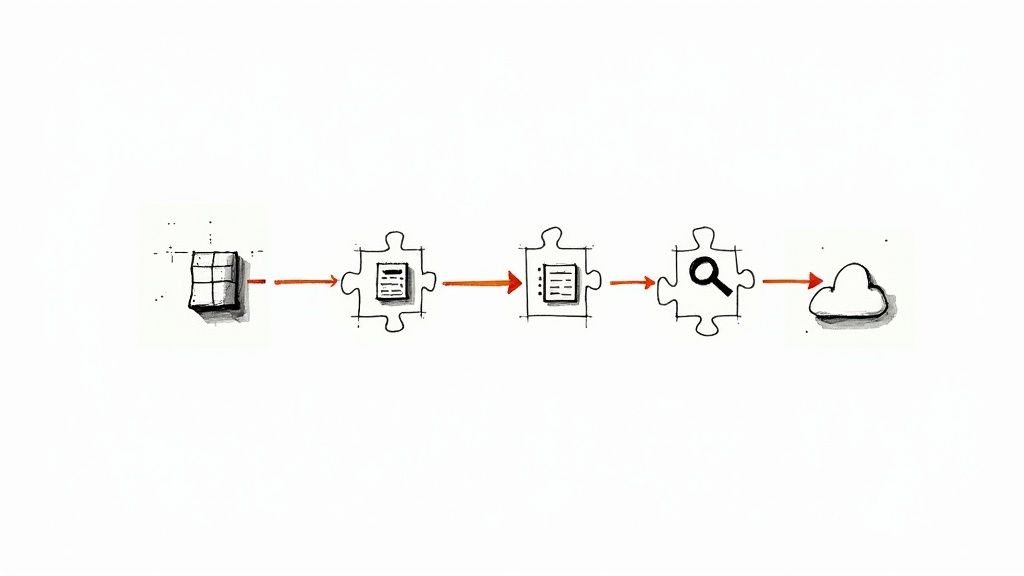
    Image

    Version Control: The Single Source of Truth

    Every action in a modern release cycle originates from a Version Control System (VCS). It serves as the project's immutable ledger, meticulously tracking every code change, the author, and the timestamp.

    Git is the industry standard. When a developer executes a git push, it acts as a webhook trigger for the entire automated pipeline. This single action initiates the build, test, and deploy sequence, ensuring every release is based on a known, auditable state of the codebase.

    CI/CD Platforms: The Pipeline's Conductor

    Once code is pushed, a CI/CD platform orchestrates the entire workflow. This tool is the central nervous system of your automation, executing the predefined stages of your release pipeline. It continuously listens for changes in your Git repository and immediately puts the new code into motion.

    Key platforms include:

    • Jenkins: An open-source, highly extensible automation server known for its flexibility and massive plugin ecosystem.
    • GitLab CI/CD: Tightly integrated into the GitLab platform, it provides a seamless experience from source code management to deployment within a single application.

    These platforms automate the heavy lifting of building artifacts and running initial tests, ensuring every commit is validated.

    Containerization and Orchestration: Building Predictable Environments

    One of the most persistent problems in software delivery is environmental inconsistency—the "it works on my machine" syndrome. Containerization solves this by packaging an application with all its dependencies (libraries, binaries, configuration files) into a standardized, isolated unit.

    A container is a lightweight, standalone, executable package of software that includes everything needed to run it. This guarantees that the software will always run the same way, regardless of the deployment environment.

    Docker is the de facto standard for containerization. However, managing hundreds or thousands of containers across a cluster of servers requires an orchestration platform.

    Kubernetes (K8s) has become the industry standard for managing containerized applications at scale. It automates the deployment, scaling, and operational management of your containers, ensuring high availability and resilience for production workloads.

    Automated Testing and Observability: The Quality Gates

    With the application containerized and ready for deployment, the pipeline proceeds to rigorous quality checks. Automated Testing Frameworks act as quality gates that prevent bugs from reaching production.

    • Selenium is a powerful tool for browser automation, ideal for end-to-end testing of complex user interfaces and workflows.
    • Cypress offers a more modern, developer-centric approach to E2E testing, known for its speed and reliability.

    The process doesn't end at deployment. Observability Platforms serve as your eyes and ears in production, collecting detailed telemetry (metrics, logs, and traces) to provide deep insight into your application's real-time health.

    Tools like Prometheus (for time-series metrics and alerting) and Datadog (a comprehensive monitoring platform) are essential for post-release monitoring. They enable teams to rapidly detect and diagnose production issues, often before users are impacted.

    The rise of these powerful tools is happening as enterprise software investment is projected to hit $1.25 trillion globally. This push is heavily influenced by new AI coding assistants, now used by a staggering 92% of developers in the U.S. to speed up their work. To see what's driving this trend, you can discover more insights about software development statistics on designrush.com. This entire toolchain creates a powerful, self-reinforcing loop that defines what a mature software release cycle looks like today.

    Best Practices for a High-Performing Release Process

    Implementing the right tools and stages is foundational, but transforming a functional software release cycle into a high-performing engine requires technical discipline and proven best practices. Elite engineering teams don't just follow the process; they relentlessly optimize it. Adopting these battle-tested practices is what separates chaotic, high-stress deployments from the smooth, predictable releases that enable business agility.

    This is about moving beyond simple task automation. It's about building a culture of proactive quality control and systematic risk reduction. The goal is to build a system so robust that deploying to production feels routine, not like a high-stakes gamble.

    Image

    Implement a Robust Automated Testing Pyramid

    A high-velocity release process is built on a foundation of comprehensive automated testing. The "testing pyramid" is a strategic framework that allocates testing effort effectively. It advocates for a large volume of fast, low-level tests at the base and a smaller number of slow, high-level tests at the peak.

    • Unit Tests (The Base): This is the largest part of your testing suite. These are fast, isolated tests that verify individual functions or classes. A strong unit test foundation with high code coverage catches the majority of bugs early in the development cycle, where they are cheapest to fix.
    • Integration Tests (The Middle): This layer validates the interactions between different components or services. It ensures that API contracts are honored and data flows correctly between different parts of the application.
    • End-to-End Tests (The Peak): At the top are a small number of tests that simulate a complete user journey through the application's UI. These tests are valuable for validating critical business flows but are often slow and brittle, so they should be used judiciously.

    A strong testing culture isn't just a technical nice-to-have; it's a huge business investment. The global software testing market is on track to hit $97.3 billion by 2032. Big companies are leading the way, with 40% dedicating over a quarter of their entire software budget to quality assurance.

    Use Infrastructure as Code for Consistency

    One of the primary causes of deployment failures is "environment drift," where the staging environment differs subtly but critically from production. Infrastructure as Code (IaC) eliminates this problem. It allows you to define and manage your infrastructure—servers, load balancers, network rules—using declarative configuration files (e.g., Terraform, CloudFormation) that are stored in version control.

    With IaC, your environments are not just similar; they are identical, version-controlled artifacts. This completely eliminates the "it worked in staging!" problem and makes your deployments deterministic, repeatable, and auditable.

    This practice guarantees that the environment you test in is exactly the same as the environment you deploy to, drastically reducing the risk of unexpected production failures. For a deeper dive into this kind of automation, check out our guide on CI/CD pipeline best practices.

    Decouple Deployment from Release with Feature Flags

    This is perhaps the most powerful technique for de-risking a release: separating the technical act of deploying code from the business decision of releasing a feature. Feature flags (or feature toggles) are the mechanism. They are conditional statements in your code that allow you to enable or disable functionality for users at runtime without requiring a new deployment.

    This fundamentally changes your release process:

    1. Deploy with Confidence: You can merge and deploy new, incomplete code to production behind a "disabled" feature flag. The code is live on production servers but is not executed for any users, mitigating risk.
    2. Test in Production: You can then enable the feature for a small internal group or a tiny percentage of users (a "canary release") to validate its performance and functionality with real production traffic.
    3. Instant Rollback: If the new feature causes issues, you can instantly disable it for all users by toggling the flag in a dashboard. This is an order of magnitude faster and safer than executing a full deployment rollback.

    A key part of a high-performing release process is transparency, and maintaining a comprehensive changelog is essential for tracking what's happening. A well-kept log, like Obsibrain's Changelog, ensures everyone on the team knows what changes are being flagged and released. By adopting these practices, you transform your team from reactive firefighters into proactive builders who ship high-quality software with confidence.

    Frequently Asked Questions

    Even the most optimized software release cycle encounters technical challenges. Getting stuck on architectural questions or operational hurdles can kill momentum. Here are clear, technical answers to the most common questions.

    These are not just textbook definitions; they are practical insights to help you refine your process, whether you are building your first CI/CD pipeline or optimizing a mature one for higher performance.

    What Is the Main Difference Between Continuous Delivery and Continuous Deployment?

    This is a critical distinction that comes down to a single, final step: the deployment to production. Both Continuous Delivery and Continuous Deployment rely on a fully automated pipeline that builds and tests every code change committed to the main branch.

    The divergence occurs at the final gate to production.

    • Continuous Delivery: In this model, every change that passes all automated tests is automatically deployed to a production-like staging environment. The artifact is proven to be "releasable." However, the final push to production requires a manual trigger, such as a button click. This keeps a human in the loop for final business approval or to coordinate the release with other activities.

    • Continuous Deployment: This model takes automation one step further. If a build passes every single automated quality gate, it is automatically deployed directly to production without any human intervention. This is the goal for high-velocity teams who have extreme confidence in their test automation and monitoring capabilities.

    The core difference is the final trigger. Continuous Delivery ensures a release is ready to go at any time, while Continuous Deployment automatically executes the release.

    How Do Feature Flags Improve the Release Cycle?

    Feature flags (or feature toggles) are conditional logic in your code that allows you to dynamically enable or disable functionality at runtime. They are a powerful technique for decoupling code deployment from feature release, which provides several technical advantages for your release cycle.

    1. Eliminate Large, Risky Releases: You can merge and deploy small, incremental code changes into production behind a "disabled" flag. This avoids the need for long-lived feature branches that are difficult to merge and allows teams to ship smaller, less risky changes continuously.
    2. Enable Testing in Production: Feature flags allow you to safely expose a new feature to a controlled audience in the production environment—first to internal teams, then to a small percentage of beta users. This provides invaluable feedback on how the code behaves under real production load and with real user data.
    3. Instantaneous Rollback: If a newly enabled feature causes production issues (e.g., a spike in error rates or latency), you can instantly disable it by toggling the flag. This is a much faster and safer remediation action than a full deployment rollback, which can take several minutes and is itself a risky operation.

    What Are the Most Critical Metrics to Monitor Post-Release?

    Post-release monitoring is your first line of defense against production incidents. While application-specific metrics are important, a few key signals are universally critical for assessing the health of a new release.

    The industry standard is to start with the "Four Golden Signals" of monitoring:

    • Latency: The time it takes to service a request, typically measured at the 50th, 95th, and 99th percentiles. A sudden increase in p99 latency after a release often indicates a performance bottleneck affecting a subset of users.
    • Traffic: A measure of demand on your system, often expressed in requests per second (RPS). Monitoring traffic helps you understand load and capacity.
    • Errors: The rate of requests that fail, such as HTTP 500 errors. A sharp increase in the error rate is a clear and immediate signal that a release has introduced a critical bug.
    • Saturation: A measure of how "full" your system is, typically focused on its most constrained resources (e.g., CPU utilization, memory usage, or disk I/O). High saturation indicates the system is approaching its capacity limit and is a leading indicator of future outages.

    Beyond these four, you should monitor application performance monitoring (APM) data for transaction traces, user-facing crash reports from the client-side, and key business metrics (e.g., user sign-ups or completed purchases) to ensure the release is having the desired impact.


    Ready to build a high-performing, automated software release cycle without the overhead? OpsMoon provides elite, remote DevOps engineers and tailored project support to optimize your entire delivery pipeline. Start with a free work planning session to map out your roadmap and match with the top-tier talent you need to accelerate your releases with confidence.

  • A Technical Guide to Small Business Cloud Migration

    A Technical Guide to Small Business Cloud Migration

    A small business cloud migration is the process of moving digital assets—applications, data, and infrastructure workloads—from on-premises servers to a cloud provider's data centers. This is not just a physical move; it's a strategic re-platforming of your company's technology stack onto a more scalable, secure, and cost-efficient operational model. It involves transitioning from a Capital Expenditure (CapEx) model of hardware ownership to an Operational Expenditure (OpEx) model of service consumption.

    Why Cloud Migration Is a Strategic Technical Decision

    Image

    The recurring cycle of procuring, provisioning, maintaining, and decommissioning physical servers imposes significant operational overhead and financial drag. A cloud migration refactors this entire paradigm. It's a core architectural decision that directly impacts operational efficiency and financial allocation by shifting from Capital Expenditure (CapEx) to Operational Expenditure (OpEx). Instead of large, upfront investments in depreciating hardware assets, you transition to a consumption-based pricing model for compute, storage, and networking resources. This preserves capital for core business functions like product development, R&D, and market expansion.

    Achieving Technical Agility and Auto-Scaling

    Consider a scenario where an API endpoint experiences a sudden 10x traffic spike due to a marketing campaign. On-premises, this could saturate server resources, leading to increased latency or a full-scale outage. This requires manual intervention, like provisioning a new physical server, which can take days or weeks.

    In the cloud, you can configure auto-scaling groups. These services automatically provision or de-provision virtual machine instances based on predefined metrics like CPU utilization or network I/O. This elasticity ensures that your application scales horizontally in real-time to meet demand and scales back down to minimize costs during off-peak hours, ensuring you only pay for the compute resources you actively consume.

    Bolstering Security Posture and Business Continuity

    Most small businesses lack the resources for a dedicated security operations center (SOC) or robust physical data center security. Major cloud providers invest billions in securing their infrastructure, offering a multi-layered security posture that is practically unattainable for an SMB.

    By migrating, you offload the responsibility for the physical security layer—from data center access controls to hardware lifecycle management—to the provider. This allows you to leverage their advanced threat detection systems, DDoS mitigation services, and automated compliance reporting. Furthermore, their global infrastructure enables robust disaster recovery (DR) architectures, allowing you to replicate data and services across geographically distinct availability zones for near-zero Recovery Point Objective (RPO) and Recovery Time Objective (RTO).

    This move fundamentally strengthens your security posture. As you evaluate this shift, understanding the key benefits of outsourcing IT provides a valuable framework for appreciating the division of labor. Cloud migration is about gaining a competitive advantage through a more resilient, secure, and flexible infrastructure, enabling you to leverage enterprise-grade technology without the corresponding capital outlay. The question is no longer if an SMB should migrate, but how to architect the migration for maximum ROI.

    Choosing Your Cloud Service Model: IaaS, PaaS, or SaaS

    Before executing a migration, you must select the appropriate service model. This decision dictates the level of control you retain versus the level of management you abstract away to the cloud provider. The three primary models are Infrastructure as a Service (IaaS), Platform as a Service (PaaS), and Software as a Service (SaaS). This choice has direct implications on your operational responsibilities, technical skill requirements, and cost structure.

    IaaS: The Foundational Building Blocks

    Infrastructure as a Service (IaaS) provides the fundamental compute, storage, and networking resources on demand. It is the cloud equivalent of being given a provisioned rack in a data center. The provider manages the physical hardware and the virtualization hypervisor, but everything above that layer is your responsibility.

    You are responsible for deploying and managing the guest operating system (e.g., Ubuntu Server, Windows Server), installing all necessary middleware and runtimes (e.g., Apache, NGINX, .NET Core), and deploying your application code. IaaS is ideal for migrating legacy applications with specific OS dependencies or for workloads requiring fine-grained control over the underlying environment. It offers maximum flexibility but demands significant technical expertise in systems administration and network management.

    This image really drives home the core reasons small businesses make the jump to the cloud, no matter which model they end up choosing.

    Image

    You can see how scalability, cost savings, and security are the pillars of a solid cloud strategy, each one contributing to a stronger, more resilient business.

    PaaS: The Developer's Workshop

    Platform as a Service (PaaS) abstracts away the underlying infrastructure and operating system. The provider manages the servers, storage, networking, OS patching, and runtime environment (e.g., Java, Python, Node.js). This allows your development team to focus exclusively on writing code and managing application data.

    PaaS is an excellent choice for custom application development, as it streamlines the CI/CD pipeline and reduces operational overhead. Services like AWS Elastic Beanstalk or Azure App Service automate deployment, load balancing, and scaling, drastically accelerating the development lifecycle. If you're building a web application or API, a PaaS solution eliminates the undifferentiated heavy lifting of infrastructure management.

    With PaaS, you offload routine but critical tasks like OS security patching and database administration. This model acts as a force multiplier for development teams, enabling them to innovate on core product features rather than manage infrastructure.

    SaaS: The Ready-to-Use Solution

    Software as a Service (SaaS) is the most abstracted model. The provider manages the entire stack: infrastructure, platform, and the application itself. You access the software via a subscription, typically through a web browser or API, with no direct management of the underlying technology.

    Common examples include Microsoft 365 for productivity, Salesforce for CRM, or QuickBooks Online for accounting. For SMBs, SaaS is the default strategy for replacing commodity on-premises software. It eliminates all infrastructure overhead and provides a predictable, recurring cost structure. 72% of businesses with fewer than 50 employees already leverage SaaS platforms extensively.

    This trend aligns with modern deployment strategies. For instance, implementing a blue-green deployment is significantly simpler with cloud-native tooling, allowing for zero-downtime releases—a critical capability for any modern business.

    IaaS vs PaaS vs SaaS: What You Manage vs What the Provider Manages

    To clearly delineate the boundaries of responsibility, this matrix breaks down the management stack for each service model.

    IT Component On-Premises Infrastructure as a Service (IaaS) Platform as a Service (PaaS) Software as a Service (SaaS)
    Networking You Manage Provider Manages Provider Manages Provider Manages
    Storage You Manage Provider Manages Provider Manages Provider Manages
    Servers You Manage Provider Manages Provider Manages Provider Manages
    Virtualization You Manage Provider Manages Provider Manages Provider Manages
    Operating System You Manage You Manage Provider Manages Provider Manages
    Middleware You Manage You Manage Provider Manages Provider Manages
    Runtime You Manage You Manage Provider Manages Provider Manages
    Data You Manage You Manage You Manage You Manage
    Applications You Manage You Manage You Manage Provider Manages

    As you move from left to right, the scope of your management responsibility decreases as the provider's increases. Selecting the right model requires a careful balance between the need for granular control and the desire for operational simplicity.

    The 6 Rs Technical Framework for Migration

    Image

    A successful small business cloud migration is a systematic process, not a monolithic lift. The industry-standard "6 Rs" framework provides a strategic decision matrix for classifying every application and workload in your portfolio. This technical blueprint breaks down a complex project into a series of defined, executable strategies. By applying this framework, you can methodically assign the most appropriate migration path for each component, optimizing for cost, performance, and operational efficiency while minimizing risk.

    Rehost: The “Lift-and-Shift”

    Rehosting is the process of migrating an application to the cloud with minimal or no code changes. It involves deploying the existing application stack onto an IaaS environment. This is the fastest migration path and is often used to meet urgent business objectives, such as a data center lease expiration.

    This strategy is ideal for legacy applications where the source code is unavailable or the technical expertise to modify it is lacking. The primary benefit is speed, but the downside is that it fails to leverage cloud-native capabilities like auto-scaling or managed services, potentially leading to a less cost-optimized environment post-migration.

    • Small Business Example: An accounting firm runs its legacy tax software on an aging on-premises Windows Server. To improve availability and eliminate hardware maintenance, they use a tool like AWS Application Migration Service (MGN) to replicate the server's entire disk volume and launch it as an EC2 instance on AWS or a VM on Azure. The OS, dependencies, and application remain identical, but now operate on managed cloud infrastructure.

    Replatform: The “Lift-and-Tinker”

    Replatforming involves making targeted, limited modifications to an application to leverage specific cloud services without changing its core architecture. This strategy offers a balance between the speed of rehosting and the benefits of refactoring.

    This approach delivers tangible improvements in performance, cost, and operational overhead with minimal development effort. It's about identifying and capitalizing on low-hanging fruit to achieve quick wins.

    Replatforming focuses on swapping out specific components for their managed cloud equivalents. This immediately reduces administrative burden and improves the application's resilience and scalability profile.

    A canonical example is migrating a self-managed MySQL database running on a virtual machine to a managed database service like Amazon RDS or Azure SQL Database. This single change offloads the responsibility for database patching, backups, replication, and scaling to the cloud provider.

    Repurchase: Moving to a SaaS Model

    Repurchasing involves decommissioning an existing on-premises application and migrating its data and functionality to a Software as a Service (SaaS) platform. This is a common strategy for commodity business functions where a custom solution provides no competitive advantage.

    This path is often chosen for CRM, HR, email, and project management systems. The primary driver is to eliminate all management overhead associated with the software and its underlying infrastructure, shifting to a predictable subscription-based cost model.

    • Small Business Example: A marketing agency relies on a self-hosted, licensed project management tool. As part of their cloud strategy, they repurchase this capability by migrating their project data to a SaaS platform like Asana or Trello. This eliminates server maintenance, enhances collaboration features, and converts a capital expense into a scalable operational expense.

    Refactor: Re-architecting for the Cloud

    Refactoring is the most intensive strategy, involving significant changes to the application's architecture to fully leverage cloud-native features. This often means breaking down a monolithic application into a set of loosely coupled microservices, each running in its own container.

    While requiring a substantial investment in development resources, refactoring unlocks the highest degree of agility, scalability, and resilience. Cloud-native applications can be scaled and updated independently, enabling faster feature releases and fault isolation. This approach is often aligned with broader initiatives like adopting DevOps practices or pursuing legacy system modernization strategies.

    Retire and Retain: The Final Decisions

    The final two Rs involve strategic inaction or decommissioning.

    1. Retire: During the discovery phase, you will invariably identify applications or servers that are no longer in use or provide redundant functionality. The Retire strategy is to decommission these assets. This reduces the migration scope and eliminates ongoing licensing and maintenance costs.

    2. Retain: Some workloads may not be suitable for cloud migration at the present time. The Retain strategy, also known as "revisit," acknowledges that factors like regulatory compliance, ultra-low latency requirements, or prohibitive refactoring costs may necessitate keeping certain applications on-premises. These workloads can be re-evaluated at a later date.

    Building Your Phased Cloud Migration Roadmap

    A cloud migration should be executed as a structured project, not an ad-hoc initiative. A phased roadmap provides a clear, actionable plan that mitigates risk and ensures alignment with business objectives. This four-phase approach provides a technical blueprint for moving from initial assessment to a fully optimized cloud environment.

    Phase 1: Discovery and Assessment

    This foundational phase involves creating a comprehensive inventory and dependency map of your current IT environment. The quality of this data directly impacts the success of all subsequent phases.

    The primary objective is a thorough IT asset inventory. Use automated discovery tools (e.g., AWS Application Discovery Service, Azure Migrate) to scan your network and build a configuration management database (CMDB). This should capture server specifications (vCPU, RAM, storage), OS versions, installed software, and network configurations.

    Next, conduct rigorous application dependency mapping. Identify inter-service communication paths, database connections, and external API calls. Visualizing these dependencies is critical to creating migration "move groups"—collections of related components that must be migrated together to avoid breaking functionality.

    Finally, define specific, measurable business objectives. Quantify your goals. For example: "Reduce server infrastructure costs by 30% within 12 months" or "Achieve a Recovery Time Objective (RTO) of less than 1 hour for all critical applications."

    Phase 2: Planning and Design

    With a complete picture of your current state, you can architect your target cloud environment. This phase involves key technical and strategic decisions.

    First, select a cloud provider. Evaluate Amazon Web Services (AWS), Microsoft Azure, and Google Cloud Platform (GCP) based on their service offerings, pricing models, and your team's existing skill sets. For example, a business heavily invested in the Microsoft ecosystem might find Azure a more natural fit.

    The core deliverable of this phase is a detailed target architecture design. This includes defining your Virtual Private Cloud (VPC) or Virtual Network (VNet) topology, subnetting strategy, IAM roles and policies for access control, and data encryption standards (e.g., KMS for encryption at rest, TLS for encryption in transit). Security must be a design principle from the outset, not an add-on.

    With a provider selected, apply the "6 R's" framework to each application identified in Phase 1. This tactical exercise determines the optimal migration path for each workload, forming the basis of your execution plan.

    Phase 3: Migration Execution

    This is the implementation phase where workloads are actively migrated to the cloud. A disciplined, iterative approach is key to minimizing downtime and validating success at each step.

    Data transfer is a critical component. Your choice of method will depend on data volume, network bandwidth, and security requirements:

    • Online Transfer: Utilize services like AWS DataSync or Azure File Sync over a VPN or Direct Connect link for ongoing replication.
    • Offline Transfer: For multi-terabyte datasets, physical transfer appliances like an AWS Snowball are often more efficient and cost-effective than transferring over the wire.

    Upon deployment, conduct rigorous validation testing. This must include performance testing to ensure the application meets or exceeds its on-premises performance baseline, security testing to verify firewall rules and IAM policies, and User Acceptance Testing (UAT) to confirm functionality with business stakeholders.

    The final step is the cutover, which transitions production traffic to the new cloud environment. Use strategies like a DNS cutover with a low TTL (Time To Live) to minimize disruption. Advanced techniques like a blue-green deployment can be used for critical applications to enable instant rollback if issues arise.

    Phase 4: Optimization and Governance

    Migration is not the final step; it is the beginning of a continuous optimization lifecycle. The dynamic nature of the cloud requires ongoing management to control costs and maintain performance.

    Implement comprehensive performance monitoring using cloud-native tools like Amazon CloudWatch or Azure Monitor. Configure alerts for key metrics (e.g., CPU utilization > 80%, latency spikes) to proactively identify issues.

    Adopt FinOps principles to manage cloud expenditure. This is a cultural and technical practice involving:

    • Cost Monitoring: Use cost explorers and set up budgets with spending alerts.
    • Right-Sizing: Regularly analyze utilization metrics to downsize over-provisioned instances.
    • Automation: Implement scripts to shut down non-production environments outside of business hours to eliminate waste.

    The transition to cloud infrastructure is a defining trend. By 2025, over 60% of SMBs are projected to use cloud services for the majority of their IT infrastructure. This is part of a broader shift where 89% of organizations are implementing multi-cloud strategies to leverage best-of-breed services and prevent vendor lock-in. For more data, you can discover more insights about cloud migration statistics on duplocloud.com. This technical roadmap provides a structured approach to successfully joining this movement.

    Calculating the True Cost of Your Cloud Migration

    Image

    A credible small business cloud migration requires a detailed financial analysis. The key metric is Total Cost of Ownership (TCO), which compares the full lifecycle cost of your on-premises infrastructure against the projected costs in the cloud. A comprehensive budget must account for expenses across three distinct phases: pre-migration, execution, and post-migration operations.

    Pre-Migration Costs

    These are the upfront investments required to plan the migration correctly and mitigate risks.

    • Discovery and Assessment: This may involve licensing costs for automated discovery and dependency mapping tools, or professional services fees for a third-party consultant to conduct the initial audit.
    • Strategic Planning: This represents the labor cost of your technical team's time dedicated to designing the target architecture, defining security policies, and selecting appropriate cloud services.
    • Team Training: Budget for cloud certification courses (e.g., AWS Solutions Architect, Azure Administrator) and hands-on training labs to upskill your team for managing the new environment. This is a critical investment in operational self-sufficiency.

    Migration Execution Costs

    These are the direct, one-time costs associated with the physical and logical move of your workloads.

    Here's what to budget for:

    • Data Egress Fees: Your current hosting provider or data center may charge a per-gigabyte fee to transfer data out of their network. This can be a significant and often overlooked expense.
    • Labor and Tools: This includes the person-hours for your internal team or a migration partner to execute the migration plan. It also covers any specialized migration software (e.g., database replication tools) used during the process.
    • Parallel Operations: During the transition, you will likely need to run both the on-premises and cloud environments concurrently for a period of time to allow for testing and a phased cutover. This temporary duplication of infrastructure is a necessary cost to ensure business continuity.

    Post-Migration Operational Costs

    Once migrated, your cost model shifts to recurring operational expenditure (OpEx). The public cloud services market is projected to grow from $232.51 billion in 2024 to $806.41 billion by 2029, driven by the adoption of technologies like AI and machine learning. This growth underscores the importance of actively managing your recurring cloud spend.

    Your post-migration budget is not static. It must be actively managed. The elasticity of the cloud is a double-edged sword; without proper governance, costs can escalate unexpectedly.

    Your primary operational costs will include:

    • Compute Instances: Billed per-second or per-hour for your virtual machines.
    • Storage: Per-gigabyte costs for block storage (EBS), object storage (S3), and database storage.
    • Data Transfer: Fees for data egress from the cloud provider's network to the public internet.
    • Monitoring Tools: Costs for advanced monitoring, logging, and analytics services.

    Proactive cost management is essential. Utilize cloud provider pricing calculators for initial estimates and implement cost optimization best practices from day one. Techniques like using reserved instances or savings plans for predictable workloads, leveraging spot instances for fault-tolerant batch jobs, and implementing automated shutdown scripts are critical for maintaining long-term financial control.

    Got Questions About Your Cloud Migration? We’ve Got Answers.

    Executing a cloud migration introduces new technical paradigms and operational models. It is essential to address key questions around security, architecture, and required skill sets before embarking on this journey. This FAQ provides direct, technical answers to common concerns.

    Is the Cloud Really More Secure Than My On-Premises Server?

    For the vast majority of small businesses, the answer is unequivocally yes. This is due to the shared responsibility model employed by all major cloud providers. They are responsible for the security of the cloud (physical data centers, hardware, hypervisor), while you are responsible for security in the cloud (your data, configurations, access policies).

    Providers like AWS, Azure, and GCP operate at a scale that allows for massive investments in physical and operational security that are unattainable for an SMB.

    Your responsibility is to correctly configure the services they provide. This includes:

    • Identity and Access Management (IAM): Implementing the principle of least privilege by creating granular roles and policies.
    • Data Encryption: Enforcing encryption at rest using services like AWS KMS and in transit using TLS 1.2 or higher.
    • Network Security: Configuring Virtual Private Cloud (VPC) security groups and network access control lists (NACLs) to act as stateful and stateless firewalls.

    Upon migration, you inherit a suite of enterprise-grade security services for threat detection (e.g., AWS GuardDuty) and compliance with certifications like SOC 2, ISO 27001, and PCI DSS. This immediately elevates your security posture beyond what is typically feasible on-premises.

    How Do I Avoid Getting Locked into One Cloud Provider?

    Vendor lock-in is a valid architectural concern that can be mitigated through deliberate design choices that prioritize portability.

    First, favor open-source technologies over proprietary, provider-specific services where possible. For example, using a standard database engine like PostgreSQL in a managed service like RDS allows for easier migration to another cloud's PostgreSQL offering, compared to using a proprietary database like Amazon DynamoDB.

    Second, embrace containerization. Using Docker to package your applications and a container orchestrator like Kubernetes creates a layer of abstraction between your application and the underlying cloud infrastructure. A containerized application can be deployed consistently across any cloud provider that offers a managed Kubernetes service (EKS, AKS, GKE).

    Finally, adopt Infrastructure as Code (IaC) with a cloud-agnostic tool like Terraform. IaC allows you to define your infrastructure (servers, networks, databases) in declarative configuration files. While some provider-specific resources will be used, the core logic and structure of your infrastructure are codified, making it significantly easier to adapt and redeploy on a different provider.

    What Technical Skills Does My Team Need for the Cloud?

    Cloud operations require a shift from traditional systems administration to a more software-defined, automated approach.

    Key skill areas to develop include:

    1. Cloud Architecture: Understanding how to design for high availability, fault tolerance, and cost-efficiency using cloud-native patterns. A certification like the AWS Certified Solutions Architect – Associate is a strong starting point.
    2. Security: Expertise in cloud-specific security controls, particularly IAM, network security configurations (VPCs, security groups), and encryption key management.
    3. Automation and DevOps: Proficiency in a scripting language (e.g., Python, Bash) and an IaC tool like Terraform is essential for building repeatable, automated deployments and managing infrastructure programmatically.
    4. Cost Management (FinOps): A new but critical discipline focused on monitoring, analyzing, and optimizing cloud spend. This involves using cloud provider cost management tools and understanding pricing models.

    Begin by getting one or two key technical staff members certified on your chosen platform. They can then act as internal champions, leveraging the provider's extensive free training resources and documentation to upskill the rest of the team.


    Navigating the complexities of cloud architecture and DevOps requires specialized expertise. At OpsMoon, we connect you with the top 0.7% of remote DevOps engineers to ensure your cloud migration is a success from start to finish. We provide tailored support, from initial planning to post-migration optimization, making your transition smooth and cost-effective.

    Start your journey with a free work planning session at OpsMoon

  • What Is Continuous Monitoring? A Technical Guide to Real-Time System Insight

    What Is Continuous Monitoring? A Technical Guide to Real-Time System Insight

    Forget periodic check-ups. Continuous monitoring is the practice of automatically observing your entire IT environment—from infrastructure to applications—in real time. It's not a once-a-year inspection; it's a live, multiplexed telemetry feed for your systems, constantly providing data on performance metrics, security events, and operational health.

    Understanding Continuous Monitoring Without the Jargon

    Image

    Here's a simple way to think about it: Picture the difference between your car's dashboard and its annual state inspection.

    Your dashboard provides constant, immediate feedback—speed, engine RPM, oil pressure, and temperature. This data lets you react to anomalies the moment they occur. That is the essence of continuous monitoring. The annual inspection, conversely, only provides a state assessment at a single point in time. A myriad of issues can develop and escalate between these scheduled checks.

    The Shift from Reactive to Proactive

    This always-on, high-frequency data collection marks a fundamental shift from reactive troubleshooting to proactive risk management. Instead of waiting for a system to fail or a security breach to be discovered post-mortem, your teams receive an immediate feedback loop. It's about detecting anomalous signals before they cascade into system-wide failures.

    This real-time visibility is a cornerstone of modern DevOps and cybersecurity. It involves the automated collection and analysis of telemetry data across your entire IT stack to detect and respond to security threats immediately, shrinking the window of vulnerability that attackers exploit. The team over at Splunk.com offers some great insights into this proactive security posture.

    Continuous monitoring enables security and operations teams to slash the 'mean time to detection' (MTTD) for both threats and system failures. By shortening this crucial metric, organizations can minimize damage and restore services faster.

    This constant stream of information is what makes it so powerful. You get the data needed not only to remediate problems quickly but also to perform root cause analysis (RCA) and prevent future occurrences before they manifest.

    Continuous Monitoring vs Traditional Monitoring

    To fully grasp the difference, it's useful to compare the legacy and modern approaches. Traditional monitoring was defined by scheduled, periodic checks—a low-frequency sampling of system state. Continuous monitoring is a high-fidelity, real-time data stream.

    This table breaks down the key technical distinctions:

    Aspect Traditional Monitoring Continuous Monitoring
    Timing Scheduled, periodic (e.g., daily cron jobs, weekly reports) Real-time, event-driven, and streaming
    Approach Reactive (finds problems after they occur) Proactive (identifies risks and anomalies as they happen)
    Scope Often siloed on specific metrics (e.g., CPU, memory) Holistic view across the entire stack (infra, apps, network, security)
    Data Collection Manual or semi-automated polling (e.g., SNMP GET) Fully automated, continuous data streams via agents and APIs
    Feedback Loop High latency, with significant delays between data points Low latency, providing immediate alerts and actionable insights

    The takeaway is simple: while traditional monitoring asks "Is the server's CPU below 80% right now?", continuous monitoring is always analyzing trends, correlations, and deviations to ask "Is system behavior anomalous, and what is the probability of a future failure?". It's a game-changer for maintaining system health, ensuring security, and achieving operational excellence.

    Exploring the Three Pillars of Continuous Monitoring

    To understand continuous monitoring on a technical level, it's best to deconstruct it into three core pillars. This framework models the flow of data from raw system noise to actionable intelligence that ensures system stability and security.

    This three-part structure is the engine that powers real-time visibility into your entire stack.

    Pillar 1: Continuous Data Collection

    The process begins with Continuous Data Collection. This foundational layer involves instrumenting every component of your IT environment to emit a constant stream of telemetry. The goal is to capture high-cardinality data from every possible source, leaving no blind spots.

    This is accomplished through a combination of specialized tools:

    • Agents: Lightweight daemons installed on servers, containers, and endpoints. They are designed to collect specific system metrics like CPU utilization, memory allocation, disk I/O, and network statistics.
    • Log Shippers: Tools like Fluentd or Logstash are the workhorses here. They tail log files from applications and systems, parse them into structured formats (like JSON), and forward them to a centralized aggregation layer.
    • Network Taps and Probes: These devices or software agents capture network traffic via port mirroring (SPAN ports) or directly, providing deep visibility into communication patterns, protocol usage, and potential security threats.
    • API Polling: For cloud services and SaaS platforms, monitoring tools frequently poll vendor APIs (e.g., AWS CloudWatch API, Azure Monitor API) to ingest metrics and events.

    Pillar 2: Real-Time Analysis and Correlation

    Ingested raw data is high-volume but low-value. The second pillar, Real-Time Analysis and Correlation, transforms this data into meaningful information. This is where a Security Information and Event Management (SIEM) system or a modern observability platform adds significant value.

    These systems apply anomaly detection algorithms and correlation rules to sift through millions of events per second. They are designed to identify complex patterns by connecting seemingly disparate data points—such as a failed login attempt from an unknown IP address on one server followed by a large data egress event on another—to signal a potential security breach or an impending system failure.

    If you're curious about how this fits into the broader software delivery lifecycle, understanding the differences between continuous deployment vs continuous delivery can provide valuable context.

    The image below gives a great high-level view of the benefits you get from this kind of systematic approach.

    Image

    As you can see, a well-instrumented monitoring pipeline directly supports critical business outcomes, like enhancing security posture and optimizing operational efficiency.

    Pillar 3: Automated Alerting and Response

    The final pillar is Automated Alerting and Response. This is where insights are translated into immediate, programmatic action. When the analysis engine identifies a critical issue, it triggers automated workflows instead of relying solely on human intervention.

    This pillar closes the feedback loop. It ensures that problem detection leads to a swift and consistent reaction, which is key to minimizing your Mean Time to Respond (MTTR).

    In practice, this involves integrations with tools like PagerDuty to route high-severity alerts to on-call engineers. More advanced implementations trigger Security Orchestration, Automation, and Response (SOAR) platforms to execute predefined playbooks, such as automatically isolating a compromised container from the network or rolling back a faulty deployment.

    Meeting Modern Compliance with Continuous Monitoring

    Image

    For organizations in regulated industries, the annual audit is a familiar, high-stress event. Proving compliance often involves a scramble to gather evidence from disparate systems. However, these point-in-time snapshots are no longer sufficient.

    Frameworks like GDPR, HIPAA, and PCI DSS demand ongoing, verifiable proof of security controls. This positions continuous monitoring as a non-negotiable component of a modern compliance program.

    Instead of a single snapshot, an always-on monitoring strategy provides a continuous, auditable data stream of your security posture. This immutable log of events is precisely what auditors require—evidence that security controls are not just designed correctly, but are operating effectively, 24/7.

    From Best Practice to Mandate

    This is not a trend; it is a fundamental shift in compliance enforcement. Given the complexity of modern digital supply chains and the dynamic nature of cyber threats, a once-a-year audit is an obsolete model. Global compliance frameworks are increasingly codifying continuous monitoring into their requirements.

    This approach is also critical for managing third-party vendor risk. By continuously monitoring the security posture of your partners, you protect your own data, secure the entire ecosystem, and ensure regulatory adherence across your supply chain.

    Continuous monitoring transforms compliance from a periodic, manual event into a predictable, automated part of daily operations. It’s about having the telemetry to prove your security controls are always enforced.

    For example, many organizations now utilize systems for continuous licence monitoring to ensure they remain compliant with specific industry regulations. This mindset is a core pillar of modern operational frameworks. To see how this fits into the bigger picture, it’s worth understanding what is DevOps methodology.

    Ultimately, it reduces compliance from a dreaded annual examination to a managed, data-driven business function.

    How to Implement a Continuous Monitoring Strategy

    Implementing an effective continuous monitoring strategy is a structured engineering process. It requires transforming a flood of raw telemetry into actionable intelligence for your security and operations teams. This is not merely about tool installation; it's about architecting a systematic feedback loop for your entire environment.

    The process begins with defining clear, technical objectives. You cannot monitor everything, so you must prioritize based on business impact and risk.

    Define Scope and Objectives

    First, identify and classify your critical assets. What are the Tier-1 services? This could be customer databases, authentication services, or revenue-generating applications. Document the specific risks associated with each asset—data exfiltration, service unavailability, or performance degradation. This initial step provides immediate focus.

    With assets and risks defined, establish clear, measurable objectives using key performance indicators (KPIs). Examples include reducing Mean Time to Detection (MTTD) for security incidents below 10 minutes or achieving 99.99% uptime (a maximum of 52.6 minutes of downtime per year) for a critical API. These quantifiable goals will guide all subsequent technical decisions. For a deeper look at integrating security into your processes, our guide on DevOps security best practices is an excellent resource.

    Select the Right Tools

    Your choice of tools will define the scope and depth of your visibility. The market is divided between powerful open-source stacks and comprehensive commercial platforms, each with distinct trade-offs.

    • Open-Source Stacks (Prometheus/Grafana): This combination is a de facto standard for metrics-based monitoring and visualization. Prometheus excels at scraping and storing time-series data from services, while Grafana provides a powerful and flexible dashboarding engine. This stack is highly customizable and extensible but requires significant engineering effort for setup, scaling, and maintenance.
    • Commercial Platforms (Splunk/Datadog): Tools like Splunk and Datadog offer integrated, all-in-one solutions covering logs, metrics, and application performance monitoring (APM). They typically feature rapid deployment, a vast library of pre-built integrations, and advanced capabilities like AI-powered anomaly detection, but they operate on a consumption-based pricing model.

    To help you navigate the options, here's a quick breakdown of some popular tools and what they're best at.

    Key Continuous Monitoring Tools and Their Focus

    Tool Primary Focus Type Key Features
    Prometheus Metrics & Alerting Open-Source Powerful query language (PromQL), time-series database, service discovery
    Grafana Visualization & Dashboards Open-Source Supports dozens of data sources, rich visualizations, flexible alerting
    Datadog Unified Observability Commercial Logs, metrics, traces (APM), security monitoring, real-user monitoring (RUM) in one platform
    Splunk Log Management & SIEM Commercial Advanced search and analytics for machine data, security information and event management (SIEM)
    ELK Stack Log Analysis Open-Source Elasticsearch, Logstash, and Kibana for centralized logging and visualization
    Nagios Infrastructure Monitoring Open-Source Host, service, and network protocol monitoring with a focus on alerting

    The optimal tool choice depends on a balance of your team's expertise, budget constraints, and your organization's build-versus-buy philosophy.

    Configure Data Sources and Baselines

    Once tools are selected, the next step is data ingestion. This involves deploying agents on your servers, configuring log forwarding from applications, and integrating with cloud provider APIs. The objective is to establish a unified telemetry pipeline that aggregates data from every component in your stack.

    After data begins to flow, the critical work of establishing performance baselines commences. This involves analyzing historical data to define "normal" operating ranges for key metrics like CPU utilization, API response latency, and error rates. Without a statistically significant baseline, you cannot effectively detect anomalies or configure meaningful alert thresholds. This process is the foundation of effective data-driven decision-making.

    Finally, configure alerting rules and response workflows. The goal is to create high-signal, low-noise alerts that are directly tied to your objectives. Couple these with automated playbooks that can handle initial triage or simple remediation tasks, freeing up your engineering team to focus on critical incidents that require human expertise.

    Applying Continuous Monitoring in OT and Industrial Environments

    Image

    Continuous monitoring is not limited to corporate data centers and cloud infrastructure. It plays a mission-critical role in Operational Technology (OT) and industrial control systems (ICS), where a digital anomaly can precipitate a kinetic, real-world event.

    In sectors like manufacturing, energy, and utilities, the stakes are significantly higher. A server outage is an inconvenience; a power grid failure or a pipeline rupture is a catastrophe. Here, continuous monitoring evolves from tracking IT metrics to overseeing the health and integrity of large-scale physical machinery.

    From IT Metrics to Physical Assets

    In an OT environment, the monitoring paradigm shifts. Data is collected and analyzed from a sprawling network of sensors, programmable logic controllers (PLCs), and other industrial devices. This data stream provides a real-time view of the operational integrity of physical assets.

    Instead of only monitoring for cyber threats, teams look for physical indicators such as:

    • Vibrational Anomalies: Unexpected changes in a machine's vibrational signature can be an early indicator of impending mechanical failure.
    • Temperature Spikes: Thermal runaway is a classic and dangerous indicator of stress on critical components.
    • Pressure Fluctuations: In fluid or gas systems, maintaining correct pressure is non-negotiable for safety and operational efficiency.

    Continuous monitoring in OT is the bridge between the digital and physical worlds. It uses data to protect industrial infrastructure from both sophisticated cyber-attacks and the fundamental laws of physics.

    By continuously analyzing this stream of sensor data, organizations can transition from reactive to predictive maintenance. This shift prevents costly, unplanned downtime and can significantly extend the operational lifespan of heavy machinery. The impact is measurable: industries leveraging this approach can reduce downtime by up to 30% and cut maintenance costs by as much as 40%. You can get a deeper look at how this is changing the industrial game in this in-depth article on mfe-is.com.

    Ultimately, applying continuous monitoring principles to industrial settings is about ensuring operational reliability, mitigating major physical risks, and protecting both personnel and assets in real time.

    Frequently Asked Questions About Continuous Monitoring

    Even with a solid strategy, practical and technical questions inevitably arise during implementation. Let's address some of the most common queries from engineers and security professionals.

    What Is the Difference Between Continuous Monitoring and Observability?

    This question is common because the terms are often used interchangeably, but they represent distinct, complementary concepts for understanding system behavior.

    Continuous monitoring is about the known-unknowns. You configure checks for metrics and events you already know are important. It's analogous to a car's dashboard—it reports on speed, fuel level, and engine temperature. It answers questions like, "Is CPU utilization over 80%?" or "Is our API latency exceeding the 200ms SLO?" It tells you when a predefined condition is met.

    Observability, conversely, is about the unknown-unknowns. It's the capability you need when your system exhibits emergent, unpredictable behavior. It leverages high-cardinality telemetry (logs, metrics, and traces) to allow you to ask new questions on the fly and debug novel failure modes. It helps you understand why something is failing in a way you never anticipated.

    In short: monitoring tells you that a specific, predefined threshold has been crossed. Observability gives you the raw data and tools to debug bizarre, unexpected behavior. A resilient system requires both.

    How Do You Avoid Alert Fatigue?

    Alert fatigue is a serious operational risk. A high volume of low-value notifications desensitizes on-call teams, causing them to ignore or miss critical alerts signaling a major outage. The objective is to achieve a high signal-to-noise ratio where every alert is meaningful and actionable.

    Here are technical strategies to achieve this:

    • Set Dynamic Baselines: Instead of static thresholds, use statistical methods (e.g., moving averages, standard deviation) to define "normal" behavior. This drastically reduces false positives caused by natural system variance.
    • Tier Your Alerts: Classify alerts by severity (e.g., P1-P4). A P1 critical failure should trigger an immediate page, whereas a P3 minor deviation might only generate a ticket in a work queue for business hours.
    • Correlate Events: Instead of firing 50 separate alerts when a database fails, use an event correlation engine to group them into a single, context-rich incident. The team receives one notification that shows the full blast radius, not a storm of redundant pings.
    • Tune Thresholds Regularly: Systems evolve, and so should your alerts. Make alert tuning a regular part of your operational sprints. Review noisy alerts and adjust thresholds or logic to improve signal quality.

    Can Small Organizations Implement Continuous Monitoring Effectively?

    Absolutely. A large budget or a dedicated Site Reliability Engineering (SRE) team is not a prerequisite. While enterprises may invest in expensive commercial platforms, the open-source ecosystem has democratized powerful monitoring capabilities.

    A highly capable, low-cost stack can be built using industry-standard open-source tools. For example, combining Prometheus for metrics collection, Grafana for dashboarding, and the ELK Stack (Elasticsearch, Logstash, Kibana) for log aggregation provides a robust foundation that can scale from a startup to a large enterprise.

    Furthermore, major cloud providers offer managed monitoring services that simplify initial adoption. Services like AWS CloudWatch and Azure Monitor operate on a pay-as-you-go model and abstract away the underlying infrastructure management. For a small business or startup, this is often the most efficient path to implementing a continuous monitoring strategy.


    Navigating the world of DevOps and continuous monitoring can feel overwhelming. At OpsMoon, we connect you with the top 0.7% of remote DevOps engineers who live and breathe this stuff. Whether you're trying to build an observability stack from scratch or fine-tune your CI/CD pipelines, our experts are here to help.

    Start with a free work planning session to map your DevOps roadmap today!

  • Platform Engineering vs DevOps: A Technical Deep Dive

    Platform Engineering vs DevOps: A Technical Deep Dive

    When comparing platform engineering vs DevOps, the critical distinction lies in scope and mechanism. DevOps is a cultural philosophy focused on breaking down organizational silos between development and operations teams through shared processes, tools, and responsibilities. Platform engineering, in contrast, is the technical discipline of building a product—the Internal Developer Platform (IDP)—to codify and scale that philosophy. Platform engineering doesn't replace DevOps; it operationalizes it, providing the infrastructure and tooling as a self-service product.

    Understanding the Core Philosophies

    The "platform engineering vs DevOps" debate often mistakenly frames them as competing methodologies. A more accurate view is that platform engineering is the logical, product-centric evolution of DevOps principles. DevOps established the cultural foundation for accelerating the software development lifecycle (SDLC) through collaboration.

    Platform engineering takes these foundational principles and productizes them. Instead of relying on decentralized knowledge of CI/CD, IaC, and cloud services, it builds a "paved road" for developers. This road is the Internal Developer Platform (IDP)—a curated, API-driven layer of tools, services, and automated workflows that abstracts away the underlying infrastructure complexity. Developers consume these resources via a self-service model, enabling them to build, ship, and run their applications with minimal operational overhead.

    Image

    Key Conceptual Differences

    DevOps focuses on how teams collaborate. Its success is measured by improved communication, streamlined handoffs, and shared ownership, facilitated by practices like continuous integration, continuous delivery (CI/CD), and Infrastructure as Code (IaC). The goal is to make the entire SDLC a seamless, collaborative workflow.

    Platform engineering shifts the focus to what developers consume. It treats infrastructure, deployment pipelines, and observability tooling as an internal product, with developers as its customers. The platform team’s primary objective is to engineer a reliable, secure, and user-friendly IDP that provides developers with self-service capabilities for provisioning, deployment, monitoring, and other operational tasks.

    The goal of DevOps is to enable teams to own their services by breaking down organizational silos. The goal of platform engineering is to enable them to do so without being burdened by excessive cognitive load.

    This is a crucial technical distinction. A DevOps culture encourages a developer to understand and manage their application's infrastructure, often requiring them to write Terraform or Kubernetes manifests. Platform engineering provides them with a simplified, standardized API to achieve the same outcome without deep infrastructure expertise. For example, a developer might run a CLI command like platformctl provision-db --type=postgres --size=medium instead of writing 50 lines of HCL.

    At a Glance: DevOps vs Platform Engineering

    To make these ideas more concrete, here's a quick summary of the fundamental differences. This table should help set the stage for the deeper technical breakdown we'll get into next.

    Aspect DevOps Platform Engineering
    Primary Goal Foster a culture of collaboration and shared responsibility to accelerate software delivery. Reduce developer cognitive load and improve velocity by providing a self-service platform.
    Core Focus Processes, workflows, and cultural change between development and operations. Building and maintaining an Internal Developer Platform (IDP) as a product.
    Interaction Model High-touch collaboration, cross-functional teams, and shared tooling knowledge. API-driven self-service, clear service contracts, and a product-centric approach.
    Beneficiary The entire organization, by improving the flow of value through the SDLC. Primarily application developers, who are treated as internal customers of the platform.

    As you can see, they aren't mutually exclusive. Platform engineering provides the practical "how" for the cultural "why" that DevOps established.

    DevOps: The Foundation of Modern Delivery

    Before the rise of platform engineering, DevOps provided the cultural and technical foundation for modern software delivery. At its core, DevOps is a philosophy aimed at breaking down the walls between development and operations teams to create a culture of shared responsibility across the SDLC. This is not merely about communication; it's a fundamental restructuring of how software is designed, built, tested, deployed, and operated.

    The DevOps movement gained traction by solving a critical business problem: slow, risky, and siloed software release cycles. Its success is quantifiable: high-performing DevOps teams achieve a 46 times increase in code deployment frequency and recover from incidents 96 times faster than their lower-performing counterparts. It's no surprise that by 2025, over 78% of organizations worldwide are projected to have adopted DevOps practices. It has become the de facto standard for balancing development velocity with operational stability.

    The Technical Pillars of a Mature DevOps Environment

    A mature DevOps practice is built on three technical pillars that automate and accelerate the SDLC. These practices are the concrete implementation of the DevOps philosophy.

    1. Robust CI/CD Pipelines: Continuous Integration and Continuous Delivery pipelines are the automated backbone of DevOps. Using tools like Jenkins or GitLab CI, teams automate the build-test-deploy cycle. A typical pipeline, defined in a Jenkinsfile or .gitlab-ci.yml, triggers on a git push, runs unit and integration tests, builds a Docker image, pushes it to a registry, and deploys it to staging and production environments. This automation is crucial for minimizing manual toil and human error.
    2. Infrastructure as Code (IaC): IaC applies software engineering discipline to infrastructure management. Instead of manual configuration in a cloud console, infrastructure components—virtual machines, networks, load balancers—are defined declaratively in configuration files using tools like Terraform or Ansible. This ensures environments are reproducible, version-controlled via Git, and auditable, eliminating configuration drift between development, staging, and production.
    3. Comprehensive Monitoring and Observability: The "you build it, you run it" principle is only viable with deep visibility into application performance. DevOps teams implement monitoring stacks using tools like Prometheus for time-series metric collection and Grafana for visualization. This allows them to monitor system health, receive alerts on SLO breaches, and rapidly diagnose production issues, creating a tight feedback loop between development and operations.

    DevOps isn't a job title. It's a cultural shift where everyone involved in delivering software—from developers and QA to operations—is on the hook for its quality and reliability, from the first line of code to its final sunset.

    Key Roles and Responsibilities in DevOps

    While DevOps is primarily a culture, specialized roles have emerged to champion its practices and implement the necessary automation.

    A DevOps Engineer is typically tasked with building and maintaining CI/CD pipelines, automating infrastructure provisioning with IaC, and ensuring development teams have the tools for frictionless software delivery. They are the architects of the automated pathways of the SDLC. For a deeper analysis, explore our guide on DevOps methodology.

    A Site Reliability Engineer (SRE) often works alongside DevOps engineers but with a specific focus on operational reliability, performance, and scalability. Applying software engineering principles to operations problems, SREs define and manage Service Level Objectives (SLOs), maintain error budgets, and engineer resilient, self-healing systems. Their primary mission is to ensure production stability while enabling rapid innovation, striking a balance between velocity and reliability.

    Platform Engineering: Productizing the SDLC

    If DevOps laid the cultural groundwork for modern software delivery, platform engineering is the team that comes in to build the actual highways. It’s a powerful shift in thinking: treat the entire software development lifecycle (SDLC) as an internal product, with your developers as the customers. This isn't just a semantic change; it's a direct response to the growing pains we see when DevOps practices mature and the sheer complexity starts to bog everyone down.

    Platform engineering isn't about replacing DevOps. Instead, it gets laser-focused on building and maintaining a dedicated Internal Developer Platform (IDP). Think of it not as a random pile of tools, but as a cohesive, curated layer that hides all the messy infrastructure details. It gives developers a self-service catalog of resources, letting them spin up what they need—from deployment pipelines to databases—without becoming experts in Kubernetes networking or cloud security policies.

    Image

    What an Internal Developer Platform Actually Is

    The IDP is the tangible artifact produced by a platform engineering team. It is an integrated system designed to provide "golden paths"—standardized, secure, and efficient ways to execute common tasks. This eliminates redundant effort and ensures best practices are followed by default.

    This represents a significant evolution in the DevOps landscape. As a discipline, platform engineering focuses on building IDPs by treating developers as internal customers, enabling self-service, and taming infrastructure complexity. The future impact is detailed in this 2025 DevOps analysis.

    A well-architected IDP typically includes these core components:

    • Standardized CI/CD Pipelines: The platform offers pre-configured, reusable pipeline templates. Developers can bootstrap a new service with a production-ready pipeline that includes static analysis, security scanning, and multi-stage deployment logic by simply referencing a template.
    • On-Demand Environments: Developers can provision production-like environments for development, testing, or staging via an API call or a UI button. This might involve dynamically creating a namespaced Kubernetes environment with pre-configured networking, ingress controllers, and resource quotas.
    • Baked-In Observability: Instead of manual setup of Prometheus, Grafana, or an ELK stack, an IDP provides observability as a service. Any application deployed via the platform is automatically instrumented with agents for log, metric, and trace collection.
    • Built-in Security Guardrails: Security is integrated into the platform's core. This includes automated vulnerability scanning in CI pipelines, policy-as-code enforcement using tools like Open Policy Agent, and centralized secrets management, ensuring compliance without impeding developer velocity.

    When you boil down the platform engineering vs. DevOps debate, it comes down to how things get done. DevOps champions a shared-responsibility model for infrastructure. Platform engineering delivers that same infrastructure capability as a self-service product.

    The Real Goal: Reducing Developer Cognitive Load

    Ultimately, an IDP's primary purpose is to drastically reduce the cognitive load on application developers. In a pure DevOps model, a developer might need proficiency in Terraform, Kubernetes YAML, Helm charts, and PromQL, in addition to their primary responsibility of writing application code. This distributed responsibility often becomes a major productivity bottleneck at scale.

    Platform engineering addresses this by creating well-defined abstractions. A developer interacts with the platform's simplified API rather than the complex APIs of the underlying cloud provider. This frees up their mental capacity to focus on building features that deliver direct business value. By "productizing" the SDLC, platform engineering makes the DevOps promise of speed and stability sustainable at scale.

    A Granular Technical Comparison

    While the high-level philosophies are a good starting point, the real differences between platform engineering and DevOps pop up when you get into the weeds of day-to-day technical work. The whole platform engineering vs devops debate gets a lot clearer once you move past concepts and look at how each one actually impacts the way software gets built and shipped. The contrast is pretty stark, from the tools people use to the metrics they obsess over.

    This visual gives a quick snapshot of some key operational differences you’ll find in team structure, deployment speed, and how infrastructure is managed.

    Image

    As you can see, a platform model often lines up with faster deployment cycles and more specialized teams. In contrast, DevOps shops typically have more generalized teams responsible for a much wider—and more decentralized—slice of the infrastructure.

    Toolchain Philosophy

    One of the biggest technical dividers is the approach to the engineering toolchain. The tools you choose end up defining developer workflows and how efficient your operations can be.

    In a classic DevOps setup, the philosophy is decentralized and flexible. Each application team is often free to pick the tools that work best for their specific stack. You might see one team using Jenkins for CI/CD, while another goes all-in on GitLab CI. This autonomy allows teams to optimize locally but can lead to tool sprawl, inconsistent practices, and significant knowledge siloing.

    Platform engineering takes the opposite approach, pushing for a curated and centralized toolset. The platform team builds out "golden paths" by selecting, integrating, and maintaining a standard set of tools offered as a service. This doesn't eliminate choice but frames it within a supported ecosystem. The result is consistency, baked-in security, and economies of scale.

    Interaction Model

    The way developers actually engage with infrastructure is fundamentally different, and this dictates the speed—or friction—of the whole process.

    DevOps is built on a high-touch, collaborative model. Developers, QA, and ops engineers are in the trenches together, often as part of the same cross-functional team. If a developer needs a new database, they might pair-program with an ops engineer to write the Terraform code. This fosters strong collaboration but doesn't scale well and can create bottlenecks.

    Platform engineering, on the other hand, runs on an API-driven, self-service model. The platform team exposes its capabilities—like provisioning a database or configuring a CI/CD pipeline—through a well-defined API, a command-line tool, or a developer portal. The developer interacts with the platform's interface, not an ops engineer. This low-touch model is designed for scalability and speed, abstracting away the underlying complexity.

    A DevOps team scales by adding more engineers to collaborate. A platform team scales by improving its product so that a single API can serve hundreds of developers without direct human intervention.

    Key Performance Indicators

    The metrics each side uses to measure success also tell you a lot about their core priorities. After all, what you measure is what you optimize for.

    DevOps success is almost always measured using the DORA metrics:

    • Deployment Frequency: How often are you pushing successful releases to production?
    • Lead Time for Changes: How long does it take for a code commit to make it to production?
    • Mean Time to Recovery (MTTR): When things break, how fast can you fix them?
    • Change Failure Rate: What percentage of your deployments cause a production failure?

    These metrics are all about the health and velocity of the end-to-end delivery pipeline.

    Platform engineering cares about DORA metrics too, but it adds a layer of product-oriented KPIs to measure how well the platform itself is doing:

    • Developer Velocity: How quickly can developers deliver real business value? This is often tracked by looking at time spent on new features versus operational grunt work.
    • Platform Adoption Rate: What percentage of dev teams are actually using the platform's features?
    • Developer Satisfaction (NPS): Are developers happy using the platform, or do they see it as a chore?
    • Time to "Hello World": How long does it take for a new developer to get a simple app up and running in a production-like environment?

    Cognitive Load Management

    One of the most critical operational differences is how each model handles the crushing complexity of modern software systems.

    In a DevOps culture, cognitive load is managed through shared responsibility. Everyone on the team is expected to understand a pretty broad slice of the tech stack. While that’s great for cross-skilling, it can also mean developers spend a ton of time wrestling with things outside their core job, like complex IaC configurations. If you want to dive deeper, you can learn about some infrastructure as code best practices.

    Platform engineering is all about targeted cognitive load reduction. It starts with the assumption that it's just not efficient for every single developer to be a Kubernetes expert. The platform abstracts that complexity away, giving developers a simplified interface to work with. This frees up application developers to focus their brainpower on what matters most: the business logic.

    Technical Deep Dive: DevOps vs Platform Engineering

    To really nail down the differences, it helps to put them side-by-side. The table below breaks down the technical and operational specifics of each approach.

    Dimension DevOps Approach Platform Engineering Approach
    Tooling Decentralized, team-specific tool selection (e.g., Jenkins, GitLab CI). Centralized, curated toolset provided as a service (e.g., a standard CI/CD platform).
    Interaction High-touch, direct collaboration between Dev and Ops teams. Low-touch, self-service via APIs, CLIs, or a developer portal.
    Infrastructure Managed directly by product teams using IaC (e.g., Terraform, CloudFormation). Abstracted away behind the platform; managed by the platform team.
    Cognitive Load Distributed across the team; developers handle operational tasks. Reduced for developers; complexity is absorbed by the platform.
    Scaling Model Human-centric: scales by embedding more Ops engineers into teams. Product-centric: scales by improving the platform to serve more users.
    Key Metrics DORA metrics (Deployment Frequency, Lead Time, MTTR, Change Failure Rate). DORA metrics + Platform KPIs (Adoption, Developer Satisfaction, Time to "Hello World").

    This side-by-side view really highlights the shift from a service-oriented mindset in DevOps to a product-oriented one in platform engineering.

    Scaling Mechanism

    Finally, how do these models hold up when your organization blows up from 10 developers to 1,000?

    DevOps scales by embedding operational expertise within teams and scaling up processes. As the company grows, you hire more DevOps or SRE folks and stick them in the new product teams. The scaling is primarily people-powered, relying on replicating collaborative workflows and spreading knowledge.

    Platform engineering scales by scaling a product. The platform team operates just like any other software product team, constantly iterating on the internal developer platform (IDP). They add features, improve reliability, and fine-tune the user experience. The platform itself becomes the engine for scaling, allowing hundreds of developers to be productive without needing a linear increase in operations staff. A single improvement to the platform can boost the productivity of the entire engineering org.

    Picking Your Model: Practical Scenarios

    Deciding between a pure DevOps culture and standing up a platform engineering team isn't just a technical debate; it's a strategic move. The choice is driven entirely by your company's scale, complexity, and where you're headed next. The "platform engineering vs. DevOps" question is best answered by looking at real-world situations, not abstract theory.

    What works for a five-person startup will absolutely cripple a 500-person enterprise, and vice-versa. The trick is to match your operational model to your organizational reality. Small, nimble teams thrive on the high-bandwidth communication baked into DevOps. But once you're managing dozens of services, you need the kind of structure and scale that only a platform can deliver.

    Image

    When a Traditional DevOps Model Excels

    A classic, collaborative DevOps model is often the perfect play for smaller, more focused organizations where direct communication is still the fastest way to solve a problem. This approach is unbeatable when speed and flexibility are the name of the game, and the overhead of building a platform would just be a distraction.

    Here are a few specific scenarios where sticking with a pure DevOps model just makes sense:

    • Early-Stage Startups: Got a single product and a small engineering team (say, under 20 developers)? Your one and only job is to iterate like mad. A tight-knit DevOps culture creates instant feedback loops where devs and ops can hash out problems in real time. Building a platform at this stage is a classic case of premature optimization—focus on finding product-market fit first.
    • Single-Product Companies: If your world revolves around a single monolithic application or a small handful of tightly coupled services, the complexity is usually manageable. A dedicated DevOps team or a few embedded SREs can easily support the development crew without needing a fancy abstraction layer. The cost of building and maintaining an Internal Developer Platform (IDP) would simply outweigh the benefits.
    • Proof-of-Concept Projects: When you're spinning up a new idea or testing a new technology, speed is everything. A cross-functional team with shared responsibility can build, deploy, and learn without being fenced in by the "golden paths" of a platform.

    When Platform Engineering Becomes Essential

    Platform engineering isn't a luxury item you add on later; it becomes a flat-out necessity when the complexity of your systems and the size of your engineering org start creating friction that slows everyone down. It's the answer to the scaling problems that a pure DevOps culture just can't solve on its own.

    It's time to make the move to platform engineering in these situations:

    • Large Enterprises with Many Teams: Once you have dozens of autonomous dev teams all working on different microservices, a decentralized DevOps model turns into chaos. Every team starts reinventing the wheel for CI/CD pipelines, security practices, and infrastructure setups. The result is a massive duplication of effort and zero consistency. A platform brings order to that chaos.
    • Strict Compliance and Governance Needs: In regulated industries like finance or healthcare, making sure every service ticks all the security and compliance boxes isn't optional. A platform can enforce these policies automatically, creating guardrails that stop teams from making expensive mistakes before they happen.
    • High Developer Churn or Rapid Onboarding: When you're hiring fast, a platform is a massive accelerator. Instead of new hires spending weeks trying to figure out your unique infrastructure stack, they can start shipping code almost immediately by using the platform's self-service tools.

    Here's a key trigger: when your development teams consistently spend more than 20% of their time on infrastructure configuration, pipeline maintenance, and other non-feature work, you've got a cognitive load problem. That's a clear signal that a platform is needed to solve it.

    Evolving from DevOps to a Hybrid Model

    For most growing companies, this isn't a flip-the-switch change. It's a gradual evolution. You can start introducing platform concepts piece by piece to solve your most immediate pain points, without a massive upfront investment.

    This hybrid approach usually looks something like this:

    1. Find the Biggest Bottleneck: Start by asking, "What's the most common, repetitive task slowing our developers down?" Is it provisioning databases? Setting up new CI/CD pipelines? Nail that down first.
    2. Build a "Thin Viable Platform" (TVP): Create a simple, automated solution for that one problem and offer it up as a self-service tool. This could be as simple as a standardized Terraform module or a shared CI/CD pipeline template.
    3. Treat It Like a Product: Get feedback from your developers—they are your customers. Iterate on the solution to make it more solid and easier to use.
    4. Expand Incrementally: Once that first tool is a success and people are actually using it, move on to the next biggest pain point. Over time, these individual solutions will start to come together into a more comprehensive internal platform.

    Building Your Internal Developer Platform

    So, you're ready to build an internal developer platform. The single biggest mistake I see teams make is trying to boil the ocean—aiming for a massive, all-in-one system right out of the gate. That's a recipe for failure.

    A much smarter approach is to start with what’s called a Thin Viable Platform (TVP). Think of it as your MVP. The goal is to solve the most painful, frustrating, and time-consuming problem your developers face right now. Nail that first. You’ll deliver immediate value, which is the only way to get developers to trust and actually use what you're building.

    This isn't just a process; it's a product mindset. You're building an internal product for your developers, and their feedback is what will drive its evolution. This shift from collaborative processes to a tangible product is a core difference between platform engineering and DevOps.

    Identifying Critical Pain Points

    First things first: you need to figure out where the biggest bottlenecks are. Where are your developers getting stuck? Where are they wasting the most time? Don't guess—go find out. Send out surveys, run a few workshops, and dig into your metrics to find the real sources of friction.

    You'll probably see some common themes emerge:

    • Slow Environment Provisioning: Devs are stuck waiting for days just to get a simple testing or staging environment.
    • Inconsistent CI/CD Pipelines: Every team is reinventing the wheel, building slightly different pipelines that become a nightmare to maintain.
    • Complex Infrastructure Configuration: Deploying a simple service requires a PhD in Kubernetes or Terraform.

    Pick the one issue that makes everyone groan the loudest. Solve that, and you'll have a powerful success story that proves the platform's worth.

    Defining Golden Paths and Reusable Modules

    Once you have your target, it's time to define a "golden path." This is your paved road—a standardized, opinionated, and fully automated workflow for a specific task, like spinning up a new microservice. This path should have all your best practices built right in, from security checks to observability hooks.

    The building blocks for these golden paths are reusable infrastructure modules. Instead of letting every developer write their own Terraform from scratch, you provide a battle-tested module that provisions a production-ready database with just a few parameters. The magic is in the abstraction.

    The whole point of an Internal Developer Platform is to hide the accidental complexity. A developer shouldn't have to become an expert in cloud IAM policies just to get their app running securely.

    Choosing the Right Technology Stack

    Your tech stack should support this abstraction-first philosophy. Tools like Backstage.io are fantastic for creating a central developer portal—a single place for service catalogs, documentation, and CI/CD status checks. For taming multi-cloud infrastructure, Crossplane is a great choice, letting you build your own platform APIs on top of the cloud providers' resources.

    And please, don't treat security as an afterthought. Build it into your golden paths from day one so that compliance and protection are the default, not something you have to bolt on later. For a deeper dive on this, check out our guide on DevOps security best practices.

    By starting with a solid TVP, establishing a tight feedback loop, and iterating relentlessly, you'll lay down a clear roadmap for a platform that developers actually love to use.

    Got Questions? We've Got Answers

    Let's tackle a few common questions that pop up when people start talking about platform engineering versus DevOps.

    Does Platform Engineering Make DevOps Engineers Obsolete?

    Not at all. It just reframes their mission. In a platform-centric world, you need that deep DevOps expertise more than ever—it’s just focused on building, maintaining, and scaling the Internal Developer Platform (IDP) itself.

    Instead of being embedded in different app teams putting out fires, DevOps pros get to build the fire station. They shift from a reactive support role to a proactive engineering one, creating robust, self-service tools that make every development team better.

    What’s the Right Size for a Platform Engineering Team?

    There's no magic number here, but the "two-pizza team" rule is a solid starting point—think 5 to 9 people. The real key is to start small and stay focused.

    A lean, dedicated crew can build a Thin Viable Platform (TVP) that solves one or two high-impact problems really well. As developers start using it and asking for more, you can scale the team to match the demand. Just make sure you have a good mix of skills covering infrastructure, automation, software development, and a dash of product management.

    The success of a platform isn't about headcount; it’s about the value it delivers. A small team that eliminates a critical developer bottleneck is worth more than a huge team building features nobody wants.

    How Do You Know if an IDP Is Actually Working?

    You measure its success with a mix of technical stats and, more importantly, developer-centric feedback. On the technical side, you’ll want to track things like system reliability, security compliance, and cost efficiency.

    But the real proof is in the developer experience. Are your developers actually happy? Look at metrics like lead time for changes, how often they can deploy, and the platform’s adoption rate. If developers are choosing to use the platform and it helps them ship code faster with less friction, you've got a winner.


    Ready to build a platform engineering strategy or sharpen your DevOps culture? OpsMoon connects you with the top 0.7% of remote DevOps and platform engineers who know how to build and scale modern infrastructure. Start with a free work planning session to map your path to operational excellence.

  • Mastering Software Quality Assurance Processes: A Technical Guide

    Mastering Software Quality Assurance Processes: A Technical Guide

    Software quality assurance isn't a procedural checkbox; it's an engineering discipline. It is a systematic approach focused on preventing defects throughout the software development lifecycle (SDLC), not merely detecting them at the end.

    This represents a fundamental paradigm shift. Instead of reactively debugging a near-complete application, you architect the entire development process to minimize the conditions under which bugs can be introduced.

    Building Quality In, Not Bolting It On

    Historically, QA was treated as a final validation gate before a release. A siloed team received a feature drop and was tasked with identifying all its flaws. This legacy model is inefficient, costly, and incompatible with modern high-velocity software delivery methodologies like CI/CD.

    A deeply integrated approach is required, where quality is a shared responsibility, engineered into every stage of the SDLC. This is the core principle of modern software quality assurance processes.

    Quality cannot be "added" to a product post-facto; it must be built in from the first commit.

    The Critical Difference Between QA and QC

    To implement this effectively, it's crucial to understand the technical distinction between Quality Assurance (QA) and Quality Control (QC). These terms are often conflated, but they represent distinct functions.

    • Quality Control (QC) is reactive and product-centric. It involves direct testing and inspection of the final artifact to identify defects. Think of it as executing a test suite against a compiled binary.
    • Software Quality Assurance (SQA) is proactive and process-centric. It involves designing, implementing, and refining the processes and standards that prevent defects from occurring. It's about optimizing the SDLC itself to produce higher-quality outcomes.

    Consider an automotive assembly line. QC is the final inspector who identifies a scratch on a car's door before shipment. SQA is the team that engineers the robotic arm's path, specifies the paint's chemical composition, and implements a calibration schedule to ensure such scratches are never made.

    QC finds defects after they're created. SQA engineers the process to prevent defect creation. This proactive discipline is the foundation of high-velocity, high-reliability software engineering.

    Why Proactive SQA Matters

    A process-first SQA focus yields significant technical and business dividends. A defect identified during the requirements analysis phase—such as an ambiguous acceptance criterion—can be rectified in minutes with a conversation.

    If that same logical flaw persists into production, the cost to remediate it can be 100x greater. This cost encompasses not just developer time for patching and redeployment, but also potential data corruption, customer churn, and brand reputation damage.

    This isn't merely about reducing rework; it's about increasing development velocity. By building upon a robust foundation of clear standards, automated checks, and well-defined processes, development teams can innovate with greater confidence. Ultimately, rigorous software quality assurance processes produce systems that are reliable, predictable, and earn user trust through consistent performance.

    The Modern SQA Process Lifecycle

    A mature software quality assurance process is not a chaotic pre-release activity but a systematic, multi-phase lifecycle engineered for predictability and precision. Each phase builds upon the outputs of the previous one, methodically transforming an abstract requirement into a tangible, high-quality software artifact. The objective is to embed quality into the development workflow, from initial design to post-deployment monitoring.

    This lifecycle is governed by a proactive engineering mindset. It commences long before code is written and persists after deployment, establishing a continuous feedback loop that drives iterative improvement. Let's deconstruct the technical phases of this modern SQA process.

    Proactive Requirements Analysis

    The entire lifecycle is predicated on the quality of its inputs, making QA's involvement in requirements analysis non-negotiable. The primary goal is to eliminate ambiguity before it can propagate downstream as a defect. QA engineers collaborate with product managers and developers to rigorously scrutinize user stories and technical specifications.

    Their core function is to define clear, objective, and testable acceptance criteria. A requirement like "user login should be fast" is untestable and therefore useless. QA transforms it into a specific, verifiable statement: "The /api/v1/login endpoint must return a 200 OK status with a JSON Web Token (JWT) in the response body within 300ms at the 95th percentile (p95) under a simulated load of 50 concurrent users." This precision eradicates guesswork and provides a concrete engineering target.

    Strategic Test Planning

    With validated requirements, the next phase is to architect a comprehensive test strategy. This moves beyond ad-hoc test cases to a risk-based approach, concentrating engineering effort on areas with the highest potential impact or failure probability. The primary artifact produced is the Master Test Plan.

    This document codifies the testing scope and approach, detailing:

    • Objectives and Scope: Explicitly defining which user stories, features, and API endpoints are in scope, and just as critically, which are out of scope for the current cycle.
    • Risk Analysis: Identifying high-risk components (e.g., payment gateways, data migration scripts, authentication services) that require more extensive test coverage.
    • Resource and Environment Allocation: Specifying the necessary infrastructure, software versions (e.g., Python 3.9, PostgreSQL 14), and seed data required for test environments.
    • Schedules and Deliverables: Aligning testing milestones with the overall project timeline, ensuring integration into the broader software release lifecycle.

    Strategic planning provides a clear, executable roadmap for the entire quality effort.

    Image

    This visual underscores how a well-structured plan, with clear dependencies and timelines, is essential for an organized and effective testing phase.

    Systematic Test Design and Environment Provisioning

    This phase translates the high-level strategy into executable test cases and scripts. Effective test design prioritizes robustness, reusability, and maintainability. This includes writing explicit steps, defining precise expected outcomes (e.g., "expect HTTP status 201 Created"), and employing design patterns like the Page Object Model (POM) in UI automation to decouple test logic from UI implementation, reducing test fragility.

    Concurrently, consistent test environments are provisioned. Modern teams leverage Infrastructure as Code (IaC) using tools like Terraform or configuration management tools like Ansible. This practice ensures that every test environment—from a developer's local Docker container to the shared staging server—is an identical, reproducible clone of the production configuration, eliminating the "it works on my machine" class of defects.

    Rigorous Test Execution and Defect Management

    Execution is the phase where planned tests are run against the application under test (AUT). This is a methodical process, not an exploratory one. Testers execute test cases systematically, whether manually or through automated suites integrated into a CI/CD pipeline.

    When an anomaly is detected, a detailed defect report is logged in a tracking system like Jira. A high-quality bug report is a technical document containing:

    • A clear, concise title summarizing the fault.
    • Numbered, unambiguous steps to reproduce the issue.
    • Expected result vs. actual result.
    • Supporting evidence: screenshots, HAR files, API request/response payloads, and relevant log snippets (e.g., tail -n 100 /var/log/app.log).

    This level of detail is critical for minimizing developer time spent on diagnosis, directly reducing the Mean Time To Resolution (MTTR). The global software quality automation market is projected to reach USD 58.6 billion in 2025, a testament to the industry's investment in optimizing this process.

    A great defect report isn't an accusation; it's a collaboration tool. It provides the development team with all the necessary information to replicate, understand, and resolve a bug efficiently, turning a problem into a quick solution.

    Test Cycle Closure and Retrospectives

    Upon completion of the test execution phase, the cycle is formally closed. This involves analyzing the collected data to generate a Release Readiness Report. This report summarizes key metrics like code coverage trends, pass/fail rates by feature, and the number and severity of open defects. It provides stakeholders with the quantitative data needed to make an informed go/no-go decision for the release.

    The process doesn't end with the report. The team conducts a retrospective to analyze the SQA process itself. What were the sources of test flakiness? Did a gap in the test plan allow a critical bug to slip through? The insights from this meeting are used to refine the process for the next development cycle, ensuring the software quality assurance process itself is a system subject to continuous improvement.

    Your Engineering Guide To QA Testing Types

    Building robust software requires systematically verifying its behavior through a diverse array of testing types. A comprehensive quality assurance process leverages a portfolio of testing methodologies, each designed to validate a specific aspect of the system. Knowing which technique to apply at each stage of the SDLC is a hallmark of a mature engineering organization.

    These testing types can be broadly categorized into two families: functional and non-functional.

    Functional testing answers the question: "Does the system perform its specified functions correctly?" Non-functional testing addresses the question: "How well does the system perform those functions under various conditions?"

    Dissecting Functional Testing

    Functional tests are the foundation of any SQA strategy. They verify the application's business logic against its requirements, ensuring that inputs produce the expected outputs. This is achieved through a hierarchical approach, starting with granular checks and expanding to cover the entire system.

    The functional testing hierarchy is often visualized as the "Testing Pyramid":

    • Unit Tests: Written by developers, these tests validate the smallest possible piece of code in isolation—a single function, method, or class. They are executed via frameworks like JUnit or PyTest, run in milliseconds, and provide immediate feedback within the CI pipeline. They form the broad base of the pyramid.
    • Integration Tests: Once units are verified, integration tests check the interaction points between components. This could be the communication between two microservices via a REST API, or an application's ability to correctly read and write from a database. Understanding what is API testing is paramount here, as APIs are the connective tissue of modern software.
    • System Tests: These are end-to-end (E2E) tests that validate the complete, integrated application. They simulate real user workflows in a production-like environment to ensure all components function together as a cohesive whole to meet the specified business requirements.
    • User Acceptance Testing (UAT): The final validation phase before release. Here, actual end-users or product owners execute tests to confirm that the system meets their business needs and is fit for purpose in a real-world context.

    Exploring Critical Non-Functional Testing

    A feature that functionally works but takes 30 seconds to load is, from a user's perspective, broken. While functional tests confirm the application's correctness, non-functional tests ensure its operational viability, building user trust and system resilience.

    Non-functional testing is what separates a merely functional product from a truly reliable and delightful one. It addresses the critical "how" questions—how fast, how secure, and how easy is it to use?

    Critical non-functional testing disciplines include:

    • Performance Testing: A category of testing focused on measuring system behavior under load. It includes Load Testing (simulating expected user traffic), Stress Testing (pushing the system beyond its limits to identify its breaking point), and Spike Testing (evaluating the system's response to sudden, dramatic increases in load).
    • Security Testing: A non-negotiable practice involving multiple tactics. SAST (Static Application Security Testing) analyzes source code for known vulnerabilities. DAST (Dynamic Application Security Testing) probes the running application for security flaws. This often culminates in Penetration Testing, where security experts attempt to ethically exploit the system.
    • Usability Testing: This focuses on the user experience (UX). It involves observing real users as they interact with the software to identify points of confusion, inefficient workflows, or frustrating UI elements.

    The Role of Automated Regression Testing in CI/CD

    Every code change, whether a new feature or a refactoring, introduces the risk of inadvertently breaking existing functionality. This is known as a regression.

    Manually re-testing the entire application after every commit is computationally and logistically infeasible in a CI/CD environment. This is why automated regression testing is a cornerstone of modern SQA.

    A regression suite is a curated set of automated tests (a mix of unit, API, and key E2E tests) that cover the application's most critical functionalities. This suite is configured to run automatically on every code commit or pull request. If a test fails, the CI build is marked as failed, blocking the defective code from being merged or deployed. It serves as an automated safety net that enables high development velocity without sacrificing stability.

    Comparison of Key Software Testing Types

    This table provides a technical breakdown of key testing types, their objectives, typical execution points in the SDLC, and common tooling.

    Testing Type Primary Objective When It's Performed Example Tools
    Unit Testing Verify a single, isolated piece of code (function/method). During development, in the CI pipeline on commit. JUnit, NUnit, PyTest, Jest
    Integration Testing Ensure different software modules work together correctly. After unit tests pass, in the CI pipeline. Postman, REST Assured, Supertest
    System Testing Validate the complete and fully integrated application. On a dedicated staging or QA environment. Selenium, Cypress, Playwright
    UAT Confirm the software meets business needs with real users. Pre-release, after system testing is complete. User-led, manual validation
    Performance Testing Measure system speed, stability, and scalability. Staging/performance environment, post-build. JMeter, Gatling, k6
    Security Testing Identify and fix security vulnerabilities. Continuously throughout the SDLC. OWASP ZAP, SonarQube, Snyk
    Regression Testing Ensure new code changes do not break existing features. On every commit or pull request in CI/CD. Combination of automation tools

    Understanding these distinctions allows for the construction of a strategic, multi-layered quality assurance process that validates all aspects of software reliability and performance.

    Integrating QA Into Your CI/CD Pipeline

    In modern software engineering, release velocity is a key competitive advantage. The traditional model, where QA is a distinct phase following development, is an inhibitor to this velocity, creating a bottleneck in any DevOps workflow.

    To achieve high-speed delivery, quality assurance must be integrated directly into the Continuous Integration and Continuous Deployment (CI/CD) pipeline. This transforms the pipeline from a mere code delivery mechanism into an automated quality assurance engine that provides a rapid feedback loop.

    This practice is the technical implementation of the "Shift-Left" philosophy. The core principle is to move testing activities as early as possible in the development lifecycle. Detecting a bug via a failing unit test on a developer's local machine is trivial to fix. Detecting the same bug in production is a high-cost, high-stress incident.

    The Technical Blueprint For Pipeline Integration

    Embedding QA into a CI/CD pipeline involves automating various types of tests at specific trigger points. When a developer commits code, the pipeline automatically orchestrates a sequence of validation stages. It acts as an automated gatekeeper, preventing defective code from progressing toward production.

    This continuous, automated validation makes quality a prerequisite for every change, not a final inspection. This is the fundamental mechanism for achieving both speed and stability.

    Tools like Jenkins are commonly used as the orchestration engine for these automated workflows.

    Image

    The dashboard provides a clear, stage-by-stage visualization of the build, test, and deployment process, offering immediate insight into the health of any pending release.

    Building Automated Quality Gates

    Integrating tests is not just about execution; it's about establishing automated quality gates.

    A quality gate is a codified, non-negotiable standard within the pipeline. It is an automated decision point that enforces a quality threshold. If the code fails to meet this bar, the pipeline halts progression. This concept is central to shipping code with high velocity and safety.

    If the predefined standards are not met, the gate fails, the build is marked as 'failed', and the code is rejected. Here is a step-by-step breakdown of a typical CI/CD pipeline with integrated quality gates:

    1. Code Commit Triggers the Build: A developer pushes code to a Git repository like GitHub. A configured webhook triggers a build job on a CI server (e.g., Jenkins or GitLab CI). The server clones the repository and initiates the build process.

    2. Unit & Integration Tests Run: The pipeline's first quality gate is the execution of fast-running tests: the automated unit and integration test suites. These verify the code's internal logic and component interactions. A single test failure causes the build to fail immediately, providing rapid feedback to the developer.

    3. Automated Deployment to Staging: Upon passing the initial gate, the pipeline packages the application (e.g., into a Docker container) and deploys it to a dedicated staging environment. This environment should be a high-fidelity replica of production.

    4. API & E2E Tests Kick Off: With the application running in staging, the pipeline triggers the next set of gates. Automated testing frameworks like Selenium or Cypress execute end-to-end (E2E) tests that simulate complex user journeys. Concurrently, API-level tests are executed to validate service contracts and endpoint behaviors.

    This layered testing strategy ensures that every facet of the application is validated automatically. The specific structure of these pipelines often depends on the release strategy—understanding the differences between continuous deployment vs continuous delivery is crucial for proper implementation.

    The advent of cloud-based testing platforms enables massive parallelization of these tests across numerous browsers and device configurations without managing physical infrastructure. By engineering these automated quality gates, you create a resilient system that facilitates rapid code releases without compromising stability or user trust.

    Measuring The Impact Of Your SQA Processes

    In engineering, what is not measured cannot be improved. Without quantitative data, any effort to enhance software quality assurance processes is based on anecdote and guesswork. It is essential to move beyond binary pass/fail results and analyze the key performance indicators (KPIs) that reveal process effectiveness, justify resource allocation, and drive data-informed improvements.

    Image

    Metrics provide objective evidence of an SQA strategy's health. Tracking the right KPIs transforms abstract quality goals into concrete, actionable insights that guide engineering decisions.

    Evaluating Test Suite Health

    The entire automated quality strategy hinges on the reliability and efficacy of the test suite. If the engineering team does not trust the test results, the data is useless. Two primary metrics provide a clear signal on the health of your testing assets.

    • Code Coverage: This metric quantifies the percentage of the application's source code that is executed by the automated test suite. While 100% coverage is not always a practical or meaningful goal, a low or declining coverage percentage indicates significant blind spots in the testing strategy.
    • Flakiness Rate: A "flaky" test exhibits non-deterministic behavior—it passes and fails intermittently without any underlying code changes, often due to race conditions, environment instability, or poorly written assertions. A high flakiness rate erodes trust in the CI pipeline and leads to wasted developer time investigating false positives.

    A healthy test suite is characterized by high, targeted code coverage and a flakiness rate approaching zero. This fosters team-wide confidence in the build signal.

    Mastering Defect Management Metrics

    Defect metrics are traditional but powerful indicators of quality. They provide insight not just into the volume of bugs, but also into the team's efficiency at detecting and resolving them before they impact users.

    • Defect Density: This measures the number of confirmed defects per unit of code size, typically expressed as defects per thousand lines of code (KLOC). A high defect density in a specific module can be a strong indicator of underlying architectural issues or excessive complexity.
    • Defect Leakage: This critical metric tracks the percentage of defects that were not caught by the SQA process and were instead discovered in production (often reported by users). A high leakage rate is a direct measure of the ineffectiveness of the pre-release quality gates.
    • Mean Time To Resolution (MTTR): This KPI measures the average time elapsed from when a defect is reported to when a fix is deployed to production. A low MTTR reflects an agile and efficient engineering process.

    Monitoring these metrics helps identify weaknesses in both the codebase and the development process. The objective is to continuously drive defect density and leakage down while reducing MTTR.

    Gauging Pipeline and Automation Efficiency

    In a DevOps context, the performance and stability of the CI/CD pipeline are directly proportional to the team's ability to deliver value. Effective software quality assurance processes must act as an accelerator, not a brake.

    An efficient pipeline is a quality multiplier. It provides rapid feedback, enabling developers to iterate faster and with greater confidence. The goal is to make quality checks a seamless and nearly instantaneous part of the development workflow.

    Pipeline efficiency can be measured with these key metrics:

    • Test Execution Duration: The total wall-clock time required to run the entire automated test suite. Increasing duration slows down the feedback loop for developers and can become a significant bottleneck.
    • Automated Test Pass Rate: The percentage of automated tests that pass on their first run for a new build. A chronically low pass rate can indicate either systemic code quality issues or an unreliable (flaky) test suite.

    For teams aiming for elite performance, mastering best practices for continuous integration is a critical next step.

    Connecting SQA To Business Impact

    Ultimately, quality assurance activities must demonstrate tangible business value. This means translating engineering metrics into financial terms that resonate with business stakeholders. This is especially critical given that 40% of large organizations allocate over a quarter of their IT budget to testing and QA, according to recent software testing statistical analyses. Demonstrating a clear return on this investment is paramount.

    Metrics that bridge this gap include:

    • Cost per Defect: This calculates the total cost of finding and fixing a single bug, factoring in engineering hours, QA resources, and potential customer impact. This powerfully illustrates the cost savings of early defect detection ("shift-left").
    • ROI of Test Automation: This metric compares the cost of developing and maintaining the automation suite against the savings it generates (e.g., reduced manual testing hours, prevention of costly production incidents). A positive ROI provides a clear business case for automation investments.

    Essential SQA Performance Metrics and Formulas

    This table summarizes the key performance indicators (KPIs) crucial for tracking the effectiveness and efficiency of your software quality assurance processes.

    Metric Formula / Definition What It Measures
    Code Coverage (Lines of Code Executed by Tests / Total Lines of Code) * 100 The percentage of your codebase exercised by automated tests, revealing potential testing gaps.
    Flakiness Rate (Number of False Failures / Total Test Runs) * 100 The reliability and trustworthiness of your automated test suite.
    Defect Density Total Defects / Size of Codebase (e.g., in KLOC) The concentration of bugs in your code, highlighting potentially problematic modules.
    Defect Leakage (Bugs Found in Production / Total Bugs Found) * 100 The effectiveness of your pre-release testing at catching bugs before they reach customers.
    MTTR Average time from bug report to resolution The efficiency and responsiveness of your development team in fixing reported issues.
    Test Execution Duration Total time to run all automated tests The speed of your CI/CD feedback loop; a key indicator of pipeline efficiency.
    ROI of Test Automation (Savings from Automation - Cost of Automation) / Cost of Automation The financial value and business justification for your investment in test automation.

    By integrating these metrics into dashboards and regular review cycles, you can transition from a reactive "bug hunting" culture to a proactive, data-driven quality engineering discipline.

    SQA In The Real World: Your Questions Answered

    Implementing a robust SQA process requires navigating practical challenges. Theory is one thing; execution is another. Here are technical answers to common questions engineers and managers face during implementation.

    How Do You Structure A QA Team In An Agile Framework?

    The legacy model of a separate QA team acting as a gatekeeper is an anti-pattern in Agile or Scrum environments. It creates silos and bottlenecks. The modern, effective approach is to make quality a shared responsibility of the entire team.

    The most effective structure is embedding QA engineers directly within each cross-functional development team. This organizational design has significant technical benefits:

    • Tighter Collaboration: The QA engineer participates in all sprint ceremonies, from planning and backlog grooming to retrospectives. They can identify ambiguous requirements and challenge untestable user stories before development begins.
    • Faster Feedback Loops: Developers receive immediate feedback on their code within the same sprint, often through automated tests written in parallel with feature development. This reduces the bug fix cycle time from weeks to hours.
    • Shared Ownership: When the entire team—developers, QA, and product—is collectively accountable for the quality of the deliverable, a proactive culture emerges. The focus shifts from blame to collaborative problem-solving.

    In this model, the QA engineer's role evolves from a manual tester to a "quality coach" or Software Development Engineer in Test (SDET). They empower developers with better testing tools, contribute to the test automation framework, and champion quality engineering best practices across the team.

    What Is The Difference Between A Test Plan And A Test Strategy?

    These terms are not interchangeable in a mature SQA process; they represent documents of different scope and longevity.

    A Test Strategy is a high-level, long-lived document that defines an organization's overarching approach to testing. It's the "constitution" of quality for the engineering department. A Test Plan is a tactical, project-specific document that details the testing activities for a particular release or feature. It's the "battle plan."

    The Test Strategy is static and foundational. It answers questions like:

    • What are our quality objectives and risk tolerance levels?
    • What is our standard test automation framework and toolchain?
    • What is our policy on different test types (e.g., target code coverage for unit tests)?

    A Test Plan, conversely, is dynamic and scoped to a single project or sprint. It specifies the operational details:

    • What specific features, user stories, and API endpoints are in scope for testing?
    • What are the explicit entry and exit criteria for this test cycle?
    • What is the resource allocation (personnel) and schedule for testing activities?
    • What specific test environments (and their configurations) are required?

    How Should We Manage Test Data Effectively?

    Ineffective test data management (TDM) is a primary cause of flaky and unreliable automated tests. Using production data for testing is a major security risk and introduces non-determinism. A disciplined TDM strategy is essential for stable test automation.

    Proper TDM involves several key technical practices:

    • Data Masking and Anonymization: Use automated tools to scrub production database copies of all personally identifiable information (PII) and other sensitive data. This creates a safe, realistic, and compliant dataset for staging environments.
    • Synthetic Data Generation: For testing edge cases or scenarios not present in production data, use libraries and tools to generate large volumes of structurally valid but artificial data. This is crucial for load testing and testing new features with no existing data.
    • Database Seeding Scripts: Every automated test run must start from a known, consistent state. This is achieved through scripts (e.g., SQL scripts, application-level seeders) that are executed as part of the test setup (or beforeEach hook) to wipe and populate the test database with a predefined dataset.

    Treating test data as a critical asset, version-controlled and managed with the same rigor as application code, is fundamental to achieving a stable and trustworthy automation pipeline.


    Ready to integrate expert-level software quality assurance processes without the hiring overhead? OpsMoon connects you with the top 0.7% of remote DevOps and QA engineers. We build the high-velocity CI/CD pipelines and automated quality gates that let you ship code faster and with more confidence. Start with a free work planning session to map out your quality roadmap. Learn more at OpsMoon.

  • 10 Agile Software Development Best Practices for 2025

    10 Agile Software Development Best Practices for 2025

    In today's competitive software landscape, merely adopting an "agile" label is insufficient. True market advantage is forged in the disciplined execution of technical practices that enable rapid, reliable, and scalable software delivery. This guide cuts through the high-level theory to present a definitive, actionable list of the top agile software development best practices that modern engineering and DevOps teams must master. We move beyond the manifesto to focus on the practical, technical implementation details that separate high-performing teams from the rest.

    Inside, you will find a detailed breakdown of each practice, complete with specific implementation steps, technical considerations for your stack, and real-world scenarios to guide your application. We will explore how to translate concepts like Continuous Integration into a robust pipeline, transform backlog grooming into a strategic asset, and leverage Test-Driven Development to build resilient systems. This is not another theoretical overview; it is a tactical blueprint for engineering leaders seeking to elevate their development lifecycle. For those looking to build, test, and deploy with superior speed, quality, and predictability, these are the core disciplines to implement. Let’s examine the technical foundations of elite agile engineering teams.

    1. Daily Stand-up Meetings (Daily Scrum)

    The Daily Stand-up, or Daily Scrum, is a cornerstone of agile software development best practices. It's a short, time-boxed meeting, typically lasting no more than 15 minutes, where the development team synchronizes activities and creates a plan for the next 24 hours. The goal is to inspect progress toward the Sprint Goal and adapt the Sprint Backlog as necessary, creating a focused, collaborative environment.

    This brief daily sync is not a status report for managers; it's a tactical planning meeting for engineers. Each team member answers three core questions: "What did I complete yesterday to move us toward the sprint goal?", "What will I work on today to advance the sprint goal?", and "What impediments are blocking me or the team?". This structure rapidly surfaces technical and procedural bottlenecks, fostering a culture of collective ownership and peer-to-peer problem-solving.

    Daily Stand-up Meetings (Daily Scrum)

    How to Implement Daily Stand-ups Effectively

    To maximize the value of this agile practice, teams should focus on process and outcomes. Netflix's distributed engineering teams conduct virtual stand-ups using tools like Slack with the Geekbot plugin to asynchronously collect updates, followed by a brief video call for impediment resolution. Atlassian leverages Jira boards with quick filters (e.g., assignee = currentUser() AND sprint in openSprints()) to provide a visual focal point, ensuring discussions are grounded in the actual sprint progress.

    Actionable Tips for Productive Stand-ups

    • Focus on Collaboration, Not Reporting: Instead of "I did task X," frame updates as "I finished the authentication endpoint, which unblocks Jane to start on the UI integration." Encourage offers of help: "I have experience with that API; let's sync up after this."
    • Keep It Brief: Strictly enforce the 15-minute timebox. For deep dives, use the "parking lot" technique: note the topic and relevant people, then schedule a follow-up immediately after. This respects the time of uninvolved team members.
    • Use Visual Aids: Center the meeting around a digital Kanban or Scrum board (Jira, Trello, Azure DevOps). The person speaking should share their screen, moving their tickets or pointing to specific sub-tasks.
    • Address Impediments Immediately: An impediment isn't just "I'm blocked." It's "I'm blocked on ticket ABC-123 because the staging environment has an expired SSL certificate." The Scrum Master must capture this and ensure a resolution plan is in motion before the day is over.

    2. Sprint Planning and Time-boxing

    Sprint Planning is a foundational event in agile software development best practices, kicking off each sprint with a clear, collaborative roadmap. During this meeting, the entire Scrum team defines the sprint goal, selects the product backlog items (PBIs) to be delivered, and creates a detailed plan for how to implement them. Time-boxing this and other agile events to a maximum duration (e.g., 8 hours for a one-month sprint) ensures sharp focus and prevents analysis paralysis.

    This structured planning session transforms high-level PBIs into a concrete Sprint Backlog, which is a set of actionable sub-tasks required to meet the sprint goal. It aligns the team on a shared objective, ensuring everyone understands the value they are creating. By dedicating time to technical planning, teams reduce uncertainty, improve predictability, and commit to a realistic scope of work based on their historical velocity.

    Sprint Planning and time-boxing

    How to Implement Sprint Planning and Time-boxing Effectively

    To harness the full potential of this practice, teams must combine strategic preparation with disciplined execution. Microsoft's Azure DevOps teams utilize techniques like Planning Poker® within the Azure DevOps portal to facilitate collaborative, consensus-based story point estimation. Salesforce employs capacity-based planning, calculating each engineer's available hours for the sprint (minus meetings, holidays, etc.) and ensuring the total estimated task hours do not exceed this capacity.

    Actionable Tips for Productive Sprint Planning

    • Prepare the Backlog: The Product Owner must come with a prioritized list of PBIs that have been refined in a prior backlog grooming session. Each PBI should have a clear user story format (As a <type of user>, I want <some goal> so that <some reason>) and detailed acceptance criteria.
    • Use Historical Velocity: Ground planning in data. If the team's average velocity over the last three sprints is 30 story points, do not commit to 45. This data-driven approach fosters predictability and trust.
    • Decompose Large Stories: Break down PBIs into granular technical tasks (e.g., "Create database migration script," "Build API endpoint," "Write unit tests for service X," "Update frontend component"). Each task should be estimable in hours and ideally take no more than one day to complete.
    • Define a Clear Sprint Goal: The primary outcome should be a concise, technical sprint goal, such as "Implement the OAuth 2.0 authentication flow for the user login API" or "Refactor the payment processing module to reduce latency by 15%."

    3. Continuous Integration and Continuous Deployment (CI/CD)

    Continuous Integration and Continuous Deployment (CI/CD) is a pivotal agile software development best practice that automates the software release process. CI is the practice of developers frequently merging code changes into a central repository (e.g., a Git main branch), after which automated builds and static analysis/unit tests are run. CD extends this by automatically deploying all code changes that pass the entire testing pipeline to a production environment.

    This automated pipeline is the technical backbone of modern DevOps, as it drastically reduces merge conflicts and shortens feedback loops. By using tools like Jenkins, GitLab CI, or GitHub Actions, teams can catch bugs, security vulnerabilities, and integration issues within minutes of a commit. This ensures every change is releasable, enabling teams to deliver value to users faster and more predictably.

    Continuous Integration and Continuous Deployment (CI/CD)

    How to Implement CI/CD Effectively

    To successfully implement this practice, engineering leaders must foster a culture of automation and testing. Amazon utilizes sophisticated CI/CD pipelines defined in code to deploy to production every 11.7 seconds on average. Their pipelines often include canary or blue-green deployment strategies to minimize risk. Google relies on a massive, internally built CI system to manage its monorepo, with extensive static analysis and automated testing serving as the foundation for its release velocity.

    Actionable Tips for a Robust CI/CD Pipeline

    • Start with a Build and Test Stage: Begin by automating the build and a critical set of unit tests using a YAML configuration file (e.g., .gitlab-ci.yml or a GitHub Actions workflow). The build should fail if tests don't pass or if code coverage drops below a set threshold (e.g., 80%).
    • Invest in Test Automation Pyramid: A CI/CD pipeline is only as reliable as its tests. Structure your tests in a pyramid: a large base of fast unit tests, a smaller layer of integration tests (testing service interactions), and a very small top layer of end-to-end (E2E) UI tests.
    • Use Feature Flags for Safe Deployments: Decouple code deployment from feature release using feature flags (e.g., with tools like LaunchDarkly). This allows you to merge and deploy incomplete features to production safely, turning them on only when ready, minimizing the risk of large, complex merge requests.
    • Implement Automated Rollbacks: Configure your pipeline to monitor key metrics (e.g., error rate, latency) post-deployment using tools like Prometheus or Datadog. If metrics exceed a predefined threshold, trigger an automated rollback to the previously known good version. For more technical insights, you can learn more about CI/CD pipelines on opsmoon.com.

    4. Test-Driven Development (TDD)

    Test-Driven Development (TDD) is a disciplined agile software development best practice that inverts the traditional development sequence. Instead of writing production code first, developers start by writing a single, automated test case that defines a desired improvement or new function. This test will initially fail. The developer then writes the minimum amount of production code required to make the test pass, after which they refactor the new code to improve its structure without changing its behavior.

    This "Red-Green-Refactor" cycle enforces a rapid, incremental development process that embeds quality from the start. TDD results in a comprehensive, executable specification of the software and acts as a safety net against regressions. By forcing developers to think through requirements and design from a testability standpoint, it leads to simpler, more modular, and decoupled system architecture.

    Test-Driven Development (TDD)

    How to Implement Test-Driven Development Effectively

    To implement TDD, teams must adopt a mindset shift toward test-first thinking. ThoughtWorks applies TDD across its projects, resulting in lower defect density and more maintainable codebases. They treat tests as first-class citizens of the code, subject to the same quality standards and code reviews. Pivotal Labs (now part of VMware) built its entire consulting practice around TDD and pair programming, demonstrating its effectiveness in delivering high-quality enterprise software.

    Actionable Tips for Productive TDD

    • Focus on Behavior, Not Implementation: Write tests that specify what a unit of code should do, not how it does it. Use mocking frameworks (e.g., Mockito for Java, Jest for JavaScript) to isolate the unit under test from its dependencies.
    • Keep Tests Small, Fast, and Independent: Each test should focus on a single behavior and execute in milliseconds. Slow test suites are a major deterrent to frequent execution. Ensure tests can run in any order and do not depend on each other's state.
    • Embrace the "Red-Green-Refactor" Cycle: Strictly follow the cycle. 1) Red: Write a failing test and run it to confirm it fails for the expected reason. 2) Green: Write the simplest possible production code to make the test pass. 3) Refactor: Clean up the code (e.g., remove duplication, improve naming) while ensuring all tests still pass.
    • Use TDD with Pair Programming: Pairing is an effective way to enforce TDD discipline. One developer writes the failing test (the "navigator"), and the other writes the production code to make it pass (the "driver"). This fosters collaboration and deepens understanding of the code.

    5. User Story Mapping and Backlog Management

    User story mapping is a highly effective agile software development best practice for visualizing a product's functionality from the user's perspective. It organizes user stories into a two-dimensional grid. The horizontal axis represents the "narrative backbone" — the sequence of major activities a user performs. The vertical axis represents the priority and sophistication of the stories within each activity. This visual approach is far superior to a flat, one-dimensional backlog for understanding context and prioritizing work.

    Combined with disciplined backlog management (or "grooming"), this ensures the development pipeline is filled with well-defined, high-priority tasks that are "ready" for development. A "ready" story meets the team's INVEST criteria (Independent, Negotiable, Valuable, Estimable, Small, Testable) and has clear acceptance criteria.

    How to Implement User Story Mapping and Backlog Management Effectively

    To get the most out of this practice, teams must integrate mapping sessions into their planning cycles. Spotify uses story mapping with tools like Miro or FigJam to deconstruct complex features, ensuring the user's end-to-end journey is seamless. Airbnb employs this technique to optimize critical user flows, mapping out every host and guest interaction to identify friction points and prioritize technical improvements that have the highest user impact.

    Actionable Tips for Productive Mapping and Backlog Grooming

    • Focus on User Outcomes: Frame stories using the As a <user>, I want <action>, so that <benefit> format. The "so that" clause is critical for the engineering team to understand the business context and make better technical decisions.
    • Keep the Backlog DEEP: A well-managed backlog should be DEEP: Detailed appropriately, Estimated, Emergent, and Prioritized. Items at the top are small and well-defined; items at the bottom are larger epics. Regularly groom the backlog to remove irrelevant items and reprioritize based on new insights.
    • Use Relative Sizing with Story Points: Employ a Fibonacci sequence (1, 2, 3, 5, 8…) for story points to estimate the relative complexity, uncertainty, and effort of stories. This abstract measure is more effective for long-term forecasting than estimating in hours.
    • Involve Cross-Functional Roles: A backlog refinement session must include the Product Owner, at least one senior developer, and a QA engineer. This ensures that stories are technically feasible and testable before being considered "ready" for a sprint.

    6. Retrospectives and Continuous Improvement

    Retrospectives are a foundational agile software development best practice, embodying the principle of kaizen (continuous improvement). This is a recurring, time-boxed meeting where the team reflects on the past sprint to inspect its processes, relationships, and tools. The goal is to generate concrete, actionable experiments aimed at improving performance, quality, or team health in the next sprint.

    This practice is not about assigning blame but about fostering a culture of psychological safety and systemic problem-solving. By regularly pausing to reflect on data (e.g., sprint burndown charts, cycle time metrics, failed build counts), teams can adapt their workflow, improve collaboration, and systematically remove technical and procedural obstacles.

    How to Implement Retrospectives Effectively

    To transform retrospectives from a routine meeting into a powerful engine for change, teams must focus on creating actionable outcomes. Spotify's famed "squads" use retrospectives to maintain their autonomy and continuously tune their unique ways of working, from their CI/CD tooling to their code review standards. ING Bank utilized retrospectives at every level to drive its large-scale agile transformation, using the outputs to identify and resolve systemic organizational impediments.

    Actionable Tips for Productive Retrospectives

    • Vary the Format: To keep engagement high, rotate between different facilitation techniques like "Start, Stop, Continue," "4Ls" (Liked, Learned, Lacked, Longed For), or "Mad, Sad, Glad." To continuously refine your agile process, exploring various effective sprint retrospective templates can prevent the meetings from becoming stale.
    • Focus on Actionable Experiments: Guide the conversation from observations ("The build failed three times") to root causes ("Our flaky integration tests are the cause") to a specific, measurable, achievable, relevant, and time-bound (SMART) action item ("John will research and implement a contract testing framework like Pact for the payment service by the end of next sprint").
    • Create Psychological Safety: The facilitator must ensure the environment is safe for honest and constructive feedback. This can be done by starting with an icebreaker and establishing clear rules, such as the Prime Directive: "Regardless of what we discover, we understand and truly believe that everyone did the best job they could, given what they knew at the time, their skills and abilities, the resources available, and the situation at hand."
    • Track and Follow Up: Assign an owner to each action item and track it on the team's board. Begin each retrospective by reviewing the status of the action items from the previous one. This creates accountability. Check out our Retrospective Manager tool to help with this.

    7. Cross-functional, Self-organizing Teams

    A core tenet of agile software development best practices is the use of cross-functional, self-organizing teams. This model brings together all the necessary technical skills (e.g., frontend development, backend development, database administration, QA automation, DevOps) into a single, cohesive unit capable of delivering a complete product increment without external dependencies. The team collectively decides how to execute its work, from technical design to deployment strategy.

    This structure is designed to minimize handoffs and communication overhead, which are primary sources of delay in traditional, siloed organizations. By empowering the team to manage its own process, it can adapt quickly, innovate on technical solutions, and accelerate the delivery of value. This autonomy operates within the architectural and organizational guardrails set by leadership.

    How to Implement Cross-functional Teams Effectively

    To successfully build these teams, organizations must shift from directing individuals to coaching teams. Spotify pioneered this with its "squad" model, creating small, autonomous teams that own services end-to-end (you build it, you run it). Similarly, Amazon's "two-pizza teams" are small, cross-functional teams given full ownership of their microservices, from architecture and development to monitoring and on-call support.

    Actionable Tips for Building Empowered Teams

    • Establish a Clear Team Charter: Define the team's mission, the business domain it owns, the key performance indicators (KPIs) it is responsible for, and its technical boundaries (e.g., "You are responsible for these five microservices"). This provides the necessary guardrails for autonomous decision-making.
    • Promote T-shaped Skills: Encourage engineers to develop a primary specialty (the vertical bar of the T) and a broad understanding of other areas (the horizontal bar). This can be done through pair programming, internal tech talks, and rotating responsibilities (e.g., a backend developer takes on a CI/CD pipeline task).
    • Measure Team Outcomes, Not Individual Output: Shift performance metrics from individual lines of code or tickets closed to team-level outcomes like cycle time, deployment frequency, change failure rate, and mean time to recovery (MTTR). This reinforces shared responsibility.
    • Provide Coaching and Remove Impediments: The engineering manager's role transforms into that of a servant-leader. Their primary job is to shield the team from distractions, remove organizational roadblocks, and provide the resources and training needed for the team to succeed.

    8. Definition of Done and Acceptance Criteria

    A cornerstone of quality assurance in agile software development best practices is the establishment of a clear Definition of Done (DoD) and specific Acceptance Criteria (AC). The DoD is a comprehensive, team-wide checklist of technical activities that must be completed for any PBI before it can be considered potentially shippable. AC, in contrast, are unique to each user story and define the specific pass/fail conditions for that piece of functionality from a business or user perspective.

    These two artifacts work together to eliminate ambiguity. The DoD ensures consistent technical quality, while AC ensures the feature meets business requirements. By codifying these standards upfront, they prevent "90% done" scenarios and ensure that what's delivered is truly complete, tested, secure, and ready for release.

    How to Implement DoD and AC Effectively

    Leading technology companies embed these practices directly into their workflows. Microsoft Azure teams often include automated security scans (SAST/DAST), performance benchmarks against a baseline, and successful deployment to a staging environment in their DoD. Atlassian's DoD for Jira features frequently requires that new functionality is accompanied by updated API documentation (e.g., Swagger/OpenAPI specs) and a minimum of 85% unit test coverage.

    Actionable Tips for Productive DoD and AC

    • Make Criteria Specific and Testable: AC should be written in the Gherkin Given/When/Then format from Behavior-Driven Development (BDD). For example: Given the user is logged in, When they navigate to the profile page, Then they should see their email address displayed. This format is unambiguous and can be automated with tools like Cucumber or SpecFlow.
    • Include Non-Functional Requirements (NFRs) in DoD: A robust DoD must cover more than just functionality. Incorporate technical standards such as: "Code passes all linter rules," "No security vulnerabilities of 'high' or 'critical' severity are detected by SonarQube," "All new database queries are performance tested and approved," and "Infrastructure-as-Code changes have been successfully applied."
    • Start Simple and Evolve: Begin with a baseline DoD and use sprint retrospectives to add or refine criteria based on escaped defects or production issues. If a performance bug made it to production, add "Performance tests written and passed" to the DoD.
    • Automate DoD Enforcement: Where possible, automate the DoD checklist in your CI/CD pipeline. For example, have a pipeline stage that fails if code coverage drops or if a security scanner finds a vulnerability. This makes the DoD an active guardrail, not a passive document.

    9. Regular Customer Feedback and Iteration

    Regular Customer Feedback and Iteration is an agile software development best practice that embeds the user's voice directly into the development lifecycle. It involves continuously gathering qualitative (user interviews) and quantitative (product analytics) data from end-users and using this data to validate hypotheses and drive product improvements. This ensures the team builds what users actually need, preventing the waste associated with developing features based on assumptions.

    This data-driven approach transforms product development from a linear process into a dynamic, responsive loop of "Build-Measure-Learn." Rather than waiting for a major release, teams deliver small increments behind feature flags, expose them to a subset of users, gather feedback, and iterate quickly based on real-world usage data.

    How to Implement Regular Customer Feedback Effectively

    To make feedback a central part of your process, you must create structured, low-friction channels for users. Dropbox built its success on a continuous feedback loop, using A/B testing and analytics tools like Amplitude to refine features and optimize user onboarding flows. Slack regularly uses its own product to create feedback channels with key customers and monitors product analytics to inform its roadmap, ensuring new features genuinely enhance team productivity.

    Actionable Tips for Productive Feedback Loops

    • Establish Multiple Feedback Channels: Implement a mix of feedback mechanisms: in-app Net Promoter Score (NPS) surveys, user interviews for deep qualitative insights, session recording tools (e.g., Hotjar), and analytics event tracking (e.g., Segment).
    • Use Metrics to Validate Hypotheses: For every new feature, define a success metric upfront. For example: "Hypothesis: Adding a 'save for later' button will increase user engagement. Success Metric: We expect to see a 10% increase in the daily active user to monthly active user (DAU/MAU) ratio within 30 days of launch."
    • Schedule Regular Customer Reviews: Sprint reviews are a formal opportunity for stakeholders to see a live demo of the working software and provide feedback. This is a critical, built-in feedback loop in Scrum.
    • Balance Feedback with Product Vision: While user feedback is critical, it must be synthesized and balanced against the long-term product vision and technical strategy. Use feedback to inform priorities, not to dictate them in a feature-factory model.
    • Act Quickly on Critical Feedback: Triage feedback based on impact and frequency. High-impact bug reports or major usability issues should be prioritized and addressed in the next sprint to demonstrate responsiveness and build customer trust.

    10. Pair Programming and Code Reviews

    Pair Programming and Code Reviews are two powerful agile software development best practices focused on enhancing code quality and distributing knowledge. In pair programming, two developers work together at a single workstation (or via remote screen sharing). One developer, the "driver," writes the code, while the other, the "navigator," reviews each line in real-time, identifies potential bugs, and considers the broader architectural implications.

    Code reviews, typically managed via pull requests (PRs) in Git, involve an asynchronous, systematic examination of source code by one or more peers before it's merged into the main branch. This process catches defects, improves code readability, enforces coding standards, and serves as a crucial knowledge-sharing mechanism.

    How to Implement Pairing and Reviews Effectively

    To successfully integrate these practices, teams must foster a culture of constructive, ego-less feedback. VMware Tanzu Labs built its methodology around disciplined pair programming, ensuring every line of production code is written by two people, leading to extremely high quality and rapid knowledge transfer. GitHub's pull request feature has institutionalized asynchronous code reviews, with tools like CODEOWNERS files to automatically assign appropriate reviewers.

    Actionable Tips for Productive Pairing and Reviews

    • Switch Roles Frequently: In a pairing session, use a timer to switch driver/navigator roles every 25 minutes (the Pomodoro technique). This maintains high engagement and ensures both developers contribute equally to the tactical and strategic aspects of the task.
    • Use PR Templates and Checklists: Create a standardized pull request template in your Git repository. The template should include a checklist covering items like: "Have you written unit tests?", "Have you updated the documentation?", "Does this change require a database migration?". This ensures consistency and thoroughness.
    • Leverage Pairing for Complex Problems: Use pair programming strategically for the most complex, high-risk, or unfamiliar parts of the codebase. It is also an incredibly effective mechanism for onboarding new engineers.
    • Keep Pull Requests Small and Focused: A PR should ideally address a single concern and be less than 200-300 lines of code. Small PRs are easier and faster to review, leading to a shorter feedback loop and a higher chance of catching subtle bugs.

    Top 10 Agile Best Practices Comparison

    Item Implementation Complexity Resource Requirements Expected Outcomes Ideal Use Cases Key Advantages
    Daily Stand-up Meetings (Daily Scrum) Low Minimal (15 min daily, all team) Improved communication, early blocker ID Agile teams needing daily alignment Enhances transparency, accountability, and focus
    Sprint Planning and Time-boxing Medium Moderate (up to 8 hours per sprint) Clear sprint goals, planned sprint backlog Teams planning upcoming sprint work Shared understanding and realistic commitment
    Continuous Integration and Continuous Deployment (CI/CD) High Significant (automation tools, testing) Faster releases, fewer bugs Teams with frequent code changes Accelerates delivery, reduces deployment risks
    Test-Driven Development (TDD) High Moderate to High (test creation) High code quality and maintainability Development focusing on quality and reliability Comprehensive test coverage, reduces defects
    User Story Mapping and Backlog Management Medium Moderate (collaborative sessions) Prioritized, user-focused features Product teams focusing on user value Improves understanding, prioritization, and communication
    Retrospectives and Continuous Improvement Low to Medium Low (regular meetings) Process improvement, team growth Teams aiming for continuous agility Promotes learning, adaptation, and team empowerment
    Cross-functional, Self-organizing Teams High High (skill diversity, training) Faster delivery, ownership Organizations adopting Agile ways of working Increased accountability and motivation
    Definition of Done and Acceptance Criteria Low to Medium Low (documentation effort) Consistent quality and clarity Teams requiring clear work completion standards Prevents scope creep, improves quality standards
    Regular Customer Feedback and Iteration Medium Moderate (feedback channels) Better product-market fit Product teams engaged with users Reduces risks, improves satisfaction
    Pair Programming and Code Reviews High High (two developers per task) Improved code quality, knowledge sharing Teams prioritizing quality and mentoring Reduces bugs, facilitates knowledge transfer

    Integrating Practices into a Cohesive Agile Engine

    Navigating the landscape of agile software development best practices is not about isolated adoption. True transformation occurs when these methodologies are woven together into a high-performance engine for continuous delivery. Each practice we've explored, from Daily Stand-ups to Pair Programming, acts as a gear in this larger machine, reinforcing and amplifying the others. The discipline of Test-Driven Development (TDD) directly feeds the reliability of your CI/CD pipeline, while regular Retrospectives provide the critical feedback loop needed to refine and optimize every other process, including sprint planning and backlog management.

    The ultimate goal extends beyond just shipping features faster. It's about architecting a system of continuous improvement and technical excellence. When a team internalizes a clear Definition of Done, it eliminates ambiguity and streamlines validation. When User Story Mapping is combined with constant customer feedback, the development process becomes laser-focused on delivering tangible value, preventing wasted effort on features that miss the mark. This interconnectedness is the core of a mature agile culture.

    From Individual Tactics to a Unified Strategy

    The journey from understanding these concepts to mastering them in practice is a significant one. The transition requires a deliberate, strategic approach, not just a checklist mentality. Consider the following actionable steps to begin integrating these practices into your own engineering culture:

    • Start with an Audit: Begin by assessing your current development lifecycle. Identify the single biggest bottleneck. Is it deployment failures? Unclear requirements? Inefficient testing? Choose one or two related practices to implement first, such as pairing CI/CD with TDD to address deployment issues.
    • Establish Key Metrics: You cannot improve what you do not measure. Implement key DevOps and agile metrics like Cycle Time, Lead Time, Deployment Frequency, and Change Failure Rate. These data points will provide objective insights into whether your new practices are having the desired effect.
    • Invest in Tooling and Automation: Effective implementation of agile software development best practices, particularly CI/CD and TDD, hinges on the right technology stack. Automate everything from unit tests and integration tests to infrastructure provisioning and security scans to free your engineers to focus on high-value problem-solving.
    • Foster a Culture of Psychological Safety: The most critical component is a team environment where engineers feel safe to experiment, fail, and learn. Retrospectives and code reviews must be constructive, blame-free forums for improvement, not judgment.

    Mastering this integrated system is what separates good teams from elite engineering organizations. It transforms development from a series of disjointed tasks into a predictable, scalable, and resilient value stream. While the path requires commitment, the payoff is a powerful competitive advantage built on speed, quality, and adaptability.


    Ready to accelerate your agile transformation but need the specialized expertise to build a world-class DevOps engine? OpsMoon connects you with the top 0.7% of remote platform and SRE engineers who specialize in implementing these advanced practices. Start with a free work planning session at OpsMoon to map your journey and access the elite talent needed to turn your agile ambitions into reality.

  • 7 Site Reliability Engineer Best Practices for 2025

    7 Site Reliability Engineer Best Practices for 2025

    Moving beyond the buzzwords, Site Reliability Engineering (SRE) offers a disciplined, data-driven framework for creating scalable and resilient systems. But implementing SRE effectively requires more than just adopting the title; it demands a commitment to a specific set of engineering practices that bridge the gap between development velocity and operational stability. True reliability isn't an accident, it’s a direct result of intentional design and rigorous, repeatable processes.

    This guide breaks down seven core site reliability engineer best practices, providing actionable, technical steps to move from conceptual understanding to practical implementation. We will explore the precise mechanics of defining reliability with Service Level Objectives (SLOs), managing error budgets, and establishing a culture of blameless postmortems. You will learn how to leverage Infrastructure as Code (IaC) for consistent environments and build comprehensive observability pipelines that go beyond simple monitoring.

    Whether you're refining your automated incident response, proactively testing system resilience with chaos engineering, or systematically eliminating operational toil, these principles are the building blocks for a robust, high-performing engineering culture. Prepare to dive deep into the technical details that separate elite SRE teams from the rest.

    1. Service Level Objectives (SLOs) and Error Budget Management

    At the core of modern site reliability engineering best practices lies a data-driven framework for defining and maintaining service reliability: Service Level Objectives (SLOs) and their counterpart, error budgets. An SLO is a precise, measurable target for a service's performance over time, focused on what users actually care about. Instead of vague goals like "make the system fast," an SLO sets a concrete target, such as "99.9% of homepage requests, measured at the load balancer, will be served in under 200ms over a rolling 28-day window."

    This quantitative approach moves reliability from an abstract ideal to an engineering problem. The error budget is the direct result of this calculation: (1 - SLO) * total_events. If your availability SLO is 99.9% for a service that handles 100 million requests in a 28-day period, your error budget allows for (1 - 0.999) * 100,000,000 = 100,000 failed requests. This budget represents the total downtime or performance degradation your service can experience without breaching its promise to users.

    Service Level Objectives (SLOs) and Error Budget Management

    Why This Practice Is Foundational

    Error budgets provide a powerful, shared language between product, engineering, and operations teams. When the error budget is plentiful, development teams have a clear green light to ship new features, take calculated risks, and innovate quickly. Conversely, when the budget is nearly exhausted, it triggers an automatic, data-driven decision to halt new deployments and focus exclusively on reliability improvements. This mechanism prevents subjective debates and aligns the entire organization around a common goal: balancing innovation with stability.

    Companies like Google and Netflix have famously used this model to manage some of the world's largest distributed systems. For instance, a Netflix streaming service might have an SLO for playback success rate, giving teams a clear budget for failed stream starts before they must prioritize fixes over feature development.

    How to Implement SLOs and Error Budgets

    1. Identify User-Centric Metrics (SLIs): Start by defining Service Level Indicators (SLIs), the raw measurements that feed your SLOs. SLIs should be expressed as a ratio of good events to total events. For example, an availability SLI would be (successful_requests / total_requests) * 100. For a latency SLI, it would be (requests_served_under_X_ms / total_requests) * 100.
    2. Set Realistic SLO Targets: Your initial SLO should be slightly aspirational but achievable, often just below your system's current demonstrated performance. Use historical data from your monitoring system (e.g., Prometheus queries over the last 30 days) to establish a baseline. Setting a target of 99.999% for a service that historically achieves 99.9% will only lead to constant alerts and burnout.
    3. Automate Budget Tracking: Implement monitoring and alerting to track your error budget consumption. Configure alerts based on the burn rate. For a 28-day window, a burn rate of 1 means you're consuming the budget at a rate that will exhaust it in exactly 28 days. A burn rate of 14 means you'll exhaust the monthly budget in just two days. A high burn rate (e.g., >10) should trigger an immediate high-priority alert, signaling that the SLO is in imminent danger.
    4. Establish Clear Policies: Define what happens when the error budget is depleted. This policy should be agreed upon by all stakeholders and might include a temporary feature freeze enforced via CI/CD pipeline blocks, a mandatory post-mortem for the budget-draining incident, and a dedicated engineering cycle for reliability work.

    2. Comprehensive Monitoring and Observability

    While traditional monitoring tells you if your system is broken, observability tells you why. This practice is a cornerstone of modern site reliability engineer best practices, evolving beyond simple health checks to provide a deep, contextual understanding of complex distributed systems. It's built on three pillars: metrics (numeric time-series data, like http_requests_total), logs (timestamped, structured event records, often in JSON), and traces (which show the path and latency of a request through multiple services via trace IDs).

    This multi-layered approach allows SREs to not only detect failures but also to ask arbitrary questions about their system's state without having to ship new code. Instead of being limited to pre-defined dashboards, engineers can dynamically query high-cardinality data to debug "unknown-unknowns" – novel problems that have never occurred before. True observability is about understanding the internal state of a system from its external outputs.

    Comprehensive Monitoring and Observability

    Why This Practice Is Foundational

    In microservices architectures, a single user request can traverse dozens of services, making root cause analysis nearly impossible with metrics alone. Observability provides the necessary context to pinpoint bottlenecks and errors. When an alert fires for high latency, engineers can correlate metrics with specific traces and logs to understand the exact sequence of events that led to the failure, drastically reducing Mean Time To Resolution (MTTR).

    Tech leaders like Uber and LinkedIn rely heavily on observability. Uber developed Jaeger, an open-source distributed tracing system, to debug complex service interactions. Similarly, LinkedIn integrates metrics, logs, and traces into a unified platform to give developers a complete picture of service performance, enabling them to solve issues faster. This practice is crucial for maintaining reliability in rapidly evolving, complex environments.

    How to Implement Comprehensive Monitoring and Observability

    1. Instrument Everything: Begin by instrumenting your applications and infrastructure to emit detailed telemetry. Use standardized frameworks like OpenTelemetry to collect metrics, logs, and traces without vendor lock-in. Ensure every log line and metric includes contextual labels like service_name, region, and customer_id.
    2. Adopt Key Frameworks: Structure your monitoring around established methods. Use the USE Method (Utilization, Saturation, Errors) for monitoring system resources (e.g., CPU utilization, queue depth, disk errors) and the RED Method (Rate, Errors, Duration) for monitoring services (e.g., requests per second, count of 5xx errors, request latency percentiles).
    3. Correlate Telemetry Data: Ensure your observability platform can link metrics, logs, and traces together. A spike in a metric dashboard should allow you to instantly pivot to the relevant traces and logs from that exact time period by passing a trace_id between systems. To dive deeper, explore these infrastructure monitoring best practices.
    4. Tune Alerting and Link Runbooks: Connect alerts directly to actionable runbooks. Every alert should have a clear, documented procedure for investigation and remediation. Aggressively tune alert thresholds to eliminate noise, ensuring that every notification is meaningful and requires action. Base alerts on SLOs and error budget burn rates, not on noisy symptoms like high CPU.

    3. Infrastructure as Code (IaC) and Configuration Management

    A foundational principle in modern site reliability engineering best practices is treating infrastructure with the same rigor as application code. Infrastructure as Code (IaC) is the practice of managing and provisioning computing infrastructure through machine-readable definition files, rather than through manual processes or interactive tools. This paradigm shift allows SRE teams to automate, version, and validate infrastructure changes, eliminating configuration drift and making deployments predictable and repeatable.

    By defining servers, networks, and databases in code using declarative tools like Terraform or Pulumi, or imperative tools like AWS CDK, infrastructure becomes a version-controlled asset. This enables peer reviews (git pull-request), automated testing (terraform plan), and consistent, auditable deployments across all environments. Configuration management tools like Ansible or Chef then ensure that these provisioned systems maintain a desired state, applying configurations consistently and at scale.

    Infrastructure as Code (IaC) and Configuration Management

    Why This Practice Is Foundational

    IaC is the bedrock of scalable and reliable systems because it makes infrastructure immutable and disposable. Manual changes lead to fragile, "snowflake" servers that are impossible to reproduce. With IaC, if a server misbehaves, it can be destroyed and recreated from code in minutes, guaranteeing a known-good state. This drastically reduces mean time to recovery (MTTR), a critical SRE metric, by replacing lengthy, stressful debugging sessions with a simple, automated redeployment.

    Companies like Netflix and Shopify rely heavily on IaC to manage their vast, complex cloud environments. For example, Netflix uses a combination of Terraform and their continuous delivery platform, Spinnaker, to manage AWS resources. This allows their engineers to safely and rapidly deploy infrastructure changes needed to support new services, knowing the process is versioned, tested, and automated.

    How to Implement IaC and Configuration Management

    1. Start Small and Incrementally: Begin by codifying a small, non-critical component of your infrastructure, like a development environment or a single stateless service. Use a tool's import functionality (e.g., terraform import) to bring existing manually-created resources under IaC management without destroying them.
    2. Modularize Your Code: Create reusable, composable modules for common infrastructure patterns (e.g., a standard Kubernetes cluster configuration or a VPC network layout). This approach, central to Infrastructure as Code best practices, minimizes code duplication and makes the system easier to manage.
    3. Implement a CI/CD Pipeline for Infrastructure: Treat your infrastructure code just like application code. Your pipeline should automatically lint (tflint), validate (terraform validate), and test (terratest) IaC changes on every commit. The terraform plan stage should be a mandatory review step in every pull request.
    4. Manage State Securely and Separately: IaC tools use state files to track the resources they manage. Store this state file in a secure, remote, and versioned backend (like an S3 bucket with versioning and state locking enabled via DynamoDB). Use separate state files for each environment (dev, staging, prod) to prevent changes in one from impacting another.

    4. Automated Incident Response and Runbooks

    When an incident strikes, speed and accuracy are paramount. Automated Incident Response and Runbooks form a critical SRE best practice designed to minimize Mean Time to Resolution (MTTR) by combining machine-speed remediation with clear, human-guided procedures. This approach codifies institutional knowledge, turning chaotic troubleshooting into a systematic, repeatable process.

    The core idea is to automate the response to known, frequent failures (e.g., executing a script to scale a Kubernetes deployment when CPU usage breaches a threshold) while providing detailed, step-by-step guides (runbooks) for engineers to handle novel or complex issues. Instead of relying on an individual's memory during a high-stress outage, teams can execute a predefined, tested plan. This dual strategy dramatically reduces human error and accelerates recovery.

    Automated Incident Response and Runbooks

    Why This Practice Is Foundational

    This practice directly combats alert fatigue and decision paralysis. By automating responses to common alerts, such as restarting a failed service pod or clearing a full cache, engineers are freed to focus their cognitive energy on unprecedented problems. Runbooks ensure that even junior engineers can contribute effectively during an incident, following procedures vetted by senior staff. This creates a more resilient on-call rotation and shortens the resolution lifecycle.

    Companies like Facebook and Amazon leverage this at a massive scale. Facebook's FBAR (Facebook Auto-Remediation) system can automatically detect and fix common infrastructure issues without human intervention. Similarly, Amazon’s services use automated scaling and recovery procedures to handle failures gracefully during peak events like Prime Day, a feat impossible with manual intervention alone.

    How to Implement Automated Response and Runbooks

    1. Start with High-Frequency, Low-Risk Incidents: Identify the most common alerts that have a simple, well-understood fix. Automate these first, such as a script that performs a rolling restart of a stateless service or a Lambda function that scales up a resource pool.
    2. Develop Collaborative Runbooks: Involve both SRE and development teams in writing runbooks in a version-controlled format like Markdown. Document everything: the exact Prometheus query to validate the problem, kubectl commands for diagnosis, potential remediation actions, escalation paths, and key contacts. For more details on building a robust strategy, you can learn more about incident response best practices on opsmoon.com.
    3. Integrate Automation with Alerting: Use tools like PagerDuty or Opsgenie to trigger automated remediation webhooks directly from an alert. For example, a high-latency alert could trigger a script that gathers diagnostics (kubectl describe pod, top) and attaches them to the incident ticket before paging an engineer.
    4. Test and Iterate Constantly: Regularly test your runbooks and automations through chaos engineering exercises or simulated incidents (GameDays). After every real incident, conduct a post-mortem and use the lessons learned to update and improve your documentation and scripts as a required action item.

    5. Capacity Planning and Performance Engineering

    A core tenet of site reliability engineering best practices is shifting from reactive problem-solving to proactive prevention. Capacity planning and performance engineering embody this principle by systematically forecasting resource needs and optimizing system efficiency before demand overwhelms the infrastructure. This practice involves analyzing usage trends (e.g., daily active users), load test data, and business growth projections to ensure your services can gracefully handle future traffic without degrading performance or becoming cost-prohibitive.

    Instead of waiting for a "CPU throttling" alert during a traffic spike, SREs use this discipline to model future states and provision resources accordingly. It's the art of ensuring you have exactly what you need, when you need it, avoiding both the user-facing pain of under-provisioning and the financial waste of over-provisioning. This foresight is crucial for maintaining both reliability and operational efficiency.

    Why This Practice Is Foundational

    Effective capacity planning directly supports service availability and performance SLOs by preventing resource exhaustion, a common cause of major outages. It provides a strategic framework for infrastructure investment, linking technical requirements directly to business goals like user growth or market expansion. This alignment allows engineering teams to justify budgets with data-driven models and build a clear roadmap for scaling.

    E-commerce giants like Amazon and Target rely on meticulous capacity planning to survive massive, predictable spikes like Black Friday, where even minutes of downtime can result in millions in lost revenue. Similarly, Twitter engineers for global events like the Super Bowl, ensuring the platform remains responsive despite a deluge of real-time traffic. This proactive stance turns potential crises into non-events.

    How to Implement Capacity Planning and Performance Engineering

    1. Monitor Leading Indicators: Don't just track CPU and memory usage. Monitor application-level metrics that predict future load, such as user sign-up rates (new_users_per_day), API call growth from a key partner, or marketing campaign schedules. These leading indicators give you advance warning of upcoming resource needs.
    2. Conduct Regular Load Testing: Simulate realistic user traffic and anticipated peak loads against a production-like environment. Use tools like k6, Gatling, or JMeter to identify bottlenecks in your application code, database queries (using EXPLAIN ANALYZE), and network configuration before they affect real users.
    3. Use Multiple Forecasting Models: Relying on simple linear regression is often insufficient. Combine it with other models, like seasonal decomposition (e.g., Prophet) for services with cyclical traffic, to create a more accurate forecast. Compare the results to build a confident capacity plan, defining both average and peak (99th percentile) resource requirements.
    4. Collaborate with Business Teams: Your most valuable data comes from outside the engineering department. Regularly meet with product and marketing teams to understand their roadmaps, user acquisition goals, and promotional calendars. Convert their business forecasts (e.g., "we expect 500,000 new users") into technical requirements (e.g., "which translates to 2000 additional RPS at peak").

    6. Chaos Engineering and Resilience Testing

    To truly build resilient systems, SREs must move beyond passive monitoring and actively validate their defenses. Chaos engineering is the discipline of experimenting on a distributed system by intentionally introducing controlled failures. This proactive approach treats reliability as a scientific problem, using controlled experiments to uncover hidden weaknesses in your infrastructure, monitoring, and incident response procedures before they manifest as real-world outages.

    Instead of waiting for a failure to happen, chaos engineering creates the failure in a controlled environment. The goal is not to break things randomly but to build confidence in the system's ability to withstand turbulent, real-world conditions. By systematically injecting failures like network latency, terminated instances, or unavailable dependencies, teams can identify and fix vulnerabilities that are nearly impossible to find in traditional testing.

    Why This Practice Is Foundational

    Chaos engineering shifts an organization's mindset from reactive to proactive reliability. It replaces "hoping for the best" with "preparing for the worst." This practice is a cornerstone of site reliability engineer best practices because it validates that your failover mechanisms, auto-scaling groups, and alerting systems work as designed, not just as documented. It builds institutional muscle memory for incident response and fosters a culture where failures are seen as learning opportunities.

    Companies like Netflix pioneered this field with tools like Chaos Monkey, which randomly terminates production instances to ensure engineers build services that can tolerate instance failure without impacting users. Similarly, Amazon conducts large-scale "GameDay" exercises, simulating major events like a full availability zone failure to test their operational readiness and improve recovery processes.

    How to Implement Chaos Engineering

    1. Establish a Steady State: Define your system’s normal, healthy behavior through key SLIs and metrics. This baseline is crucial for detecting deviations during an experiment. For example, p95_latency < 200ms and error_rate < 0.1%.
    2. Formulate a Hypothesis: State a clear, falsifiable hypothesis. For example, "If we inject 300ms of latency into the primary database replica, the application will fail over to the secondary replica within 30 seconds with no more than a 1% increase in user-facing errors."
    3. Start Small and in Pre-Production: Begin your experiments in a staging or development environment. Start with a small "blast radius," targeting a single non-critical service or an internal-only endpoint. Use tools like LitmusChaos or Chaos Mesh to scope the experiment to specific Kubernetes pods via labels.
    4. Inject Variables and Run the Experiment: Use tools to introduce failures like network latency (via tc), packet loss, or CPU exhaustion (via stress-ng). Run the experiment during business hours when your engineering team is available to observe and respond if necessary. Implement automated "stop" conditions that halt the experiment if key metrics degrade beyond a predefined threshold.
    5. Analyze and Strengthen: Compare the results against your hypothesis. Did the system behave as expected? If not, the experiment has successfully revealed a weakness. Use the findings to create a backlog of reliability fixes (e.g., adjust timeout values, fix retry logic), update runbooks, or improve monitoring.

    7. Toil Reduction and Automation

    A core tenet of site reliability engineering best practices is the relentless pursuit of eliminating toil through automation. Toil is defined as operational work that is manual, repetitive, automatable, tactical, and scales linearly with service growth. This isn't just about administrative tasks; it’s the kind of work that offers no enduring engineering value and consumes valuable time that could be spent on long-term improvements.

    By systematically identifying and automating these routine tasks, SRE teams reclaim their engineering capacity. Instead of manually provisioning a server with a series of ssh commands, rotating a credential, or restarting a failed service, automation handles it. This shift transforms the team's focus from being reactive firefighters to proactive engineers who build more resilient, self-healing systems.

    Why This Practice Is Foundational

    Toil is the enemy of scalability and innovation. As a service grows, the manual workload required to maintain it grows proportionally, eventually overwhelming the engineering team. Toil reduction directly addresses this by building software solutions to operational problems, which is the essence of the SRE philosophy. It prevents burnout, reduces the risk of human error in critical processes, and frees engineers to work on projects that create lasting value, such as improving system architecture or developing new features.

    This principle is a cornerstone of how Google's SRE teams operate, where engineers are expected to spend no more than 50% of their time on operational work. Similarly, Etsy invested heavily in deployment automation to move away from error-prone manual release processes, enabling faster, more reliable feature delivery. The goal is to ensure that the cost of running a service does not grow at the same rate as its usage.

    How to Implement Toil Reduction

    1. Quantify and Track Toil: The first step is to make toil visible. Encourage team members to log time spent on manual, repetitive tasks in their ticketing system (e.g., Jira) with a specific "toil" label. Categorize and quantify this work to identify the biggest time sinks and prioritize what to automate first.
    2. Prioritize High-Impact Automation: Start with the "low-hanging fruit," tasks that are frequent, time-consuming, and carry a high risk of human error. Automating common break-fix procedures (e.g., a script to clear a specific cache), certificate renewals (using Let's Encrypt and cert-manager), or infrastructure provisioning often yields the highest immediate return on investment.
    3. Build Reusable Automation Tools: Instead of creating one-off bash scripts, develop modular, reusable tools and services, perhaps as a command-line interface (CLI) or an internal API. A common library for interacting with your cloud provider's API, for example, can be leveraged across multiple automation projects, accelerating future efforts.
    4. Integrate Automation into Sprints: Treat automation as a first-class engineering project. Allocate dedicated time in your development cycles and sprint planning for building and maintaining automation. This ensures it's not an afterthought but a continuous, strategic investment. Define "Definition of Done" for new features to include runbook automation.

    Site Reliability Engineer Best Practices Comparison

    Practice Implementation Complexity Resource Requirements Expected Outcomes Ideal Use Cases Key Advantages
    Service Level Objectives (SLOs) and Error Budget Management Moderate Requires metric tracking, monitoring tools Balanced reliability and development velocity Services needing clear reliability targets Objective reliability measurement, business alignment
    Comprehensive Monitoring and Observability High Significant tooling, infrastructure Full system visibility and rapid incident detection Complex distributed systems requiring debugging Enables root cause analysis, proactive alerting
    Infrastructure as Code (IaC) and Configuration Management Moderate to High IaC tools, version control, automation setup Consistent, reproducible infrastructure Environments needing repeatable infrastructure Reduces manual errors, supports audit and recovery
    Automated Incident Response and Runbooks Moderate Integration with monitoring, runbook creation Faster incident resolution, consistent responses Systems with frequent incidents requiring automation Reduces MTTR, reduces human error and stress
    Capacity Planning and Performance Engineering High Data collection, load testing tools Optimized resource use and performance Systems with variable or growing traffic Prevents outages, cost-efficient scaling
    Chaos Engineering and Resilience Testing High Mature monitoring, fail-safe automation Increased system resilience, validated recovery High-availability systems needing robustness Identifies weaknesses early, improves fault tolerance
    Toil Reduction and Automation Moderate Automation frameworks, process analysis Reduced manual work, increased engineering focus Teams with repetitive operational burdens Frees engineering time, reduces errors and toil

    Integrating SRE: From Principles to Production-Ready Reliability

    Navigating the landscape of site reliability engineering can seem complex, but the journey from principles to production-ready systems is built on a foundation of clear, actionable practices. Throughout this guide, we've explored seven pillars that transform reliability from a reactive afterthought into a core engineering discipline. By embracing these site reliability engineer best practices, you empower your teams to build, deploy, and operate systems that are not just stable, but are inherently resilient and scalable.

    The path to SRE maturity is an iterative loop, not a linear checklist. Each practice reinforces the others, creating a powerful flywheel effect. SLOs and error budgets provide the quantitative language for reliability, turning abstract goals into concrete engineering targets. Comprehensive observability gives you the real-time data to measure those SLOs and quickly diagnose deviations. This data, in turn, fuels effective incident response, which is accelerated by automated runbooks and a blameless postmortem culture.

    From Tactical Fixes to Strategic Engineering

    Adopting these practices marks a critical shift in mindset. It's about moving beyond simply "keeping the lights on" and toward a proactive, data-driven approach.

    • Infrastructure as Code (IaC) codifies your environment, making it repeatable, auditable, and less prone to manual error.
    • Proactive Capacity Planning ensures your system can gracefully handle future growth, preventing performance degradation from becoming a user-facing incident.
    • Chaos Engineering allows you to deliberately inject failure to uncover hidden weaknesses before they impact customers, hardening your system against the unpredictable nature of production environments.
    • Aggressive Toil Reduction frees your most valuable engineers from repetitive, manual tasks, allowing them to focus on high-impact projects that drive innovation and further improve reliability.

    Mastering these concepts is not just about preventing outages; it's a strategic business advantage. A reliable platform is the bedrock of customer trust, product innovation, and sustainable growth. When users can depend on your service, your development teams can ship features with confidence, knowing the error budget provides a clear buffer for calculated risks. This creates a virtuous cycle where reliability enables velocity, and velocity, guided by data, enhances the user experience. The ultimate goal is to build a self-healing, self-improving system where engineering excellence is the default state.


    Ready to implement these site reliability engineer best practices but need expert guidance? OpsMoon connects you with a global network of elite, pre-vetted SRE and DevOps freelancers who can help you define SLOs, build observability pipelines, and automate your infrastructure. Accelerate your reliability journey by hiring the right talent for your project at OpsMoon.

  • What Is Blue Green Deployment Explained

    What Is Blue Green Deployment Explained

    At its core, blue-green deployment is a release strategy designed for zero-downtime deployments and instant rollbacks. It relies on maintaining two identical production environments—conventionally named "blue" and "green"—that are completely isolated from each other.

    While the "blue" environment handles live production traffic, the new version of the application is deployed to the "green" environment. This green environment is then subjected to a full suite of integration, performance, and smoke tests. Once validated, a simple configuration change at the router or load balancer level instantly redirects all incoming traffic from the blue to the green environment. For end-users, the transition is atomic and seamless.

    Demystifying Blue Green Deployment

    Image

    Let's use a technical analogy. Imagine two identical server clusters, Blue and Green, behind an Application Load Balancer (ALB). The ALB's listener rule is currently configured to forward 100% of traffic to the Blue target group.

    While Blue serves live traffic, a CI/CD pipeline deploys the new application version to the Green cluster. Automated tests run against Green's private endpoint, verifying its functionality and performance under simulated load. When the new version is confirmed stable, a single API call is made to the ALB to update the listener rule, atomically switching the forward action from the Blue target group to the Green one. The transition is instantaneous, with no in-flight requests dropped.

    The Core Mechanics of the Switch

    This strategy replaces high-risk, in-place upgrades. Instead of modifying the live infrastructure, which often leads to downtime and complex rollback procedures, you deploy to a clean, isolated environment.

    The blue-green model provides a critical safety net. You have two distinct, identical environments: one (blue) running the stable, current version and the other (green) containing the new release candidate. You can find more great insights in LaunchDarkly's introductory guide.

    Once the green environment passes all automated and manual validation checks, the traffic switch occurs at the routing layer—typically a load balancer, API gateway, or service mesh. If post-release monitoring detects anomalies (e.g., a spike in HTTP 5xx errors or increased latency), recovery is equally fast. The routing rule is simply reverted, redirecting all traffic back to the original blue environment, which remains on standby as an immediate rollback target.

    Key Takeaway: The efficacy of blue-green deployment hinges on identical, isolated production environments. This allows the new version to be fully vetted under production-like conditions before user traffic is introduced, drastically mitigating the risk of a failed release.

    Core Concepts of Blue Green Deployment at a Glance

    For this strategy to function correctly, several infrastructure components must be orchestrated. This table breaks down the essential components and their technical roles.

    Component Role and Function
    Blue Environment The current live production environment serving 100% of user traffic. It represents the known stable state of the application.
    Green Environment An ephemeral, identical clone of the blue environment where the new application version is deployed and validated. It is idle from a user perspective but fully operational.
    Router/Load Balancer The traffic control plane. This component—an ALB, Nginx, API Gateway, or Service Mesh—is responsible for directing all incoming user requests to either the blue or the green environment. The switch is executed here.

    Grasping how these pieces interact is fundamental to understanding the technical side of a blue-green deployment. Let's dig a little deeper into each one.

    The Moving Parts Explained

    • The Blue Environment: Your current, battle-tested production environment. It’s what all your users are interacting with right now. It is the definition of "stable."
    • The Green Environment: This is a production-grade staging environment, a perfect mirror of production. Here, the new version of your application is deployed and subjected to rigorous testing, completely isolated from live traffic but ready to take over instantly.
    • The Router/Load Balancer: This is the linchpin of the operation. It's the reverse proxy or traffic-directing component that sits in front of your environments. The ability to atomically update its routing rules is what enables the instantaneous, zero-downtime switch.

    Designing a Resilient Deployment Architecture

    To successfully implement blue-green deployment, your architecture must be designed for it. The strategy relies on an intelligent control plane that can direct network traffic with precision. Your load balancers, DNS configurations, and API gateways are the nervous system of this process.

    These components act as the single point of control for shifting traffic from the blue to the green environment. The choice of tool and its configuration directly impacts the speed, reliability, and end-user experience of the deployment.

    Choosing Your Traffic Routing Mechanism

    The method for directing traffic is a critical architectural decision. A simple DNS CNAME or A record update might seem straightforward, but it is often a poor choice due to DNS caching. Clients and resolvers can cache old DNS records for their TTL (Time To Live), leading to a slow, unpredictable transition where some users hit the old environment while others hit the new one. This violates the principle of an atomic switch.

    For a reliable and immediate cutover, modern architectures leverage more sophisticated tools:

    • Load Balancers: An Application Load Balancer (ALB) or a similar Layer 7 load balancer is ideal. You configure it with two target groups—one for blue, one for green. The switch is a single API call that updates the listener rule, atomically redirecting 100% of the traffic from the blue target group to the green one.
    • API Gateways: In a microservices architecture, an API gateway can manage this routing. A configuration update to the backend service definition is all that's required to seamlessly redirect API calls to the new version of a service.
    • Service Mesh (for Kubernetes): In containerized environments, a service mesh like Istio or Linkerd provides fine-grained traffic control. You can use their traffic-splitting capabilities to instantly shift 100% of traffic from the blue service to the green one with a declarative configuration update.

    The Non-Negotiable Role of Infrastructure as Code

    A core tenet of blue-green deployment is that the blue and green environments must be identical. Any drift—a different patch level, a missing environment variable, or a mismatched security group—introduces risk and can cause the new version to fail under production load, even if it passed all tests.

    This is why Infrastructure as Code (IaC) is a foundational requirement, not a best practice.

    With tools like Terraform or AWS CloudFormation, you define your entire environment—VPCs, subnets, instances, security groups, IAM roles—in version-controlled code. This guarantees that when a new green environment is provisioned, it is a bit-for-bit replica of the blue one, eliminating configuration drift.

    By codifying your infrastructure, you create a repeatable, auditable, and automated process, turning a complex manual task into a reliable workflow. This is essential for achieving the speed and safety goals of blue-green deployments.

    Tackling the Challenge of State Management

    The most significant architectural challenge in blue-green deployments is managing state. For stateless applications, the switch is trivial. However, databases, user sessions, and distributed caches introduce complexity. You cannot simply have two independent databases, as this would result in data loss and inconsistency.

    Several strategies can be employed to handle state:

    1. Shared Database: The most common approach. Both blue and green environments connect to the same production database. This requires strict discipline around schema changes. All database migrations must be backward-compatible, ensuring the old (blue) application continues to function correctly even after the new (green) version has updated the schema.
    2. Read-Only Mode: During the cutover, the application can be programmatically put into a read-only mode for a brief period. This prevents writes during the transition, minimizing the risk of data corruption, but introduces a short window of reduced functionality.
    3. Data Replication: For complex scenarios, you can configure database replication from the blue database to a new green database. Once the green environment is live, the replication direction can be reversed. This is a complex operation that requires robust tooling and careful planning to ensure data consistency.

    Properly handling state is often the defining factor in the success of a blue-green strategy, requiring careful architectural planning to ensure data integrity and a seamless user experience.

    Weighing the Technical Advantages and Trade-Offs

    Image

    Adopting a blue-green deployment strategy offers significant operational advantages, but it requires an investment in infrastructure and architectural rigor. A clear-eyed analysis of the benefits versus the costs is essential.

    The primary benefit is the near-elimination of deployment-related downtime. For services with strict Service Level Objectives (SLOs), this is paramount. An outage during a traditional deployment consumes your error budget and erodes user trust. With a blue-green approach, the cutover is atomic, making the concept of a "deployment window" obsolete.

    The Superpower of Instant Rollbacks

    The true operational superpower of blue-green deployment is the instant, zero-risk rollback. If post-release monitoring detects a surge in errors or a performance degradation, recovery is not a frantic, multi-step procedure. It is a single action: reverting the router configuration to direct traffic back to the blue environment.

    This capability fundamentally changes the team's risk posture towards releases. The fear of deployment is replaced by confidence, knowing a robust safety net is always in place.

    A rollback restores the exact same environment that was previously running. This includes the immutable configuration of the task definition, load balancer settings, and service discovery, ensuring a predictable and stable state.

    The High Cost of Duplication

    The main trade-off is resource overhead. For the duration of the deployment process, you are effectively running double the production infrastructure. This means twice the compute instances, container tasks, and potentially double the software licensing fees.

    This cost can be a significant factor. However, modern cloud infrastructure provides mechanisms to mitigate this:

    • Cloud Auto-Scaling: The green environment can be provisioned with a minimal instance count and scaled up only for performance testing and the cutover phase.
    • Serverless and Containers: Using orchestration like Amazon ECS or Kubernetes allows for more dynamic resource allocation. You pay only for the compute required to run the green environment's containers for the duration of the deployment.
    • On-Demand Pricing: Leveraging the on-demand pricing models of cloud providers avoids long-term commitments for the temporary green infrastructure.

    The Complexity of Stateful Applications

    While stateless services are a natural fit, managing state is the Achilles' heel of blue-green deployments. If your application relies on a database, ensuring data consistency and handling schema migrations during a switch requires careful architectural planning.

    The primary challenge is the database. A common pattern is for both blue and green environments to share a single database, which imposes a critical constraint: all database schema changes must be backward-compatible. The old blue application code must continue to function correctly with the new schema deployed by the green environment.

    This often requires breaking down a single, complex database change into multiple, smaller, incremental releases. This process is a key element of a mature release pipeline and is closely related to the principles found in our guide to continuous deployment vs continuous delivery. Essentially, you must decouple database migrations from your application deployments to execute this strategy safely.

    Blue Green Deployment vs Canary Deployment vs Rolling Update

    To put blue-green into context, it's helpful to compare it against other common deployment strategies. Each has its own strengths and is suited for different scenarios.

    Attribute Blue Green Deployment Canary Deployment Rolling Update
    Downtime Near-zero downtime Near-zero downtime No downtime
    Resource Cost High (double the infra) Moderate (small subset of new infra) Low (minimal overhead)
    Rollback Speed Instant Fast, but requires redeployment Slow and complex
    Risk Exposure Low (isolated environment) Low (limited user impact) Moderate (gradual rollout)
    Complexity Moderate to high (state management) High (traffic shaping, monitoring) Low to moderate
    Ideal Use Case Critical applications needing fast, reliable rollbacks and zero-downtime releases. Feature testing with real users, performance monitoring for new versions. Simple, stateless applications where temporary inconsistencies are acceptable.

    Choosing the right strategy is not about finding the "best" one, but the one that aligns with your application's architecture, risk tolerance, and operational budget.

    Putting Your First Blue-Green Deployment into Action

    Moving from theory to practice, this section serves as a technical playbook for executing a safe and predictable blue-green deployment. The entire process is methodical and designed for control.

    The non-negotiable prerequisite is environmental parity: your two environments must be identical. Any configuration drift introduces risk. This is why automation, particularly Infrastructure as Code (IaC), is essential.

    Step 1: Spin Up a Squeaky-Clean Green Environment

    First, you must provision the Green environment. This should be a fully automated process driven by version-controlled scripts to guarantee it is a perfect mirror of the live Blue environment.

    Using tools like Terraform or AWS CloudFormation, your scripts should define every component of the infrastructure:

    • Compute Resources: Identical instance types, container definitions (e.g., an Amazon ECS Task Definition or Kubernetes Deployment manifest), and resource limits.
    • Networking Rules: Identical VPCs, subnets, security groups, and network ACLs to precisely mimic the production traffic flow and security posture.
    • Configuration: All environment variables, secrets (retrieved from a secret manager), and application settings must match the Blue environment exactly.

    This scripted approach eliminates "configuration drift," a common cause of deployment failures, resulting in a sterile, predictable environment for the new application code.

    Step 2: Deploy and Kick the Tires on the New Version

    With the Green environment provisioned, your CI/CD pipeline deploys the new application version to it. This new version should be a container image tagged with a unique identifier, such as the Git commit SHA.

    Once deployed, Green is fully operational but isolated from production traffic. This provides a perfect sandbox for running a comprehensive test suite against a production-like stack:

    • Integration Tests: Verify that all microservices and external dependencies (APIs, databases) are communicating correctly.
    • Performance Tests: Use load testing tools to ensure the new version meets performance SLOs under realistic traffic patterns. A 1-second delay in page load can cause a 7% drop in conversions, making this a critical validation step.
    • Security Scans: Execute dynamic application security testing (DAST) and vulnerability scans against the isolated new code.

    Finally, conduct smoke testing by routing internal or synthetic traffic to the Green environment's endpoint for final manual verification.

    Step 3: Flip the Switch

    The traffic switch from Blue to Green must be an atomic operation. This is typically managed by a load balancer or an ingress controller in a Kubernetes environment.

    Consider a Kubernetes Service manifest as a concrete example. Before the switch, the service's selector targets the Blue pods:

    # A Kubernetes Service definition before the switch
    apiVersion: v1
    kind: Service
    metadata:
      name: my-application-service
    spec:
      selector:
        app: my-app
        version: blue # <-- Currently points to the blue deployment
      ports:
        - protocol: TCP
          port: 80
          targetPort: 8080
    

    To execute the cutover, you update the selector in the manifest to point to the Green deployment's pods:

    # The service definition is updated to point to green
    apiVersion: v1
    kind: Service
    metadata:
      name: my-application-service
    spec:
      selector:
        app: my-app
        version: green # <-- The selector is now pointing to green
      ports:
        - protocol: TCP
          port: 80
          targetPort: 8080
    

    Applying this updated manifest via kubectl apply instantly redirects 100% of user traffic to the new version. The change is immediate and seamless, achieving the zero-downtime objective. Using a solid deployment checklist can prevent common errors during this critical step.

    Image

    The workflow is straightforward: prepare the new environment in isolation, execute an atomic traffic switch, monitor, and then decommission the old environment.

    Step 4: Watch Closely, Then Decommission

    After the switch, the job is not complete. A critical monitoring phase begins. The old Blue environment should be kept on standby, ready for an immediate rollback.

    Crucial Insight: Keeping the Blue environment running is your get-out-of-jail-free card. If observability tools (like Prometheus, Grafana, or Datadog) show a spike in the error rate or a breach of latency SLOs, you execute the same cutover in reverse, pointing traffic back to the known-good Blue environment.

    After a predetermined period of stability—ranging from minutes to hours, depending on your risk tolerance—you gain sufficient confidence in the release. Only then is it safe to decommission the Blue environment, freeing up its resources. This final cleanup step should also be automated to ensure consistency and prevent orphaned infrastructure.

    Building an Automated Blue-Green Pipeline

    Image

    Manual blue-green deployments are prone to human error. The full benefits are realized through a robust, automated CI/CD pipeline that orchestrates the entire process.

    This involves a toolchain where each component performs a specific function, managed by a central CI/CD platform.

    Tools like GitHub Actions or GitLab CI act as the brain of the operation. They define and execute the workflow for every step: compiling code, building a container image, provisioning infrastructure, running tests, and triggering the final traffic switch. For deeper insights, review our guide on CI/CD pipeline best practices.

    Ensuring Environmental Parity with IaC

    The golden rule of blue-green is identical environments. Infrastructure as Code (IaC) is the mechanism to enforce this rule.

    Tools like Terraform or Ansible serve as the single source of truth for your infrastructure. By defining every server, network rule, and configuration setting in code, you guarantee the Green environment is an exact clone of Blue. This eradicates "configuration drift," where subtle environmental differences cause production failures.

    Key Takeaway: An automated pipeline transforms blue-green deployment from a complex manual process into a reliable, push-button operation. Automation isn't a luxury; it's the foundation for achieving both speed and safety in your releases.

    Orchestrating Containerized Workloads

    For containerized applications, an orchestrator like Kubernetes is standard. It provides the primitives for managing deployments, services, and networking.

    However, for the sophisticated traffic routing required for a clean switch, most teams use a service mesh. Tools like Istio or Linkerd run on top of Kubernetes, offering fine-grained traffic control. They can shift traffic from Blue to Green via a simple configuration update.

    • Kubernetes: Manages the lifecycle of your Blue and Green Deployments, ensuring the correct number of pods for each version are running and healthy.
    • Service Mesh: Controls the routing rules via custom resources (e.g., Istio's VirtualService), directing 100% of user traffic to either the Blue or Green pods with a single, atomic update.

    The Critical Role of Automated Validation

    A fully automated pipeline must make its own go/no-go decisions. This requires integrating with observability tools. Platforms like Prometheus for metrics and Grafana for dashboards provide the real-time data needed to automatically validate the health of the Green environment.

    Before the traffic switch, the pipeline should execute automated tests and then query your monitoring system for key SLIs (Service Level Indicators) like error rates and latency. If all SLIs are within their SLOs, the pipeline proceeds. If not, it automatically aborts the deployment and alerts the team, preventing a faulty release from impacting users.

    Driving Business Value with Blue-Green Deployment

    Beyond the technical benefits, blue-green deployment delivers direct, measurable business value. It is a competitive advantage that translates to increased revenue, customer satisfaction, and market agility.

    In high-stakes industries, this strategy is a necessity. E-commerce platforms leverage this model to deploy updates during peak traffic events like Black Friday. The ability to release new features or security patches with zero downtime ensures an uninterrupted customer experience and protects revenue streams.

    Achieving Elite Reliability and Uptime

    The core business value of blue-green deployment is exceptional reliability. By eliminating the traditional "deployment window," services can approach 100% uptime.

    This is a game-changer in sectors like finance and healthcare. Financial firms using blue-green strategies have achieved 99.99% uptime during major system updates, avoiding downtime that can cost millions per minute. In healthcare, it enables seamless updates to patient management systems without disrupting clinical workflows. For more data, see how blue-green deployment is used in critical industries. This intense focus on uptime is a cornerstone of SRE, a topic covered in our guide on site reliability engineering principles.

    De-Risking Innovation with Data

    Blue-green deployment also provides a low-risk environment for data-driven product decisions. The isolated green environment serves as a perfect laboratory for experimentation.

    By directing a small, controlled segment of internal or beta traffic to the green environment, teams can gather real-world performance data and user feedback without impacting the general user base. This turns deployments into opportunities for learning.

    This setup is ideal for:

    • A/B Testing: Validate new features or UI changes with a subset of users to gather quantitative data for a go/no-go decision.
    • Feature Flagging: Test major new capabilities in the green environment under production load before enabling the feature for all users.

    This approach transforms high-stress releases into controlled, strategic business moves, empowering teams to innovate faster and with greater confidence.

    Frequently Asked Questions

    Even with a solid understanding, blue-green deployment presents practical challenges. Here are answers to common implementation questions.

    How Does Blue Green Deployment Handle Long-Running User Sessions?

    This is a critical consideration for applications with user authentication or shopping carts. A deployment should not terminate active sessions.

    The solution is to externalize session state. Instead of storing session data in application memory, use a shared, centralized data store like Redis or Memcached.

    With this architecture, both the blue and green environments read and write to the same session store. When the traffic switch occurs, the user's session remains intact and accessible to the new application version, ensuring a seamless experience with no data loss or forced logouts.

    Key Insight: The trick is to decouple user sessions from the application instances themselves. A shared session store makes your app effectively stateless from a session perspective, which makes the whole blue-green transition a walk in the park.

    What Happens if a Database Schema Change Is Not Backward-Compatible?

    A breaking database change is the kryptonite of a simple blue-green deployment. If the new green version requires a schema change that the old blue version cannot handle, applying that change to a shared database will cause the live blue application to fail.

    To handle this without downtime, you must break the deployment into multiple phases, often using a pattern known as "expand and contract."

    1. Expand (Phase 1): Deploy an intermediate version of the application (let's call it "blue-plus"). This version is designed to be compatible with both the old and the new database schemas. It can read from the old schema and write in the new format, or handle both formats gracefully.
    2. Migrate: With "blue-plus" live, safely apply the breaking schema change to the database. The running application is already prepared to handle it.
    3. Expand (Phase 2): Deploy the new green application. This version only needs to understand the new schema.
    4. Contract: Safely switch traffic from "blue-plus" to green. Once the new version is stable, you can decommission "blue-plus" and any old code paths related to the old schema in a future release.

    This multi-step process is more complex but is the only way to guarantee that the live application can always communicate with the database, preserving the zero-downtime promise.


    Ready to build a flawless blue-green pipeline but don't have the bandwidth in-house? The experts at OpsMoon can help. We connect you with elite DevOps engineers who can design and automate a resilient deployment strategy that fits your exact needs. Start with a free work planning session today and let's map out your path to safer, faster releases.