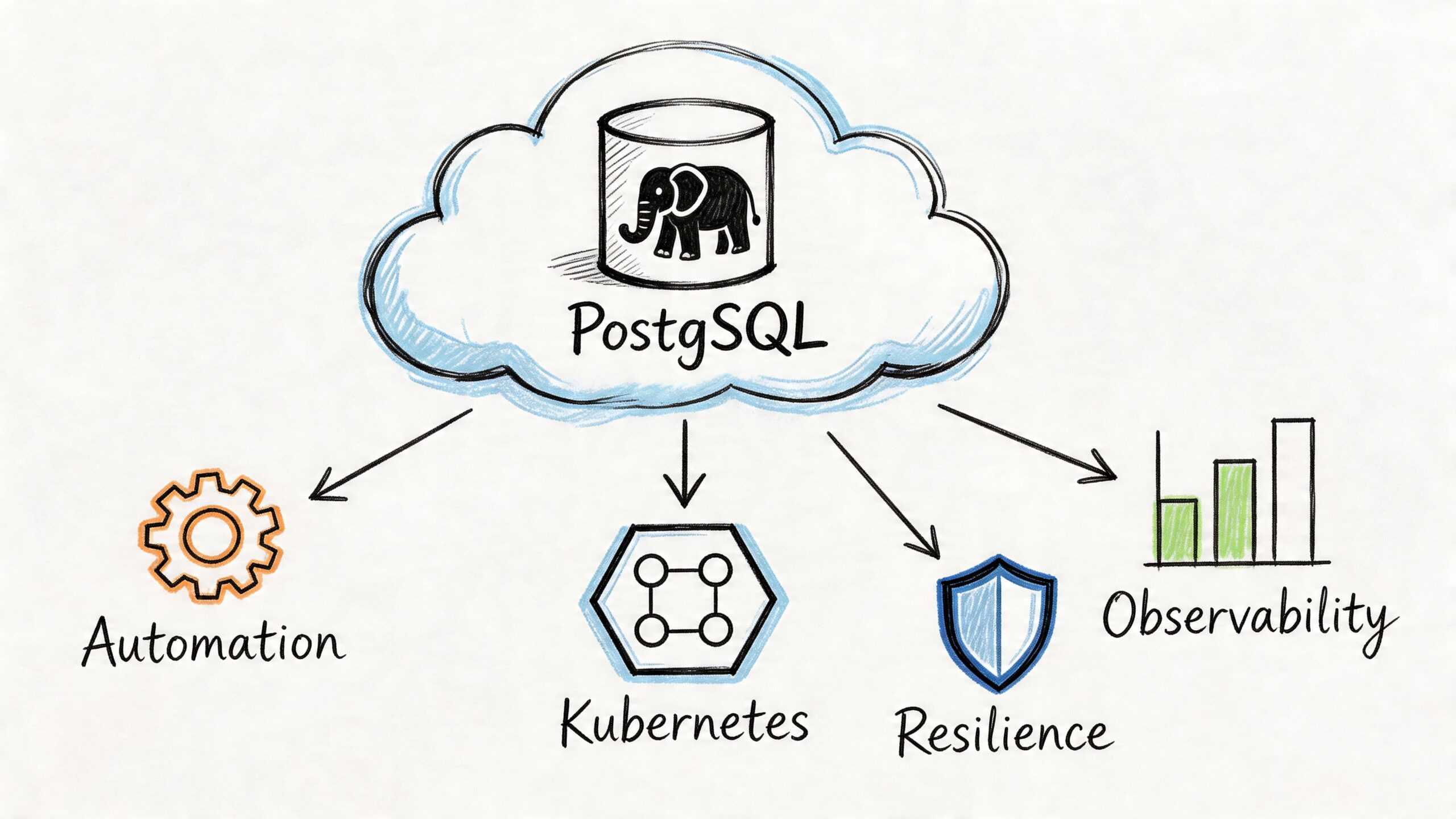
Teams don’t typically decide to adopt cloud native postgresql because it sounds modern. They get pushed there by friction. The app stack is already on Kubernetes. Deployments are fast. Services are isolated. CI/CD is clean. Then PostgreSQL becomes the holdout: one manually managed instance, backups handled by scripts nobody wants to touch, failover that still depends on a runbook and someone being awake.
That mismatch gets expensive fast. Your platform behaves like software, but your database still behaves like a snowflake server.
Running PostgreSQL well on Kubernetes isn’t just about putting a container around postgres. It’s about changing the operating model. The database has to become declarative, observable, recoverable, and boring under failure. If it can’t survive node loss, zone issues, rolling updates, and routine maintenance without drama, it’s not cloud native in any useful sense.
The Inevitable Shift to Cloud Native PostgreSQL
A common pattern shows up in growing engineering teams. They split a monolith into services, standardize on Kubernetes, and get serious about delivery speed. Application deployments improve almost immediately. Database operations don’t.
The old PostgreSQL setup still depends on manual provisioning, ad hoc failover decisions, and backup processes that few people trust during an incident. Teams end up with a modern control plane for stateless services and a very traditional operating model for the most critical stateful system they own.

That gap matters because the broader market has already moved. The global database market expanded by 13.4% in 2023, and relational databases like PostgreSQL accounted for nearly 80% of all databases, according to the CNCF discussion of cloud-neutral Postgres with CloudNativePG. The same source notes that CloudNativePG has over 58 million downloads, which tells you this is no longer an experimental corner of platform engineering.
Containerized isn’t the same as cloud native
A single PostgreSQL container with a PersistentVolume is not a cloud-native database platform. It gives you packaging consistency, not operational maturity.
A cloud native postgresql setup needs to answer harder questions:
- Failure handling: What happens when the primary pod dies, the node disappears, or a zone has a partial outage?
- Recovery discipline: Can you restore to a known point in time without stitching together improvised scripts?
- Operational consistency: Are upgrades, backups, replica management, and switchover run the same way every time?
- Platform fit: Can your team manage database lifecycle using the same declarative workflows they use for the rest of the stack?
If the answer to those questions is still “someone logs in and fixes it,” the system is hosted in Kubernetes, not operated as a cloud-native service.
Cloud native postgresql starts when failure handling moves from tribal knowledge into the control plane.
Why engineering leadership should care
CTOs and engineering leads usually care about three things here: delivery speed, resilience, and control. Traditional DB operations drag on all three.
A database that can’t be provisioned, upgraded, monitored, and recovered using repeatable Kubernetes-native workflows slows product teams down. It also creates a false sense of modernization. The app layer scales with automation. The data layer still depends on heroics.
That’s why cloud native postgresql has become the practical answer, not just the fashionable one. It aligns the database with the rest of the platform, and that removes one of the last major operational bottlenecks in a Kubernetes-first environment.
What Makes PostgreSQL Truly Cloud Native
The test is simple. If PostgreSQL still depends on handcrafted operations, unique servers, and manual failover judgment, it isn’t cloud native yet.
What changes in a proper cloud native postgresql model is not the SQL engine. PostgreSQL is still PostgreSQL. What changes is the control system around it. An operator turns recurring database work into a declared desired state, and Kubernetes keeps reconciling reality back to that state.

The shift from pets to replaceable instances
The old “pets vs cattle” analogy is usually oversimplified for databases. Stateful systems still need careful handling because data outlives pods. But the database instances should become replaceable even if the data is not.
That distinction matters. In a healthy operator-driven design:
- the pod is disposable
- the role of primary or replica is not tied to one machine
- storage is persistent and managed separately from compute
- failover is policy-driven, not improvised
- backups and recovery are part of the platform contract
A database admin used to think in terms of “that server.” A cloud native operator forces a better habit: think in terms of cluster intent, topology, replication state, storage guarantees, and recovery procedures.
Five traits that separate the real thing from marketing
Not every “Postgres on Kubernetes” product qualifies. These are the traits worth checking.
- Declarative lifecycle management means cluster shape, storage, backups, replication, and maintenance behavior live in versioned manifests.
- Automated reconciliation means the operator notices drift and acts without waiting for a person to intervene.
- Native resilience means the design expects pods, nodes, and zones to fail.
- Deep observability means the cluster exports the state you need to understand replication health, storage pressure, and query behavior.
- Portability means you can run the same operating pattern across environments instead of rewriting the platform every time you change providers.
Practical rule: If your PostgreSQL runbook is still longer than your cluster manifest, your system isn’t cloud native enough.
What this changes for the team
This model doesn’t eliminate DB expertise. It changes where that expertise gets applied. Instead of spending time on repetitive operations, the team spends time on architecture, tuning, backup policy, extension management, schema design, and failure testing.
That’s a healthier use of senior engineering time.
It also means platform teams can stop treating PostgreSQL as a special exception. The database still deserves extra care, but not a completely different operational universe. That’s the fundamental promise of cloud native postgresql: not abstraction for its own sake, but operational consistency without giving up PostgreSQL’s strengths.
Managed vs Operator vs Self-Hosted Showdown
Once a team decides to modernize PostgreSQL, the next mistake is treating all deployment models as variations of the same thing. They aren’t.
Managed databases, operator-based PostgreSQL on Kubernetes, and self-hosted PostgreSQL on VMs solve different problems. The right choice depends less on ideology and more on where you want to spend engineering time.
Where each model wins
Managed services such as RDS or Cloud SQL are usually the fastest way to get a production database online. They reduce routine work, narrow the blast radius of mistakes, and give teams a support boundary. That’s valuable when the team is small or still building platform maturity.
Operator-based PostgreSQL gives you much more control while keeping a lot of automation. As a result, cloud native postgresql starts making sense for teams that already operate Kubernetes seriously and don’t want the database to live outside the same delivery and governance model.
Self-hosting on VMs gives the most direct control over the stack, but it also recreates the largest operational burden. In practice, this is the least attractive option unless you have strong reasons around legacy constraints, specialized tuning, or an existing VM-heavy operating model.
PostgreSQL Deployment Strategy Comparison
| Criterion | Managed Service (e.g., RDS) | Operator-Based (e.g., CloudNativePG) | Self-Hosted (on VM) |
|---|---|---|---|
| Provisioning speed | Fastest to start | Fast once Kubernetes foundations are solid | Slower and more manual |
| Operational overhead | Lowest day-to-day | Moderate and requires platform discipline | Highest |
| Control over topology and behavior | Limited by provider model | High | Highest |
| Vendor lock-in risk | Highest | Lower because the pattern is cloud-neutral | Lower at the infra layer, but more custom operational burden |
| Customization | Constrained | Strong balance of control and automation | Maximum flexibility |
| Backup and failover ownership | Mostly provider-managed | Team-owned through operator workflows | Fully team-owned |
| Fit for Kubernetes-first teams | Often awkward | Best fit | Weak unless VMs remain the main operating platform |
| Feature adoption speed | Can lag provider roadmap | Strong if operator supports it cleanly | Depends entirely on internal capability |
The cost argument is real, but incomplete
There’s one trade-off many articles gloss over because it’s uncomfortable. Self-managed CloudNativePG clusters on Kubernetes can cut costs by 40-60%, but they also bring an estimated 20-30% higher operational overhead, according to the discussion captured in this Hacker News thread.
Those numbers are useful, but they don’t settle the decision. They just force the right question: which cost are you trying to reduce?
If your team is weak on Kubernetes storage, backup design, observability, and incident response, then lower infrastructure spend can easily be erased by slower incidents, riskier maintenance, and distracted engineers. If your team already operates Kubernetes well, managed services can start to look expensive and restrictive.
The cheapest PostgreSQL option on paper often becomes the most expensive one operationally if the team can’t own the blast radius.
What works in practice
The pattern that tends to work looks like this:
- Choose managed service when your team needs fast delivery, minimal ops burden, and clear support boundaries.
- Choose operator-based PostgreSQL when Kubernetes is already your primary platform and you want cloud-neutral control.
- Choose self-hosted VMs only when you have a clear operational reason, not because it feels familiar.
What usually doesn’t work is indecision. Teams try to mimic managed service convenience with self-hosted systems, or expect operator-based PostgreSQL to run safely without mature Kubernetes practices. Both paths create pain.
For most Kubernetes-first companies, operator-based PostgreSQL is the most balanced answer. It preserves control without forcing you back into the manual VM era.
Anatomy of a Resilient PostgreSQL Cluster
A resilient PostgreSQL cluster on Kubernetes is not just “three pods and a volume.” It’s a set of coordinated mechanisms that protect data, preserve service continuity, and recover predictably when components fail.
The operator is the center of that design. It acts like a robot DBA with a narrow, disciplined mandate: create the cluster, maintain the desired topology, reconcile drift, handle failover, manage backups, and keep the control loop moving.

The operator is only one layer
Engineers new to cloud native postgresql often over-focus on the operator and under-focus on storage and topology. That’s backwards. The operator is important, but it can’t save a weak design.
A production-grade cluster needs all of these working together:
- Persistent storage that matches PostgreSQL’s write patterns and recovery expectations
- Primary and standby instances with clean replication semantics
- Service routing that separates read-write traffic from read-only traffic
- Scheduling controls so replicas don’t land in the same failure domain
- Backup and restore paths that are tested, not assumed
For a more implementation-focused walkthrough, this guide on PostgreSQL on Kubernetes is a useful companion.
Replication and failover are the core safety system
CloudNativePG uses PostgreSQL native streaming replication with WAL shipping. In synchronous mode, it can achieve RPO=0 by confirming that a standby has received the WAL before the primary acknowledges the write, as described in the CloudNativePG architecture documentation. The same architecture guidance also notes that pod anti-affinity across multiple availability zones supports automated failovers with sub-second switchover times.
That has direct operational implications.
If you care more about zero data loss than peak write throughput, synchronous replication is the right bias. If your write path is latency-sensitive and you can tolerate some exposure during failover, asynchronous replication may be the better trade. There is no universally correct setting. There is only the setting that matches the business consequence of losing acknowledged writes.
Topology decisions that matter
A few cluster design choices carry more weight than people expect:
- Spread replicas across zones: anti-affinity and zone-aware scheduling reduce correlated failure risk.
- Separate read-write and read-only services: applications should not guess where to connect.
- Tune failover policy conservatively: aggressive failover can create avoidable instability.
- Align storage class behavior with PostgreSQL needs: not all Kubernetes storage behaves well under database workloads.
This is also a good point to study the mechanics visually before designing your own runbooks:
Backups are part of the runtime, not an afterthought
A resilient cluster is not one that merely survives pod failure. It’s one that can recover from operator mistakes, bad deploys, data corruption, and accidental deletes.
That’s where WAL archiving and Point-in-Time Recovery matter. They let you restore to a known state instead of hoping the latest snapshot was recent enough. Kubernetes-native PostgreSQL without a disciplined restore process is still fragile.
Don’t trust a backup policy until you’ve run a restore into a separate environment and validated the result.
Scaling Your PostgreSQL Workloads in Kubernetes
Scaling PostgreSQL on Kubernetes gets misunderstood in two ways. Some teams assume the operator will make scaling automatic in the same way it works for stateless services. Others try to scale a database only by adding CPU and RAM. Both are incomplete.
PostgreSQL scaling is really three problems: compute scaling, read scaling, and connection scaling. You need a plan for all three.
Vertical first, horizontal where it helps
Most write-heavy PostgreSQL workloads still scale vertically before they scale horizontally. More CPU, more memory, and faster storage usually move the needle first. That’s especially true when the bottleneck is checkpoint behavior, buffer cache pressure, WAL throughput, or poor query plans.
Horizontal scaling matters most for reads. Operator-managed replicas let you offload read-only traffic, reporting queries, and background analytics without putting all pressure on the primary. The trick is to be strict about routing. If your application layer keeps sending mixed traffic to the read-write endpoint, replicas won’t help much.
A good pattern is simple:
- Scale the primary vertically for write throughput and cache efficiency.
- Add replicas for read-heavy endpoints and asynchronous workloads.
- Keep query roles explicit so services know whether they need read-write or read-only access.
Connection pooling is not optional
Kubernetes and microservices create connection churn. Pods start, stop, reschedule, and scale. If every service opens direct PostgreSQL connections aggressively, the database spends too much effort managing sessions instead of queries.
That’s why PgBouncer is part of almost every serious cloud native postgresql setup. It smooths spikes, protects the server from connection storms, and gives you a control point for session behavior. Without pooling, even moderate service growth can turn into database instability.
In this context, broader Kubernetes deployment strategies also matter. Rolling, blue-green, and canary releases affect how many app instances connect at once. Database capacity planning has to account for the deployment pattern, not just steady-state traffic.
Observability has to cover database internals
CloudNativePG automatically exposes PostgreSQL metrics through a Prometheus exporter on port 9187 for every instance, as described on the CloudNativePG product page from EDB. That gives you a clean starting point for monitoring performance, replication state, and resource pressure.
The useful metrics are rarely the flashy ones. Start with the signals that predict incidents:
- Replication health: lag, replay state, and replica availability
- Resource saturation: CPU, memory, storage pressure, and I/O wait
- Connection pressure: active sessions, pooled connections, wait events
- Database health: deadlocks, long-running transactions, checkpoint stress
If you’re also planning autoscaling behavior at the platform layer, this write-up on autoscaling in Kubernetes is worth reading because app autoscaling and database saturation have to be designed together.
A database usually doesn’t fail because one metric looked bad. It fails because several weak signals were ignored at the same time.
A Pragmatic Migration and Adoption Strategy
The hardest cloud native postgresql projects are not greenfield. They’re migrations from a VM-based PostgreSQL estate, an older operator, or a managed service that the team has outgrown.
That’s where polished tutorials usually stop being useful. Real migrations involve incompatible assumptions, hidden operational debt, and a lot of cutover risk.

The gap is well known. Migration strategies from legacy systems or other operators such as Zalando’s are underexplored, and hidden risks like schema drift or downtime during cutover are rarely quantified, as noted in the CloudNativePG architecture documentation for earlier releases.
Start with a migration class, not a tool choice
Treat migration planning as a classification problem first.
You need to determine which of these you’re doing:
- Same PostgreSQL engine, new runtime
Moving from VM or managed PostgreSQL to operator-managed Kubernetes. - Operator-to-operator transition
Keeping PostgreSQL but changing control plane assumptions. - Platform and operating model migration
Changing infra, failover behavior, observability, backup model, and deployment process at the same time.
Teams get into trouble when they call all three “a migration to Kubernetes.” They aren’t the same. Each one has different rollback mechanics and different failure modes.
For leaders who need a broader framing before the technical plan, this overview of Cloud Migration is a reasonable non-technical primer.
Pre-flight checks that reduce avoidable risk
Before moving any production workload, lock down these items:
- Baseline current behavior: capture workload shape, critical queries, replication expectations, and maintenance windows.
- Audit extensions and dependencies: confirm every required extension, job, and backup behavior can be reproduced.
- Validate schema ownership and drift: older environments often contain changes that never made it back to source control.
- Define cutover and rollback rules: decide in advance what abort conditions look like.
- Test restore before migration: if recovery isn’t proven, the migration isn’t ready.
Logical replication is often the least disruptive route for near-zero downtime moves, but it isn’t magic. It won’t hide poor schema hygiene, mismatched permissions, or application assumptions tied to the old environment.
Pitfalls that keep showing up
The same migration problems appear repeatedly:
- Schema drift between what the team thinks exists and what production runs
- Application-side connection assumptions that break when service endpoints change
- Backup model mismatches where teams migrate data but not restore discipline
- Cross-environment inconsistency in storage, security policies, or DNS behavior
- Operator behavior surprises during failover, switchover, or rolling maintenance
Those issues are why a phased adoption usually works better than a big-bang cutover. Start with non-critical services. Validate backup and restore. Test failover. Force a few unpleasant scenarios in staging before production does it for you.
For a deeper checklist on execution and rollback planning, this guide to database migration best practices is useful.
The migration is successful only when the new platform is easier to operate after cutover, not just when the data appears in the new cluster.
Adoption Checklist and Knowing When to Get Help
Teams usually know whether cloud native postgresql is attractive. What they underestimate is the amount of operational precision required to run it well.
A short checklist helps separate readiness from enthusiasm.
The adoption checklist
- Define availability requirements clearly: decide whether your workload prioritizes zero data loss, lower write latency, or simpler recovery.
- Standardize topology rules: use zone-aware placement, anti-affinity, and clear separation of read-write and read-only traffic.
- Treat backups as recoverability, not storage: test restores and Point-in-Time Recovery regularly.
- Put connection pooling in front of the database: don’t let microservices connect directly without controls.
- Instrument the cluster early: monitor replication state, storage pressure, transaction health, and connection behavior from day one.
- Version the database platform config: manifests, backup policy, and operational settings should live in source control.
- Rehearse maintenance events: upgrades, failovers, and node loss should be practiced before they become incidents.
When outside help is the smart move
Some situations justify bringing in specialists early.
- You’re migrating a business-critical database with tight downtime tolerance.
- Your team knows PostgreSQL well but lacks deep Kubernetes storage and networking experience.
- You need cloud-neutral architecture but haven’t yet built strong observability and recovery workflows.
- You’re moving from another operator or a legacy environment with uncertain schema and backup hygiene.
- You need a production design that won’t collapse under maintenance, failover, or scaling events.
This is not about outsourcing basic competence. It’s about reducing risk where platform and data concerns intersect. PostgreSQL mistakes are expensive because they affect the one system every service depends on.
Frequently Asked Questions
Can I still use PostgreSQL extensions like PostGIS
Usually, yes. The important question isn’t whether PostgreSQL supports the extension. It does for many common cases. The real question is whether your container image, operator workflow, and upgrade path support it cleanly. Treat extension management as part of the platform design, not an afterthought.
Does a DBA still matter in an operator-driven setup
Absolutely. The role shifts. Less time goes into repetitive provisioning and manual failover. More time goes into performance tuning, schema design, recovery strategy, extension policy, capacity planning, and incident review. The operator removes toil. It doesn’t replace database judgment.
Is Kubernetes mature enough for production PostgreSQL in 2026
Yes, if the team is mature enough too. Kubernetes is a valid place to run PostgreSQL when storage, scheduling, failover policy, backups, and observability are handled deliberately. It’s a poor place to run PostgreSQL if the team expects stateless habits to work unchanged for a stateful system.
Should every team move PostgreSQL into Kubernetes
No. If your organization doesn’t already operate Kubernetes well, moving the database there can add risk instead of reducing it. Cloud native postgresql works best when the platform, team habits, and operational ownership model are already aligned.
If you’re planning a move to cloud native PostgreSQL and want experienced help with Kubernetes architecture, migration design, observability, or production hardening, OpsMoon can pair you with senior DevOps and platform engineers who’ve done this work in real environments.
Leave a Reply