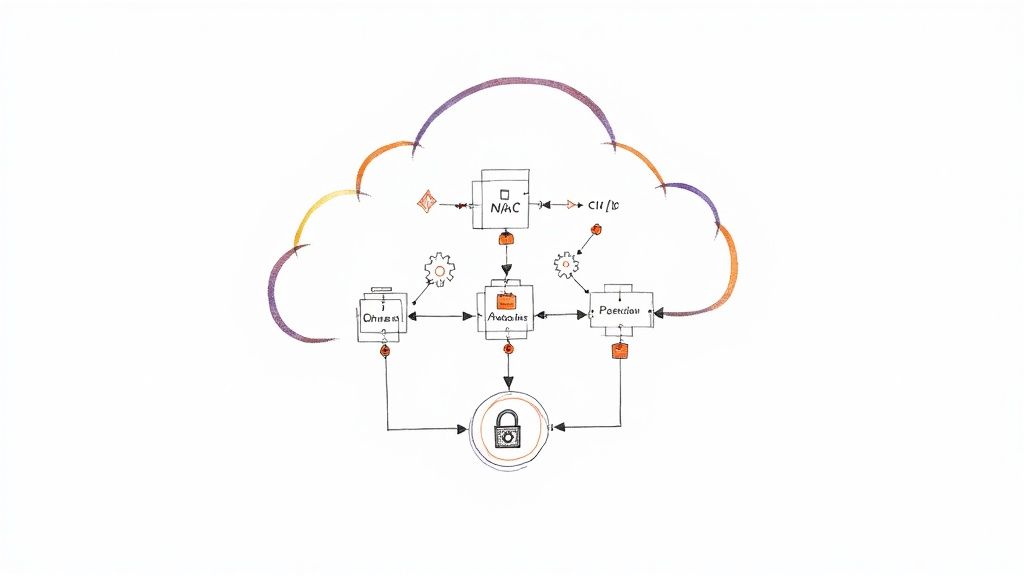
Terraform enables infrastructure automation by defining cloud and on-prem resources in human-readable configuration files known as HashiCorp Configuration Language (HCL). This Infrastructure as Code (IaC) approach replaces manual, error-prone console operations with a version-controlled, repeatable, and auditable workflow. The objective is to programmatically provision and manage the entire lifecycle of complex infrastructure environments, ensuring consistency and enabling reliable deployments at scale.
Building Your Terraform Automation Foundation
Before writing any HCL, architecting the foundational framework for your automation is critical. This initial setup dictates how you manage code, state, and dependencies, directly impacting collaboration, scalability, and long-term maintainability.
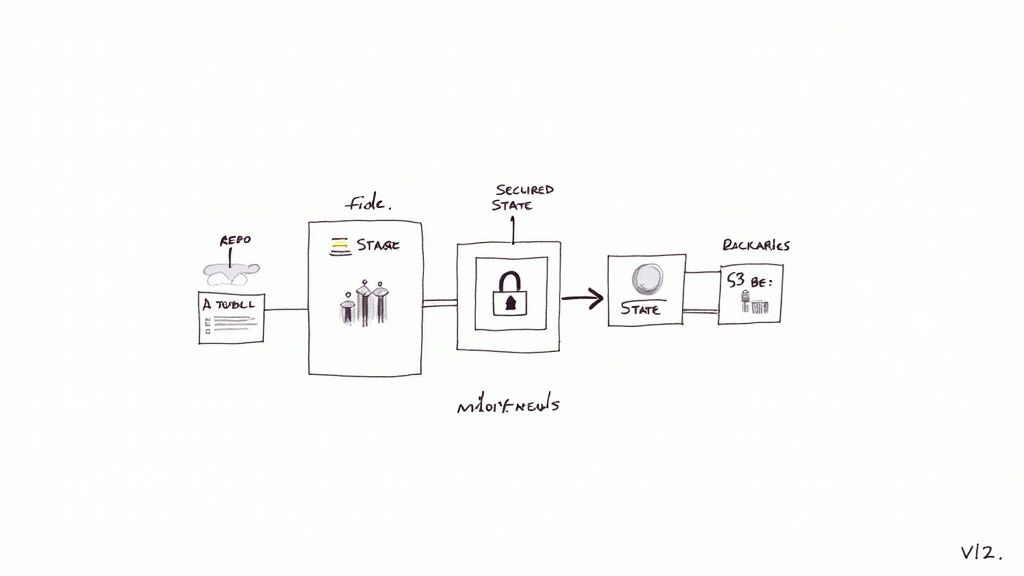
A robust foundation prevents technical debt and streamlines operations as your infrastructure and team grow. This stage is not about defining specific resources but about engineering the operational patterns for managing the code that defines them.
A prerequisite is a solid understanding of Infrastructure as a Service (IaaS) models. Terraform excels at managing IaaS primitives, translating declarative code into provisioned resources like virtual machines, networks, and storage.
Structuring Your Code Repositories
The monorepo vs. multi-repo debate is central to structuring IaC projects. For enterprise-scale automation, a monorepo often provides superior visibility and simplifies dependency management. It centralizes the entire infrastructure landscape, which is invaluable when executing changes that span multiple services or environments.
Conversely, a multi-repo approach offers granular access control and clear ownership boundaries, making it suitable for large, federated organizations. A hybrid model is also common: a central monorepo for shared modules and separate repositories for environment-specific root configurations.
Selecting a State Management Backend
The Terraform state file (terraform.tfstate) is the canonical source of truth for your managed infrastructure. Proper state management is non-negotiable for collaborative environments. Local state files are suitable only for isolated development and are fundamentally unsafe for team-based or automated workflows.
A remote backend with state locking is mandatory for production use. State locking prevents concurrent terraform apply operations from corrupting the state file. Two prevalent, production-grade options are:
- Terraform Cloud/Enterprise: Offers a managed, integrated solution for remote state storage, locking, execution, and collaborative workflows. It abstracts away the backend configuration complexity and provides a UI for inspecting runs and state history.
- Amazon S3 with DynamoDB: A common self-hosted pattern on AWS. An S3 bucket stores the encrypted state file, and a DynamoDB table provides the locking mechanism. This pattern offers greater control but requires explicit configuration of the bucket, table, and associated IAM permissions.
Key Takeaway: A remote backend ensures a centralized, durable location for the state file and provides a locking mechanism to serialize write operations. This is the cornerstone of safe, collaborative Terraform execution.
Designing a Scalable Directory Layout
A logical directory structure is your primary defense against configuration sprawl. It promotes code reusability and accelerates onboarding. An effective pattern separates environment-specific configurations from reusable, abstract modules.
Consider the following layout:
├── environments/
│   ├── dev/
│   │   ├── main.tf
│   │   ├── backend.tf
│   │   └── dev.tfvars
│   ├── staging/
│   │   ├── main.tf
│   │   ├── backend.tf
│   │   └── staging.tfvars
│   └── prod/
│       ├── main.tf
│       ├── backend.tf
│       └── prod.tfvars
├── modules/
│   ├── vpc/
│   │   ├── main.tf
│   │   ├── variables.tf
│   │   └── outputs.tf
│   └── ec2_instance/
│       ├── main.tf
│       ├── variables.tf
│       └── outputs.tf
In this model, the environments directories contain root modules, each with its own state backend configuration (backend.tf). These root modules instantiate reusable modules from the modules directory, injecting environment-specific parameters via .tfvars files. This separation of concerns—reusable logic vs. specific configuration—is fundamental to building a modular, testable, and maintainable infrastructure codebase.
Mastering Reusable Terraform Modules
While a logical directory structure provides organization, true scalability in infrastructure automation is achieved through well-designed, reusable Terraform modules.
Modules are logical containers for multiple resources that are used together. They serve as custom, version-controlled building blocks. Instead of repeatedly defining the resources for a web application stack (e.g., EC2 instance, security group, EBS volume), you encapsulate them into a single web-app module that can be instantiated multiple times. A poorly designed module, however, can introduce more complexity than it solves, leading to configuration drift and maintenance overhead.
Effective module design balances standardization with flexibility. The key is defining a clear public API through input variables and outputs, abstracting away the implementation details.
Defining Clean Module Interfaces
A module's interface is its contract, defined exclusively by variables.tf (inputs) and outputs.tf (outputs). A well-designed interface is explicit and minimal, exposing only the necessary configuration options and result values.
- Input Variables (
variables.tf): Employ descriptive names (e.g.,instance_typeinstead ofitype). Provide sane, non-destructive defaults where possible to simplify usage. Use variable validation blocks to enforce constraints on input values. For example, a VPC module might default to10.0.0.0/16but allow overrides. - Outputs (
outputs.tf): Expose only the essential attributes required by downstream resources. For an RDS module, this would typically include the database endpoint, port, and ARN. Avoid exposing internal resource details unless they are part of the module's public contract.
The primary objective is abstraction. A developer using your S3 bucket module should not need to understand the underlying IAM policies or logging configurations. They should only need to provide a bucket name and receive its ARN and domain name as outputs. This encapsulation of complexity accelerates development.
A powerful pattern is module composition, where smaller, single-purpose modules are combined to create larger, more complex systems. You could have a base ec2-instance module that provisions a single virtual machine. A web-server module could then consume this ec2-instance module, layering on a user_data script to install Nginx and composing it with a separate security-group module to open port 443. This hierarchical approach maximizes code reuse and minimizes duplication.
Managing the Provider Ecosystem
Modules rely on Terraform providers to interact with target APIs. Managing these provider dependencies is as critical as managing the HCL code itself.
The Terraform Registry hosts over 3,000 providers, but a small subset dominates usage. By 2025, it's projected that just 20 providers will account for roughly 85% of all downloads. The AWS provider has already surpassed 5 billion installations.
This concentration means that most production environments depend on a core set of highly active providers. A single breaking change in a major provider can have a cascading impact across hundreds of modules. Consequently, provider lifecycle management has become a primary challenge in scaling IaC.
Version pinning is therefore a non-negotiable practice for maintaining stable and predictable infrastructure. Always define explicit version constraints within a required_providers block.
terraform {
  required_providers {
    aws = {
      source  = "hashicorp/aws"
      version = "~> 5.0"
    }
  }
}
The pessimistic version constraint operator (~>) is a best practice. It permits patch-level updates (e.g., 5.0.1 to 5.0.2), which typically contain bug fixes, while preventing minor or major version upgrades (e.g., to 5.1.0 or 6.0.0) that may introduce breaking changes.
Finally, every module must include a README.md file that documents its purpose, input variables (including types, descriptions, and defaults), and all outputs. A clear usage example is essential for adoption.
For a deeper dive into structuring your modules for maximum reuse, check out our complete guide on Terraform modules best practices.
Automating Deployments with CI/CD Pipelines
Effective terraform infrastructure automation is not achieved by running CLI commands from a developer's workstation. It is realized by integrating Terraform execution into a version-controlled, auditable, and fully automated CI/CD pipeline. Transitioning from manual terraform apply commands to a GitOps workflow is the single most critical step toward scaling infrastructure management reliably and securely.
This shift centralizes Terraform execution within a controlled automation server, establishing a single, secure path for all infrastructure modifications where every Git commit triggers a predictable, auditable deployment workflow.
The foundation for a successful pipeline is a well-structured, modular codebase. Clear module interfaces, composition, and strict versioning are prerequisites for the automation that follows.
Designing the Core Pipeline Stages
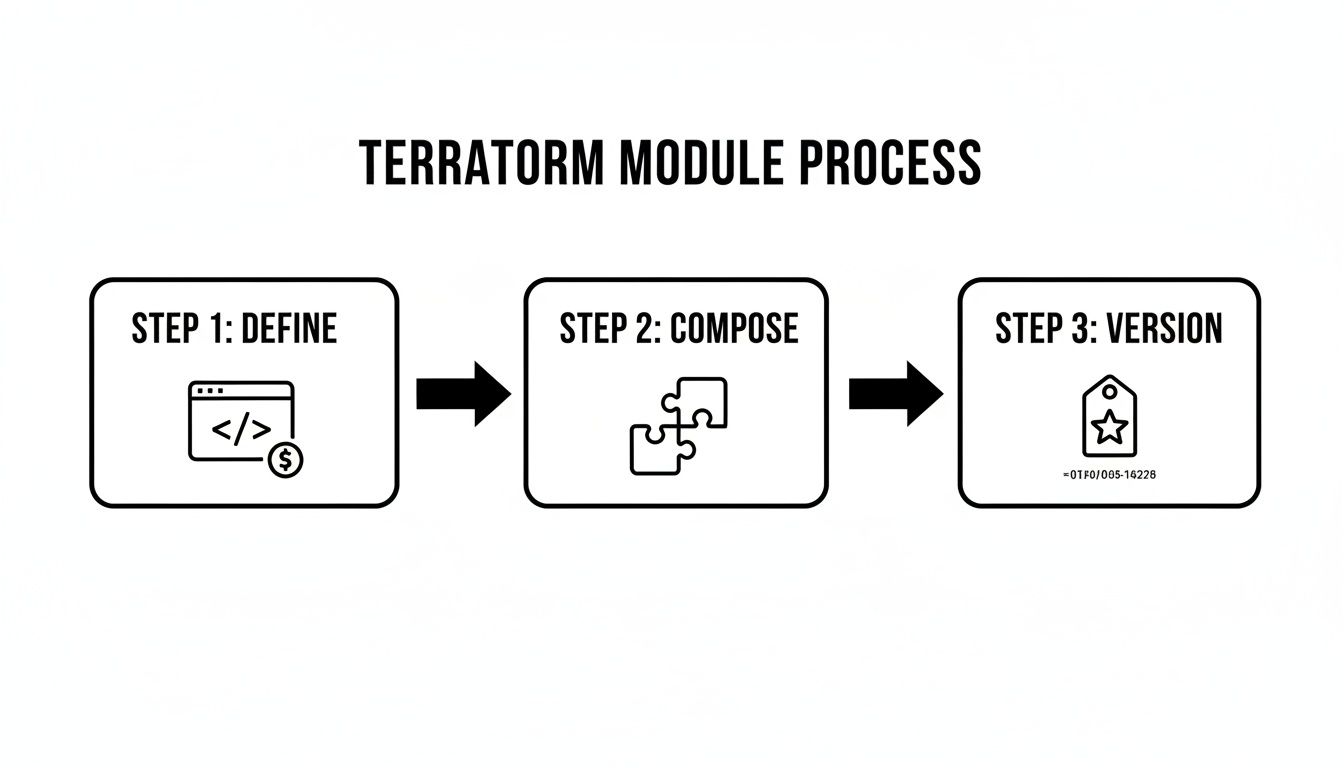
A production-grade Terraform CI/CD pipeline is a multi-stage process where each stage acts as a quality gate, identifying issues before they impact production environments.
The initial gate must be static analysis. Upon code commit, the pipeline should execute jobs that require no cloud credentials, providing fast, low-cost feedback to developers.
- Linting with
tflint: Performs static analysis to detect potential errors, enforce best practices, and flag deprecated syntax in HCL code. - Security Scanning with
tfsec: Scans the infrastructure code for common security misconfigurations, such as overly permissive security group rules or unencrypted S3 buckets, preventing vulnerabilities from being provisioned.
Only after the code successfully passes these static checks should the pipeline proceed to interact with the cloud provider's API. This is when the terraform plan stage executes, generating a speculative execution plan that details the exact changes to be applied.
GitOps Workflows: Pull Requests vs. Main Branch
The critical decision is determining the trigger for terraform apply. Two primary patterns define team workflows:
- Plan on Pull Request, Apply on Merge to Main: This is the industry-standard model. A
terraform planis automatically generated and posted as a comment on every pull request. This allows for peer review of the proposed infrastructure changes alongside the code. Upon PR approval and merge, a separate pipeline job executesterraform applyagainst the main branch. - Apply from Feature Branch (with Approval): In some high-velocity environments,
terraform applymay be executed directly from a feature branch after a plan is reviewed and approved. This can accelerate delivery but requires stringent controls and state locking to prevent conflicts between concurrent apply operations.
My Recommendation: For 99% of teams, the "plan on PR, apply on merge" model provides the optimal balance of velocity, safety, and auditability. It integrates seamlessly with standard code review practices and creates a linear, immutable history of infrastructure changes in the main branch.
The following table outlines the logical stages and common tooling for a Terraform CI/CD pipeline.
Terraform CI/CD Pipeline Stages and Tooling
| Pipeline Stage | Purpose | Example Tools |
|---|---|---|
| Static Analysis | Catch code quality, style, and security issues before execution. | tflint, tfsec, Checkov |
| Plan Generation | Create a speculative plan showing the exact changes to be made. | terraform plan -out=tfplan |
| Plan Review | Allow for human review and approval of the proposed infrastructure changes. | GitHub Pull Request comments, Atlantis, GitLab Merge Requests |
| Apply Execution | Safely apply the approved changes to the target environment. | terraform apply "tfplan" |
These stages create a progressive validation workflow, building confidence at each step before any stateful changes are made to the live infrastructure.
Securely Connecting to Your Cloud
CI/CD runners require credentials to execute changes in your cloud environment. This is a critical security boundary. Never store long-lived static credentials as repository secrets. Instead, leverage dynamic, short-lived credentials via workload identity federation.
The recommended best practice is to use OpenID Connect (OIDC). Configure a trust relationship between your CI/CD platform and your cloud provider. Create a dedicated IAM role (AWS), service principal (Azure), or service account (GCP) with the principle of least privilege. The pipeline runner can then securely assume this role via OIDC to obtain temporary credentials that are valid only for the duration of the job, eliminating the need to store any static secrets.
For a deeper dive into pipeline security and more advanced workflows, our guide on CI/CD pipeline best practices covers these concepts in greater detail.
Actionable Pipeline Snippets
The following are conceptual YAML snippets demonstrating these stages for popular CI/CD platforms.
GitHub Actions Example (.github/workflows/terraform.yml)
jobs:
  terraform:
    runs-on: ubuntu-latest
    steps:
      - name: Checkout
        uses: actions/checkout@v3

      - name: Setup Terraform
        uses: hashicorp/setup-terraform@v2

      - name: Terraform Format
        run: terraform fmt -check

      - name: Terraform Init
        run: terraform init -backend-config=backend.tfvars

      - name: Terraform Validate
        run: terraform validate

      - name: Terraform Plan
        # Only runs on Pull Requests
        if: github.event_name == 'pull_request'
        run: terraform plan -input=false -no-color -out=tfplan

      - name: Terraform Apply
        # Only runs on merges to the main branch
        if: github.ref == 'refs/heads/main' && github.event_name == 'push'
        run: terraform apply -auto-approve -input=false tfplan
This workflow separates planning from application based on the GitHub event trigger, creating a secure and automated promotion path from commit to deployment. Note the use of tfplan to ensure that what is planned is exactly what is applied.
Advanced Security and State Management
Once a CI/CD pipeline is operational, scaling terraform infrastructure automation introduces advanced challenges in security and state management. The focus must shift from basic execution to proactive, policy-driven governance and robust secrets management to secure the infrastructure lifecycle.
This means embedding security controls directly into the automation workflow, rather than treating them as a post-deployment validation step.
Securing Credentials with External Secrets Management
Hardcoding secrets (API keys, database passwords, certificates) in .tfvars files or directly in HCL is a critical security vulnerability. Such values are persisted in version control history and plaintext in the Terraform state file, creating a significant attack surface.
The correct approach is to externalize secrets management. Terraform configurations should be designed to fetch credentials at runtime from a dedicated secrets management system, ensuring they never exist in the codebase or state file.
Key tools for this purpose include:
- HashiCorp Vault: A purpose-built secrets management tool with a dedicated Terraform provider for seamless integration.
- Cloud-Native Secret Managers: Services like AWS Secrets Manager, Azure Key Vault, or Google Cloud Secret Manager provide managed, platform-integrated solutions.
In practice, the Terraform configuration uses a data source to retrieve a secret by its name or path. The CI/CD execution role is granted least-privilege IAM permissions to read only the specific secrets required for a given deployment. For deeper insights, review established secrets management best practices.
Enforcing Rules with Policy as Code
To prevent costly or non-compliant infrastructure from being provisioned, organizations must implement programmatic guardrails. Policy as code (PaC) is the technique for codifying organizational rules regarding security, compliance, and cost.
PaC frameworks integrate into the CI/CD pipeline, typically executing after terraform plan. The framework evaluates the plan against a defined policy set. If a proposed change violates a rule (e.g., creating a security group with an ingress rule of 0.0.0.0/0), the pipeline fails, preventing the non-compliant change from being applied.
Key Insight: Policy as code shifts governance from a manual, reactive review process to an automated, proactive enforcement mechanism. It acts as a safety net, ensuring best practices are consistently applied to every infrastructure modification.
The two dominant frameworks in this space are:
- Sentinel: HashiCorp's proprietary PaC language, tightly integrated with Terraform Cloud and Enterprise.
- Open Policy Agent (OPA): An open-source, general-purpose policy engine that supports a wide range of tools, including Terraform, through tools like Conftest.
For example, a simple OPA policy written in Rego can enforce that all EC2 instances must have a cost-center tag. Any plan attempting to create an instance without this tag will be rejected.
Detecting and Remediating Configuration Drift
Configuration drift occurs when the actual state of deployed infrastructure diverges from the state defined in the HCL code. This is often caused by emergency manual changes made directly in the cloud console.
Drift undermines the integrity of IaC as the single source of truth and can lead to unexpected or destructive outcomes on subsequent terraform apply executions.
A mature terraform infrastructure automation strategy must include drift detection. Platforms like Terraform Cloud offer scheduled scans to detect discrepancies between the state file and real-world resources. Once drift is identified, remediation follows one of two paths:
- Revert: Execute
terraform applyto overwrite the manual change and enforce the configuration defined in the code. - Import: If the manual change is desired, first update the HCL code to match the new configuration. Then, use the
terraform importcommand to bring the modified resource back under Terraform's management, reconciling the state file without destroying the resource.
Practical Rollback and Recovery Strategies
When a faulty deployment occurs, rapid recovery is critical. The simplest rollback mechanism for IaC is a git revert of the last commit, followed by a re-trigger of the CI/CD pipeline. Terraform will then apply the previous, known-good configuration.
For more complex failures, advanced state manipulation may be necessary. The terraform state command suite is a powerful but dangerous tool for experts. Commands like terraform state rm can manually remove a resource from the state file, but misuse can easily de-synchronize state and reality. This should be a last resort.
A safer, architecturally-driven approach is to design for failure using patterns like blue/green deployments. A new version of the infrastructure (green) is deployed alongside the existing version (blue). After validating the green environment, traffic is switched via a load balancer or DNS. A rollback is as simple as redirecting traffic back to the still-running blue environment.
Of course, security in Terraform is just one piece of the puzzle. A holistic approach involves mastering software development security best practices across your entire engineering organization.
Improving Observability and Team Collaboration
An operational CI/CD pipeline is a significant milestone, but mature terraform infrastructure automation requires more. True operational excellence is achieved through deep observability into post-deployment infrastructure behavior and streamlined, multi-team collaboration workflows.
Without deliberate focus on these areas, infrastructure becomes an opaque system that hinders velocity and increases operational risk.
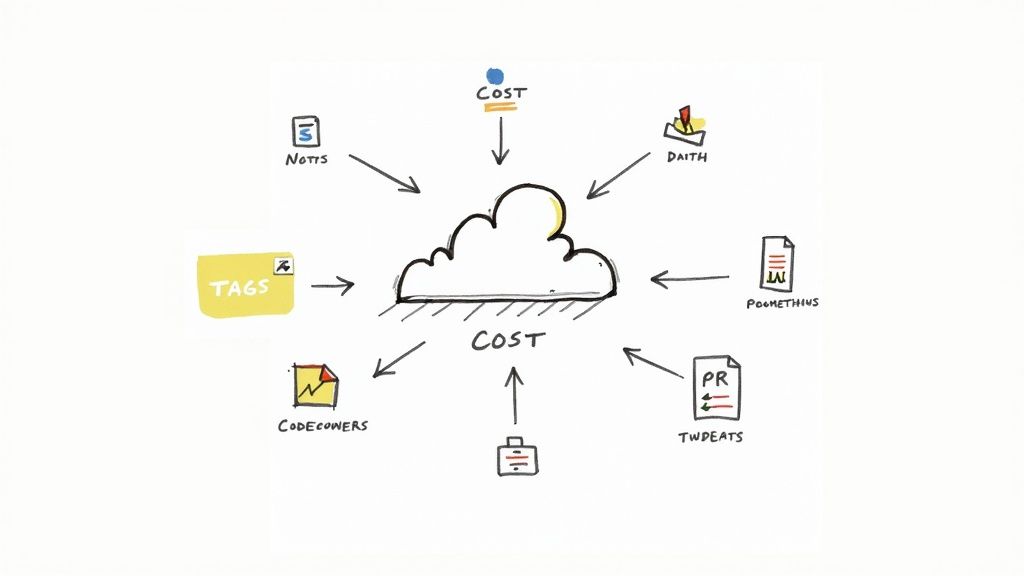
Effective infrastructure management is as much about human systems as it is about technology. It requires creating feedback loops that connect deployed resources back to engineering teams, providing the visibility needed for informed decision-making.
Baking Observability into Your Resources
Observability is not a feature to be added post-deployment; it must be an integral part of the infrastructure's definition in code.
A disciplined resource tagging strategy is a simple yet powerful technique. Consistent tagging provides the metadata backbone for cost allocation, security auditing, and operational management. Enforce a standard tagging scheme programmatically using a default_tags block in the provider configuration. This ensures that a baseline set of tags is applied to every resource managed by Terraform.
provider "aws" {
  region = "us-east-1"

  default_tags {
    tags = {
      ManagedBy   = "Terraform"
      Environment = var.environment
      Team        = "backend-services"
      Project     = "api-gateway"
    }
  }
}
This configuration makes the infrastructure instantly queryable and filterable. Finance teams can generate cost reports grouped by the Team tag, while operations can filter monitoring dashboards by Environment.
Beyond tagging, provision monitoring and alerting resources directly within Terraform. For example, define AWS CloudWatch metric alarms and SNS notification topics alongside the resources they monitor, or use the Datadog provider to create Datadog monitors as part of the same application module.
Making Team Collaboration Actually Work
As multiple teams contribute to a shared infrastructure codebase, clear governance is required to prevent conflicts and maintain stability. Ambiguous ownership and inconsistent review processes lead to configuration drift and production incidents.
The following practices establish secure and scalable multi-team collaboration workflows:
- Standardize Pull Request Reviews: Mandate that every pull request (PR) must include the
terraform planoutput as a comment. This allows reviewers to assess the exact impact of code changes without having to locally check out the branch and execute a plan themselves. - Define Clear Ownership with
CODEOWNERS: Utilize aCODEOWNERSfile in the repository's root to programmatically assign required reviewers based on file paths. For example, any change within/modules/networking/can automatically require approval from the network engineering team. - Use Granular Permissions for Access: Implement the principle of least privilege in the CI/CD system. Create distinct deployment pipelines or jobs for each environment, protected by different credentials and approval gates. A developer may have permissions to apply to a sandbox environment, but a deployment to production should require explicit approval from a senior team member or lead.
Adopting these practices transforms a Git repository from a code store into a collaborative platform that codifies team processes, making them repeatable, auditable, and secure.
The choice of tooling also significantly impacts collaboration. While Terraform remains the dominant IaC tool, the State of IaC 2025 report indicates a growing trend toward multi-tool strategies as platform engineering teams evaluate tradeoffs between Terraform's ecosystem and the developer experience of newer tools.
Common Terraform Automation Questions
As you implement Terraform infrastructure automation, several common practical challenges emerge. Addressing these correctly from the outset is key to building a stable and scalable system.
Anticipating these questions and establishing standard patterns will prevent architectural dead-ends and reduce long-term maintenance overhead.
How Should We Handle Multiple Environments?
The most robust and scalable method for managing distinct environments (e.g., dev, staging, production) is a directory-based separation approach.
This pattern involves creating a separate root module directory for each environment (e.g., /environments/dev, /environments/prod). Each of these directories contains its own main.tf and a unique backend configuration, ensuring complete state isolation. They instantiate shared, reusable modules from a common modules directory, passing in environment-specific configuration through dedicated .tfvars files.
This structure is superior to using Terraform Workspaces for managing complex, dissimilar environments because it provides strong isolation. It allows for different provider versions, backend configurations, and even different module versions per environment, guaranteeing that a misconfiguration in staging cannot affect production.
What Is the Best Way to Manage Breaking Changes in Providers?
Uncontrolled provider updates can introduce breaking changes, leading to pipeline failures or production outages. The primary defense is proactive provider version pinning.
Within the required_providers block of your modules and root configurations, use a pessimistic version constraint, such as version = "~> 5.1". This allows for non-breaking patch updates while preventing Terraform from automatically adopting a new minor or major version.
When an upgrade is necessary, treat it as a deliberate migration process:
- Create a dedicated feature branch for the provider upgrade.
- Update the version constraint in the
required_providersblock. - Run
terraform init -upgrade. - Execute
terraform planextensively across all relevant configurations to identify required code changes and potential impacts. - Thoroughly validate the changes in a non-production environment before merging to main and applying to production.
Can Terraform Manage Manually Created Infrastructure?
Yes, this is a common scenario when adopting IaC for existing environments. The terraform import command is designed to bring existing, manually-created resources under Terraform's management without destroying them.
The process involves two steps:
- Write a
resourceblock in your HCL code that describes the existing resource. - Execute the
terraform importcommand, providing the address of the HCL resource block and the cloud provider's unique ID for the resource.
Crucial Tip: After an import, the attributes defined in your HCL code must precisely match the actual configuration of the imported resource. Any discrepancy will be identified as "drift" by Terraform. The next
terraform applywill attempt to modify the resource to match the code, potentially causing an unintended and destructive change. Always runterraform planimmediately after an import to ensure no changes are pending.
Ready to move past these common hurdles and really accelerate your infrastructure delivery? OpsMoon connects you with the top 0.7% of DevOps experts who live and breathe this stuff. We build and scale secure, automated Terraform workflows every day. Whether you need project-based delivery or just hourly support, we have flexible options to get your team the expertise it needs. Start with a free work planning session to map out your automation goals. Learn more at https://opsmoon.com.
Leave a Reply